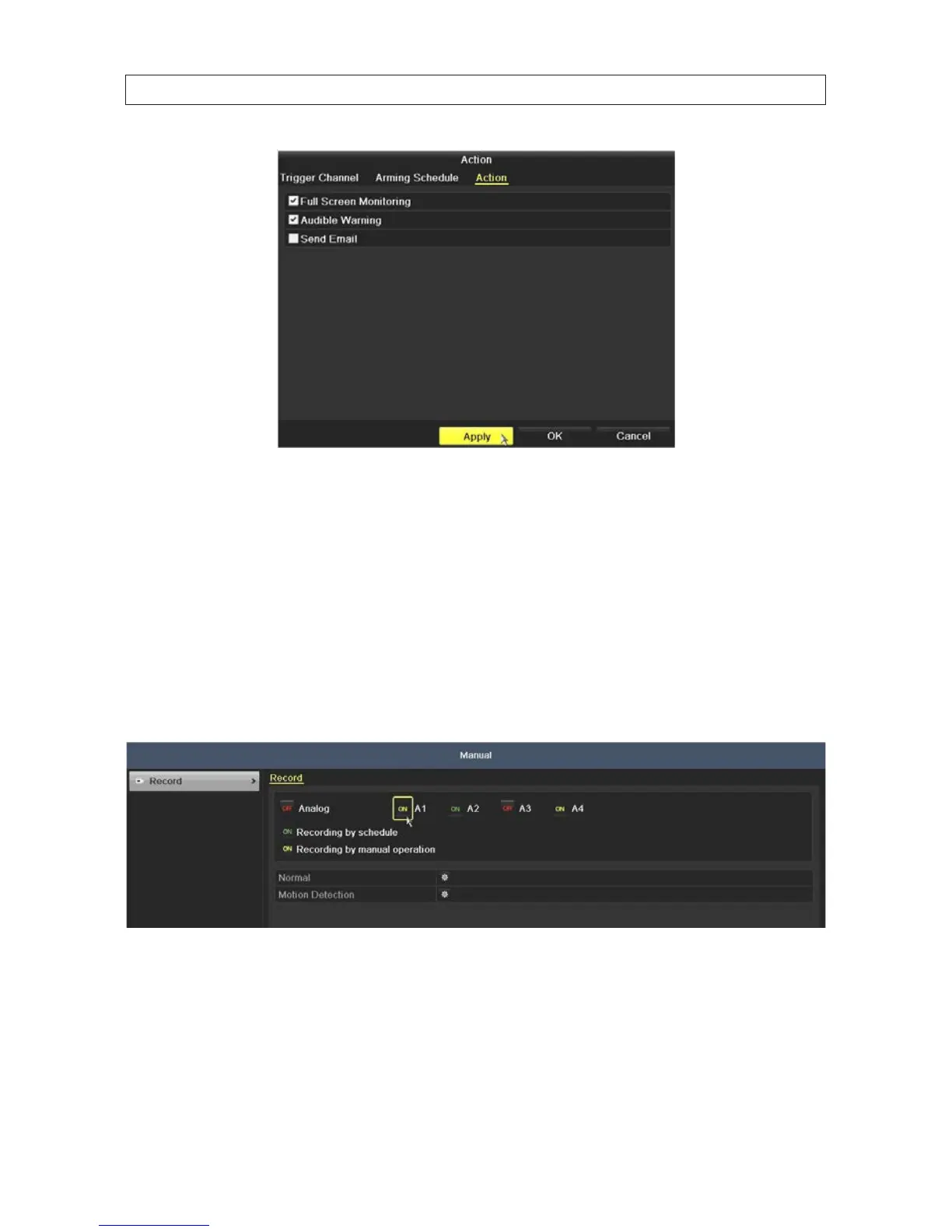
l. Select the actions you want to occur, then click Apply to save your settings, and OK to return to the Motion Detection
menu.
NOTES
: The Send Email option requires additional network settings.
See “SECTION 7 Network Settings” on page 69 for more information.
5.1.4 Manualrecord
Follow the steps below to begin manual recording. Manual recording, once initiated, requires a manual cancel of the record. The
manual recording can occur prior to the scheduled recording.
1. Open the Manual settings menu. Go to Menu | Manual.\
2. To enable Manual Record:
a. Select Record on the left menu frame.
b. Click the status button before camera number to change the label from OFF to ON, if necessary.
c. Click the icon after Normal or Motion Detection.
SECTION 5: RECORD, PLAYBACK AND VIDEO BACKUP











 To Next Page