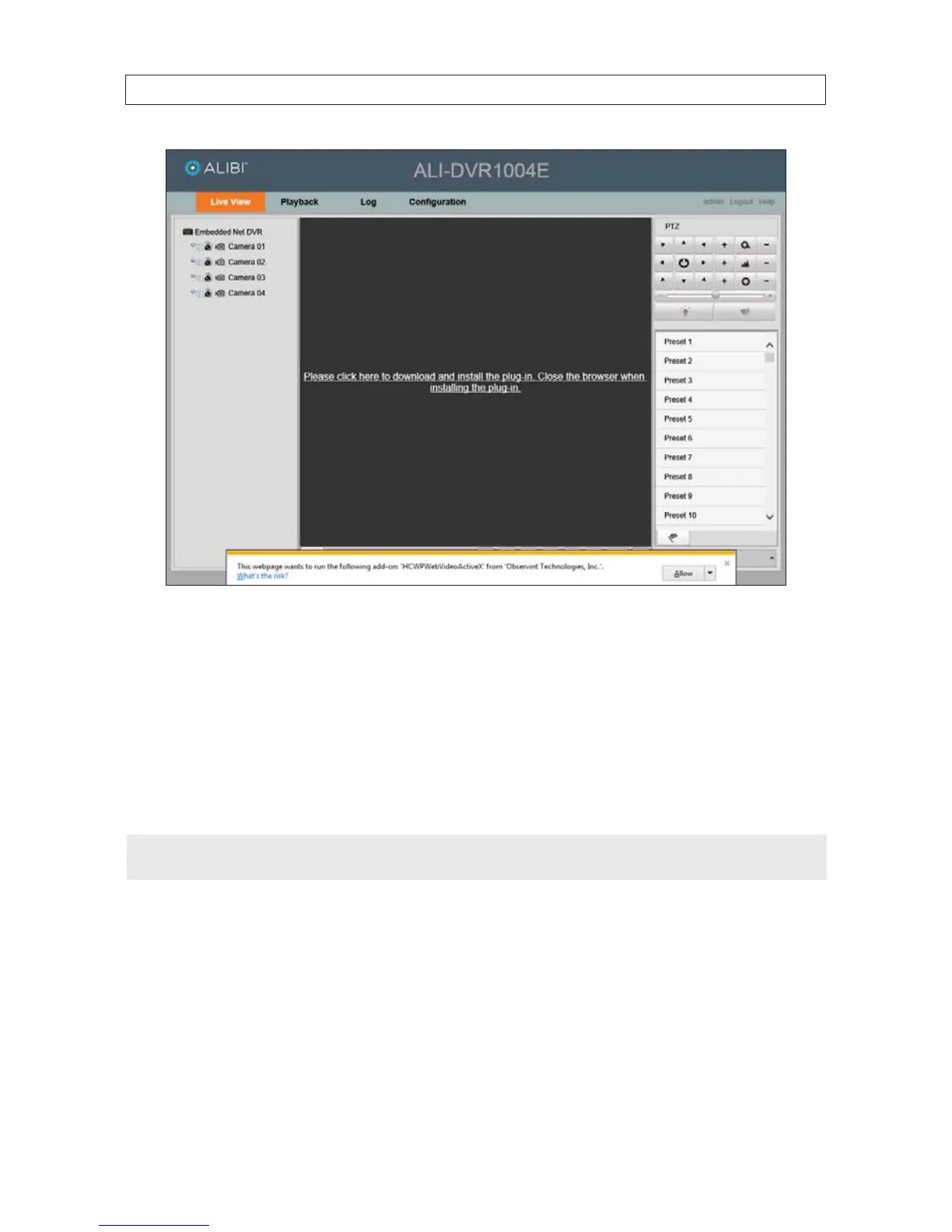
g. In the message box at the bottom of the window shown above, click Allow to continue.
9.2 Remote Live View screen
The Live View screen initially appears in a 2*2 channel viewing frame conguration with no live view images shown. You can:
• Change the viewing screen layout by clicking the multi-screen select button and selecting the icon for a 1 screen or a 2*2
layout.
• View live video from a camera by clicking on a viewing frame, then double clicking on a camera to view.
NOTE
PTZ (Pan, Tilt, Zoom) camera features are not supported by the ALI-DVR1004E DVR.
SECTION 9: REMOTE ACCESS











 To Next Page