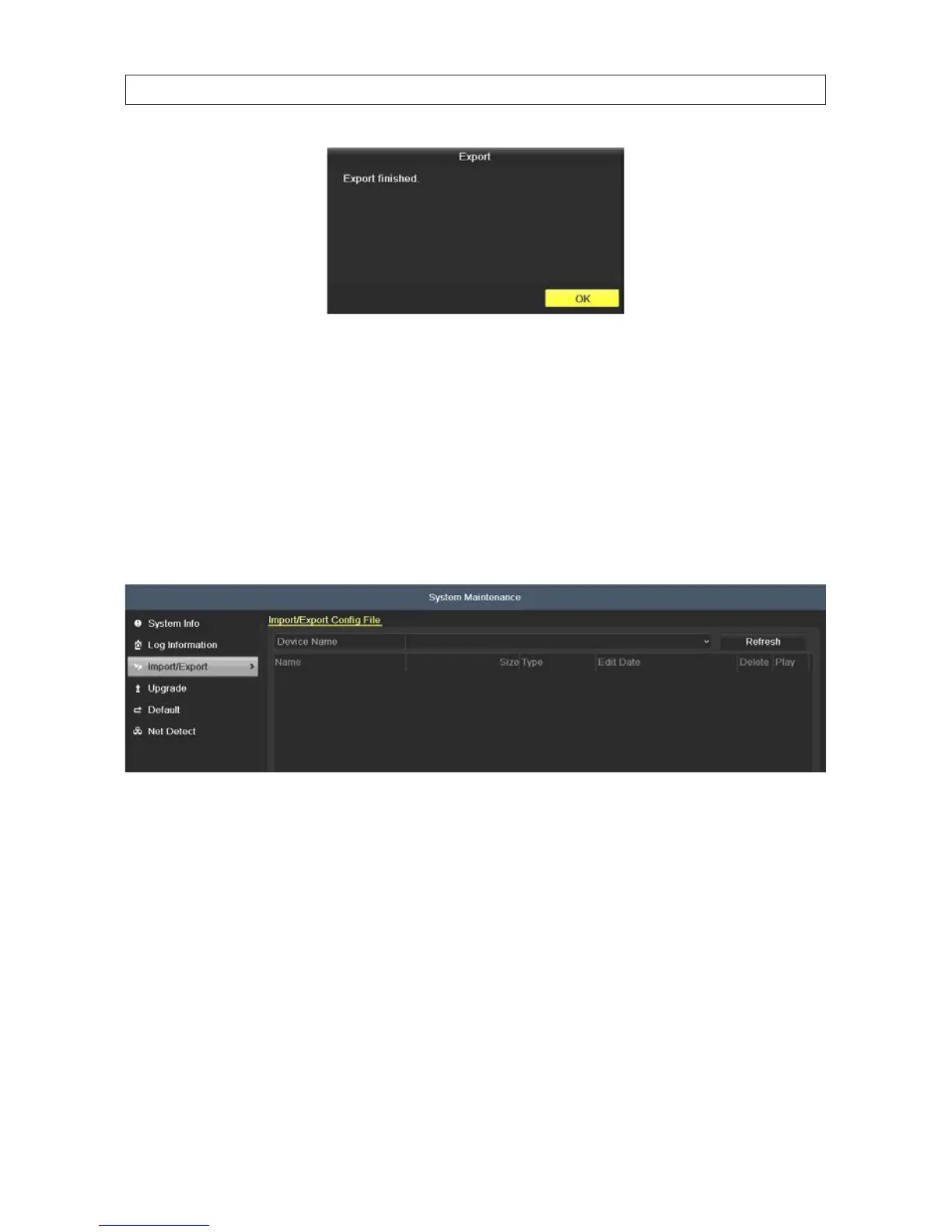
9. Check the Export result on a computer by opening a le that was saved.
8.3 Import / Export system conguration
You can export the DVR conguration, then import the le later to restore the earlier conguration.
1. Attach an USB storage device, such as a USB ash drive or USB disk drive, to the DVR USB port.
2. Open the Import/Export menu. Go to Menu | Maintenance | Import/Export
Export conguration le
3. On the Device Name line, open the drop down list and select the destination for the exported conguration le.
SECTION 8: SYSTEM MAINTENANCE











 To Next Page