— Remote Manual Operation: Remotely starting/stopping manual recording, picture capturing and alarm output of the
selected camera(s).
— Local Playback: Locally playing back recorded les of the selected camera(s).
— Remote Playback: Remotely playing back recorded les of the selected camera(s).
— Local Video Export: Locally exporting recorded les of the selected camera(s).
7. Click OK to save your settings and exit the User menus.
NOTE
Only the admin user account has permission to restore the DVR to factory default settings.
6.2 Deleting a user account
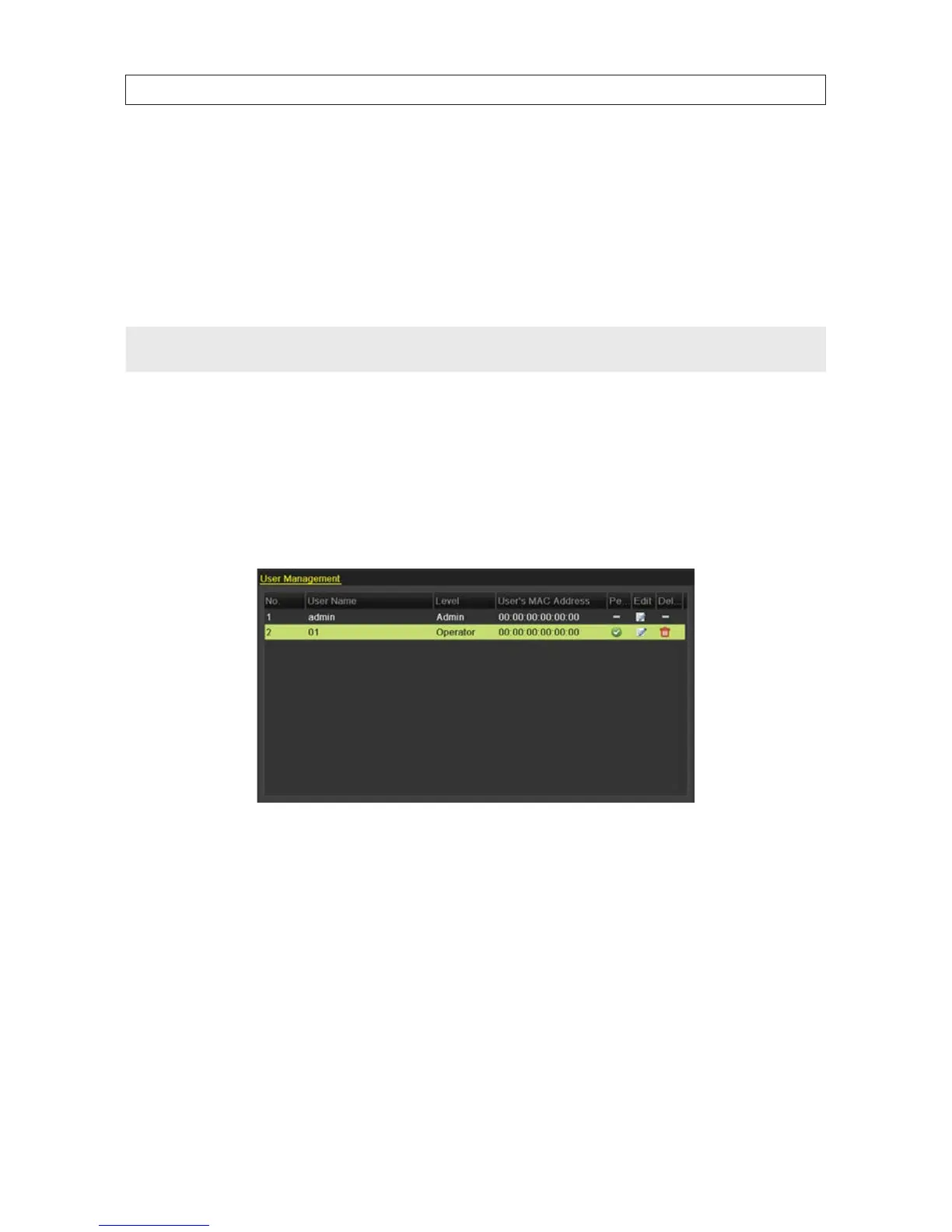
1. Enter the User Management interface. Go to Menu | Conguration | User
2. Click the entry for the user to be deleted from the list. When the item is selected, it is highlighted.
3. Click the trash icon to delete the selected user.
6.3 Editing a user account
1. Enter the User Management interface. Go to Menu | Conguration | User
2. Select the user to be edited from the list (see the User Management window above).
3. Click the Edit icon to open the Edit User interface. Note: The admin user can also be edited.
SECTION 6: MANAGING USER ACCOUNTS











 To Next Page