40
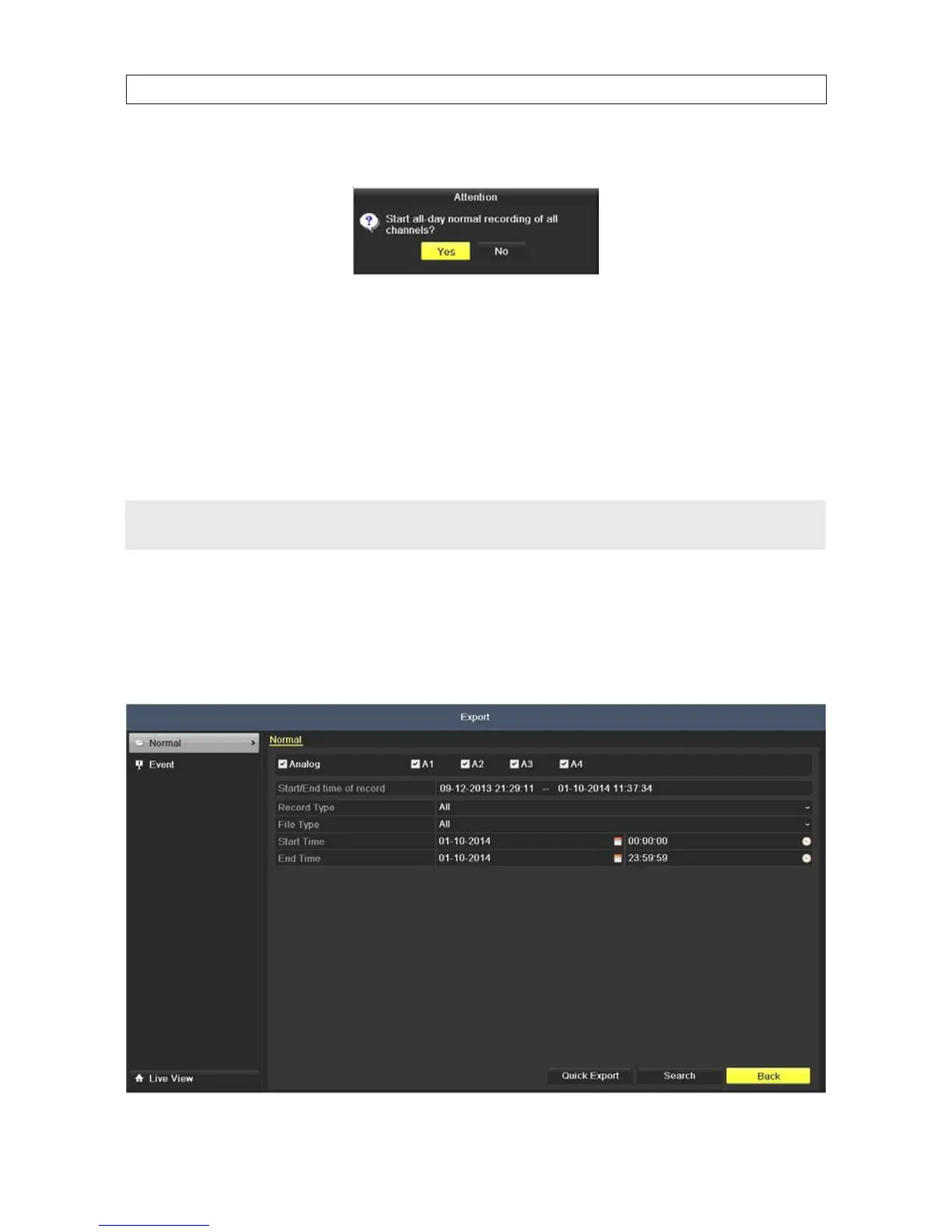
d. When the Attention window opens, click Yes.
3. To disable Manual Record:
a. Select Record on the left menu frame.
b. Click the status button before camera number to change the label from ON to OFF.
c. Click the icon after Normal or Motion Detection.
d. When the Attention window opens, click No.
NOTE
Green “ON” icon means that the channel is congured with a record schedule.
If the DVR is rebooted, manual record operations are canceled.
5.1.5 FilesProtection
You can lock the recorded les or set the HDD property to Read-only to protect the record les from being overwritten.
1. Open the Export menu. Go to Menu | Export
SECTION 5: RECORD, PLAYBACK AND VIDEO BACKUP











 To Next Page