10
2.5.1 UsingtheWizardforbasiccongurationsetup
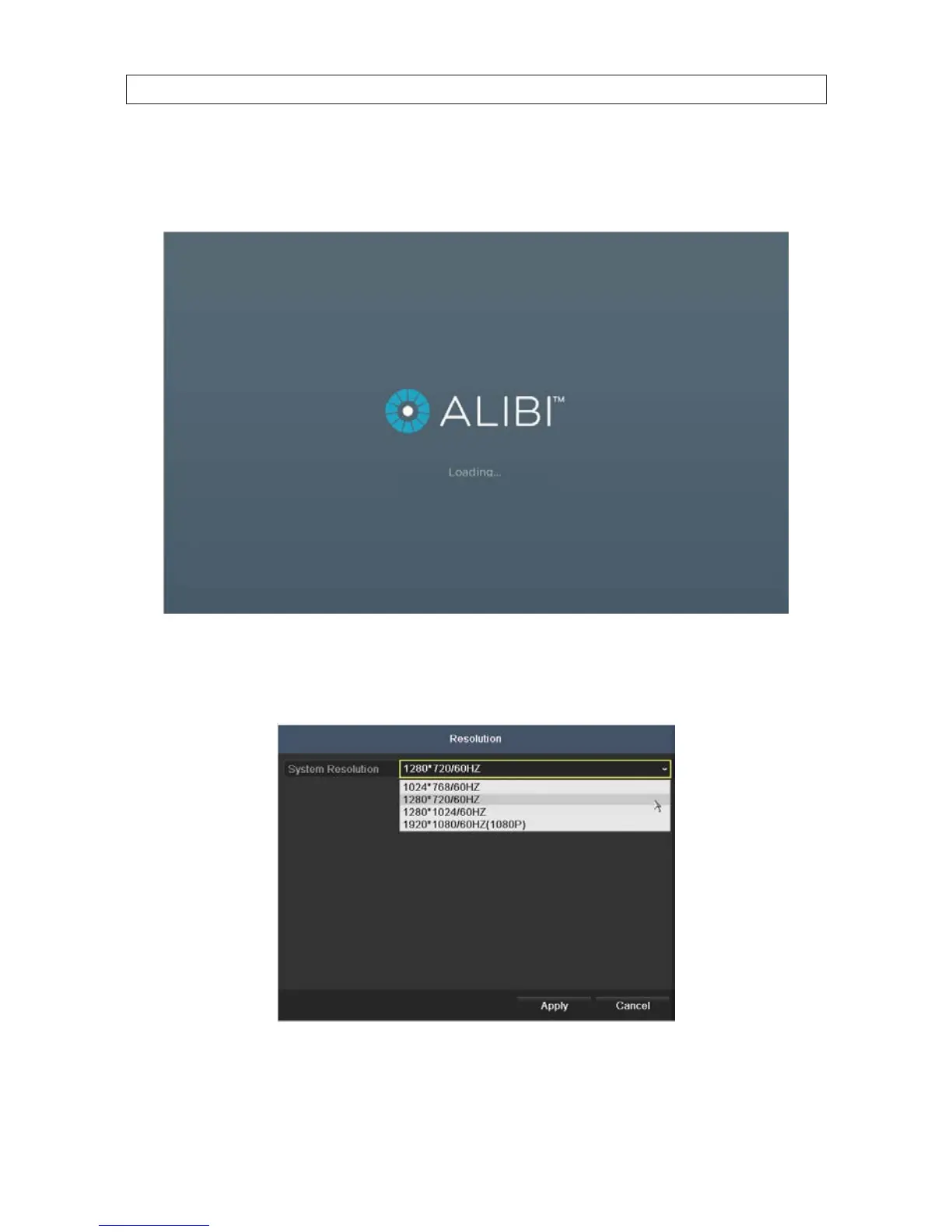
When the DVR is powered on, an Alibi logo splash screen appears within 2 minutes.
1. After the initial Alibi loading window (see above), a monitor resolution selection screen may appear. The DVR will oer the
optimal resolution for your monitor, but you can select another resolution if you prefer. At this screen, select the preferred
resolution, then click Next, or allow the setup Wizard to open.
2. The Setup Wizard can assist you in making important conguration settings in DVR. Click Next button on the Wizard window
to open the Login window.
SECTION 2: INSTALLING THE SYSTEM











 To Next Page