NOTE
The conguration settings presented in the setup Wizard can also be made and changed using the Menu system. See Chapters 5 - 7
for more information.
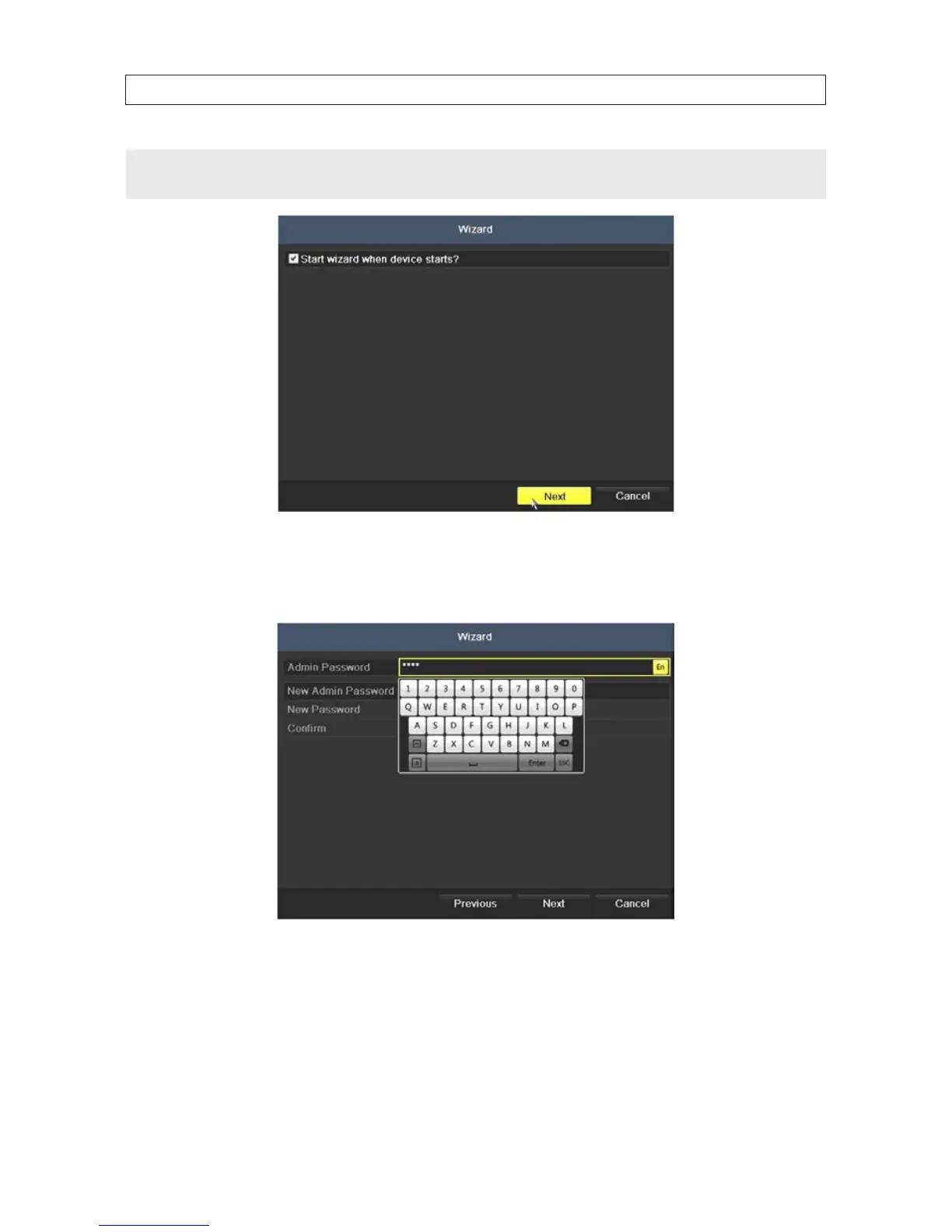
3. Enter the admin password in the appropriate eld. To do that, click inside the Admin Password eld to open the virtual
keyboard. Click the appropriate buttons to enter the password, then click the Enter icon. The default admin password is
1111.
Observint strongly recommends that you change the default admin user password to improve the security of your surveillance
system. To change the admin password, check the New Admin Password box, then enter the new password in the New
Password and Conrm elds. Record your new password and save it in a secure location.
SECTION 2: INSTALLING THE SYSTEM











 To Next Page