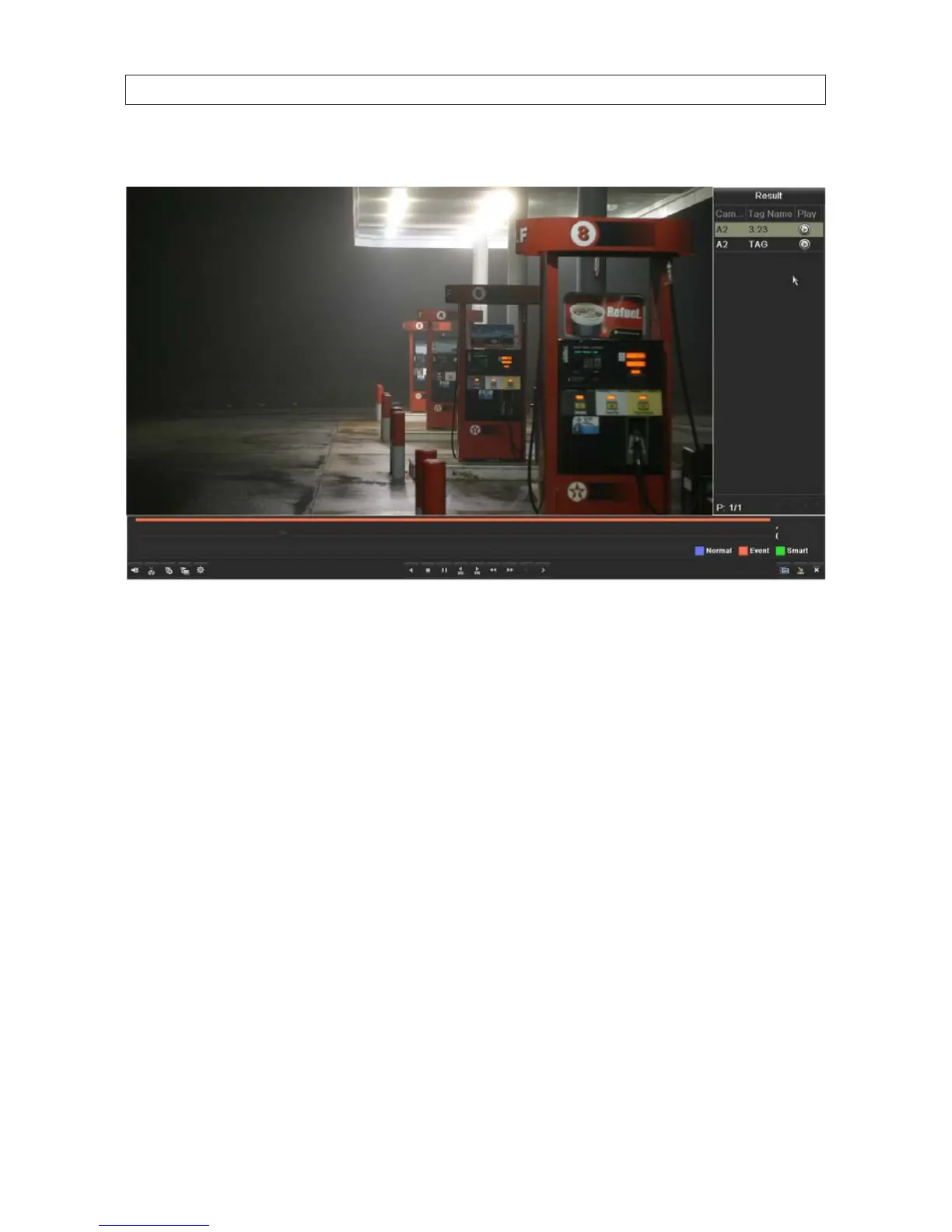
8. To playback a dierent motion event video clip, click the segment to highlight it, then click the associated Play icon.
In the screen above:
— Click the Add default tag icon in the lower left corner of the screen during video playback to add a default tag.
— Click the Add customized tag icon in the lower left corner of the screen during video playback to add a customized tag.
NOTE: You can add up to 64 tags to a single video le.
Tag management.
The tag management feature allows you to check, edit, and delete tags.
1. Click the Tag management icon in the lower left corner of the screen to open the Tag management window.
— To change the name of a tag, select (highlight) a tag in the list, then click the icon in the Edit column.
* Click the tag name, use the pop-up keyboard to change the name, click Enter, then click OK.
— To delete a tag, select (highlight) a tag in the list, then click the icon in the Delete column.
5.2.4 PlaybackfromSystemLogs
You can search for video clips through system logs. System logs include the following types of entries:
• Alarms events - Start/stop motion detection, start/stop tamper detection etc.
SECTION 5: RECORD, PLAYBACK AND VIDEO BACKUP











 To Next Page