SECTION8
System Maintenance
The Maintenance menus provide several displays that report system device information, log information, and network trac.
Features also include the export and import of the system conguration le, rmware upgrade, and factory reset.
8.1 System Information
The System Information displays include status reports of the DVR, cameras, record settings, the network and the HDDs. The
conguration settings shown on these displays can only be changed in other areas of the menu system.
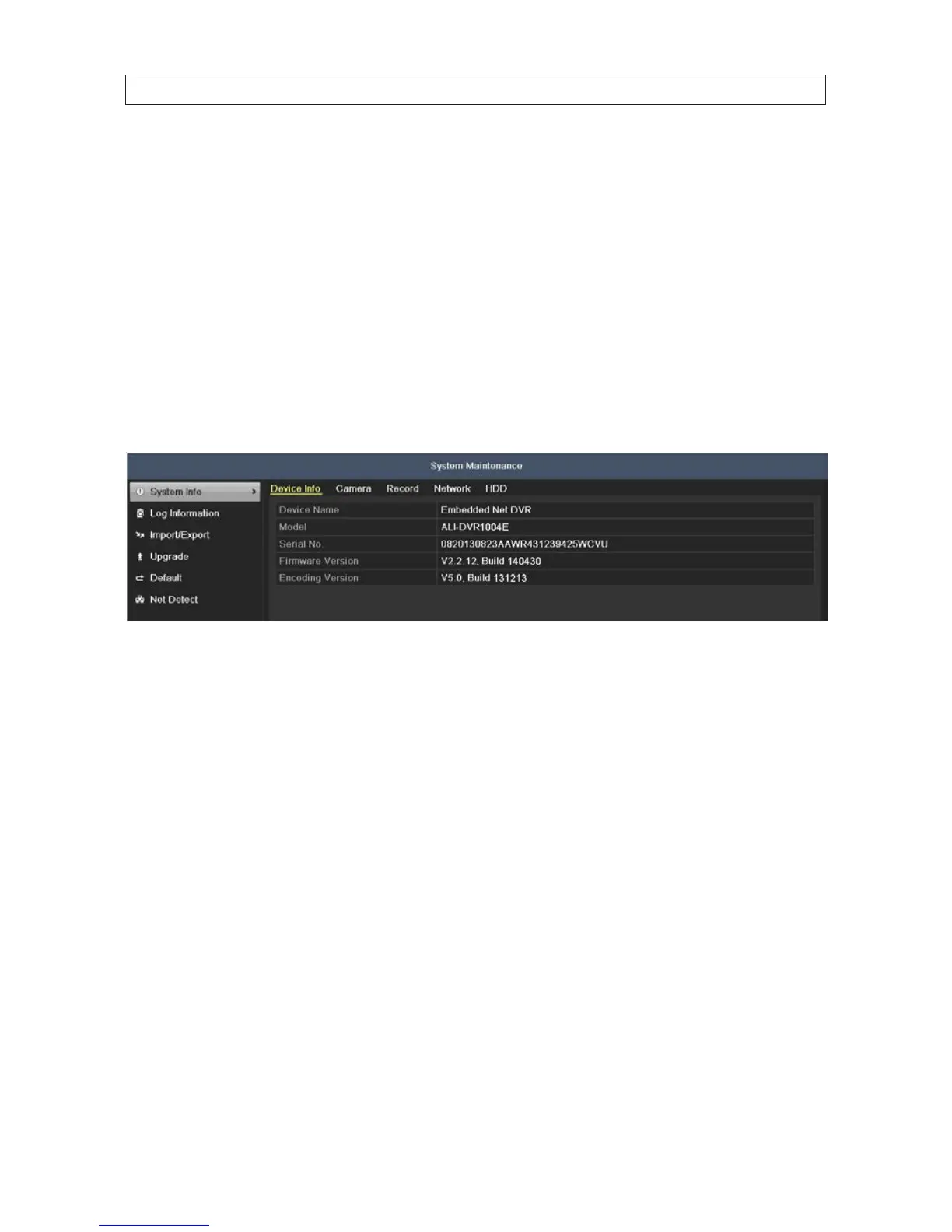
1. To open the System Information displays, go to Menu | Maintenance | System Information:
The Device Info tab includes information about the DVR. Other tabs show the conguration settings for Cameras,
Recordings, Network, and HDD settings. To view information about other parts of the system, click the appropriate tab.
8.2 Log Information
System log information is continuously generated and saved in log records. System logs include the following types of entries:
• Alarms events - Start/stop motion detection, start/stop tamper detection etc.
• Exception conditions - Video loss, illegal login, HDD full/error, IP conicted, network disconnected, input/output video
mismatch, record exception.
• Information events - Start/stop recording, local/network HDD information, HDD S.M.A.R.T., etc.
• Operation events - power on, login, local operation logout, etc.
System logs can be searched and sorted for specic entries, and archived for use later. You can also search for video clips through
system logs.
8.2.1 LogSearch
1. Open the Log Information screen. Go to Menu | Maintenance | Log Information
SECTION 8: SYSTEM MAINTENANCE











 To Next Page