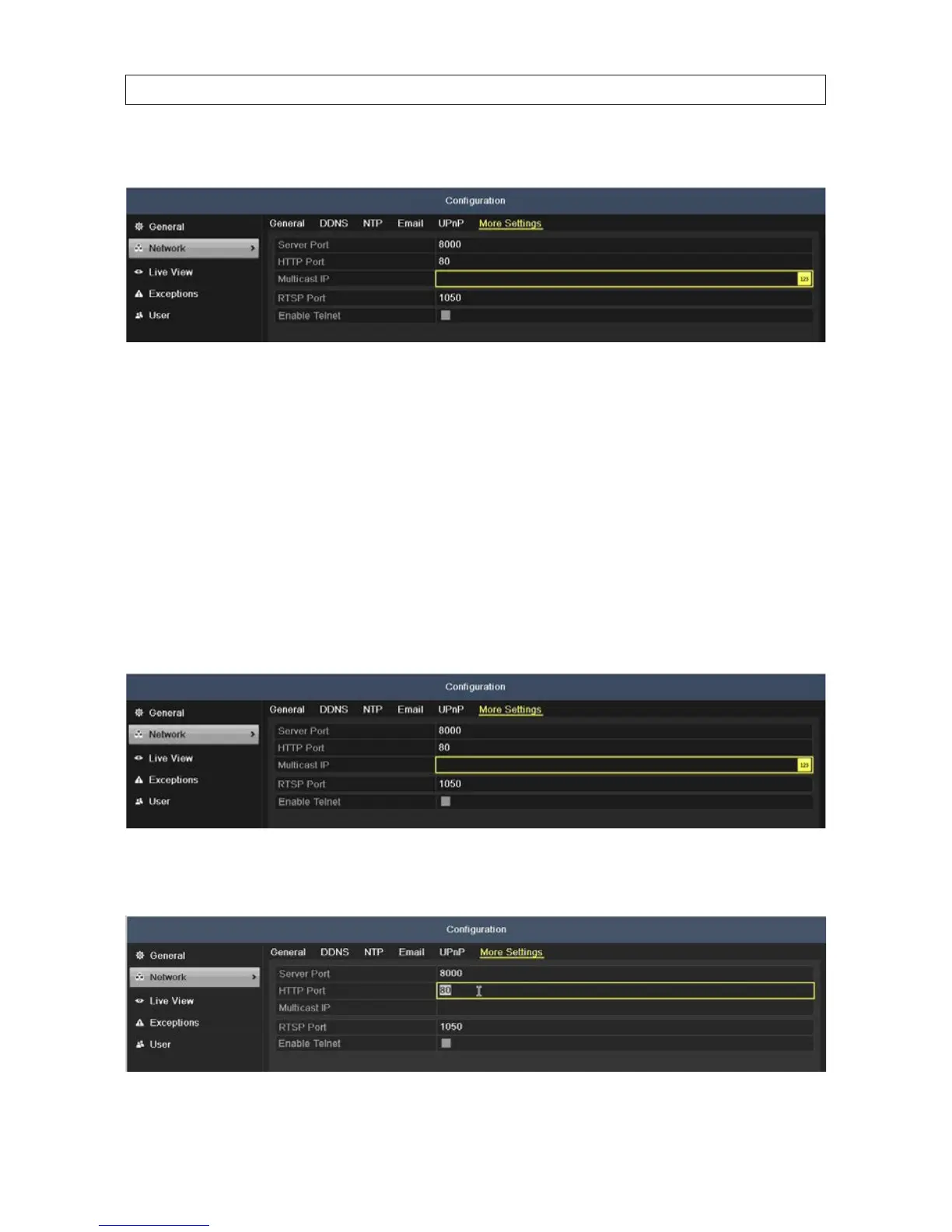
2. Click the More Settings tab to open the More Settings menu.
3. In the menu shown above, enter the RTSP port number. The default RTSP port is 554.
4. Click Apply to save your settings and close the menu.
7.1.5 ConguringServerandHTTPPorts
You can change the server and HTTP ports in the Network Settings menu. The default server port is 8000 and the default HTTP port
is 80.
1. Open the Network Settings menu. Go to Menu | Conguration | Network
2. Click the More Settings tab to open the More Settings menu.
3. Enter a new Server Port number and HTTP Port number in the appropriate elds. The default Server Port is 8000 and the HTTP
Port is 80.
SECTION 7: NETWORK SETTINGS











 To Next Page