42
5.2 Playback
5.2.1 Playingbackvideobychannel
Playback the recorded video les of a specic channel in the live view mode. Channel switch is supported.
Instant playback by channel
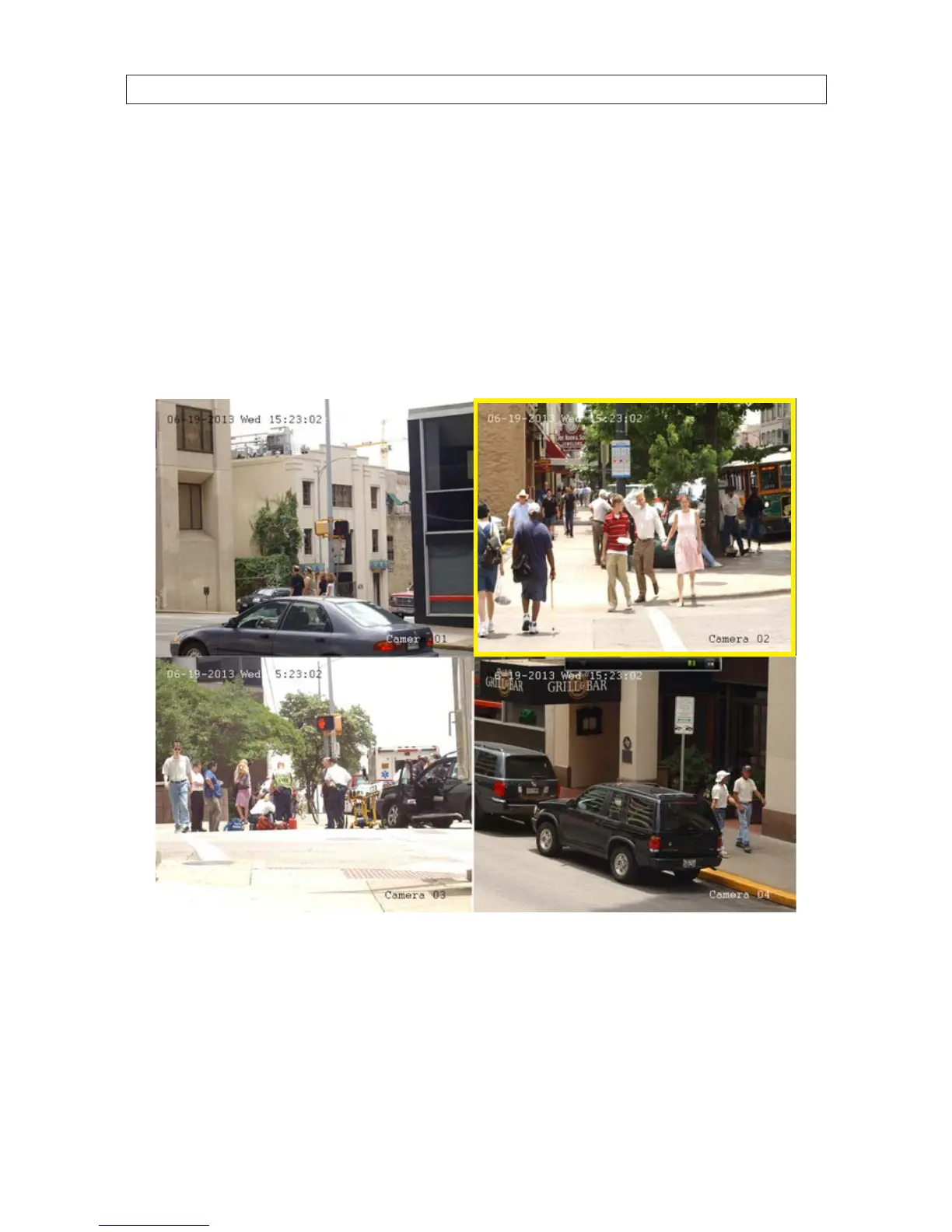
In Live View mode, click the channel you want to playback, then click the playback icon on the quick setting toolbar. In the instant
playback mode, only recordings made during the previous ve minutes on the channel are played.
Playback by channel
1. Open the Playback menu. Go to Menu | Playback.
2. In the Playback screen, select the camera channel you want to playback. De-select the other channels.
3. Select the start and end times of the date and time range when the video segment was recorded.
SECTION 5: RECORD, PLAYBACK AND VIDEO BACKUP











 To Next Page