SECTION 5: RECORD, PLAYBACK AND VIDEO BACKUP
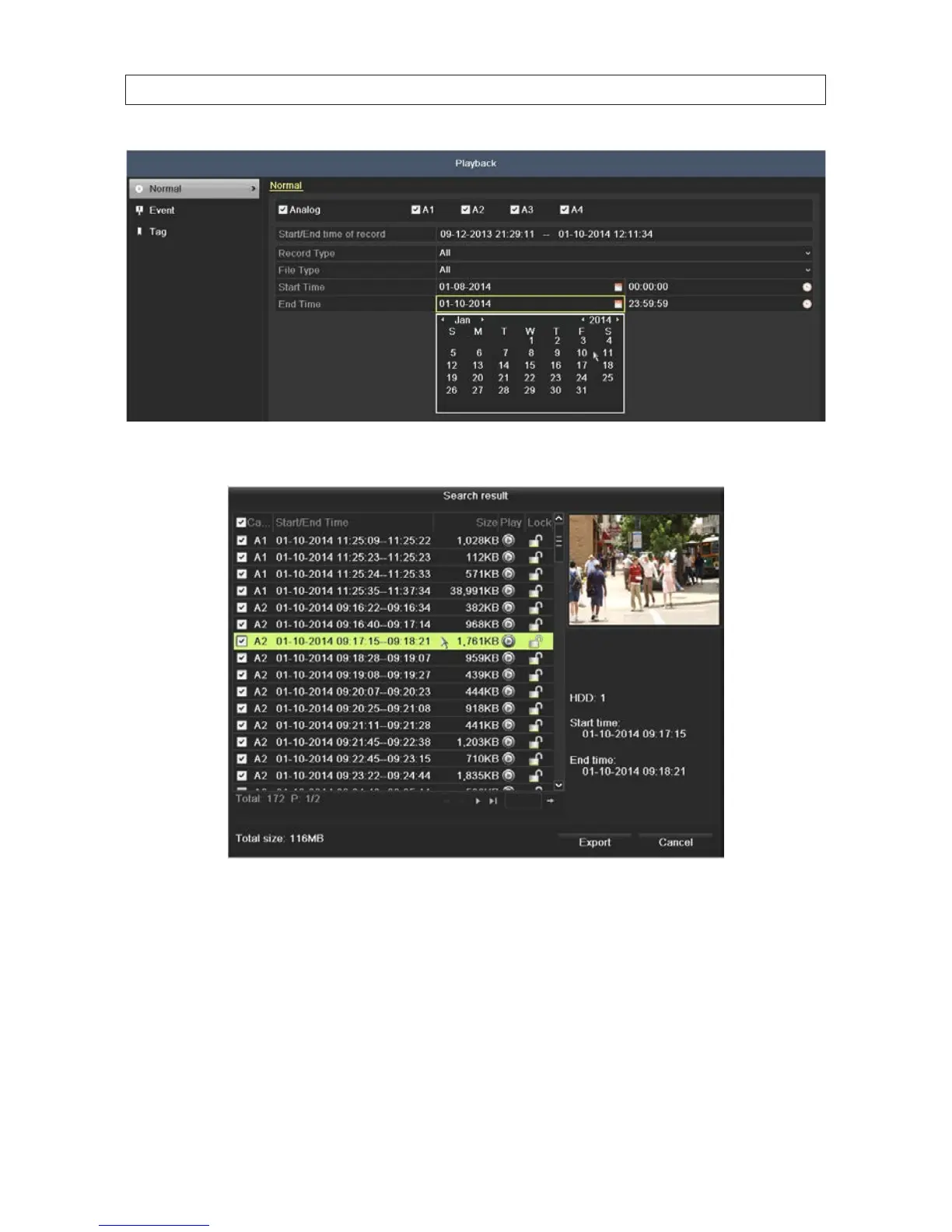
4. Click the Search button.
5. In the window that opens, click the entry of the video segment you want to play, then click the icon in the Play column.
6. In the screen that opens, select the camera or cameras you want playback, then click OK to continue. By default, only the
camera of the video you selected will play.











 To Next Page