64
SECTION6
Managing User Accounts
User accounts are created to control access to the system both at the DVR and when logging into the DVR from a remote computer.
Each account has a User Name, Password, and a selection of permissions granted to the user.
By default, one user, named “admin”, is provided. The admin user is granted all permissions with the system, and can create,
modify, and delete other users. User Name “admin”, is assigned the default password “1111”. To improve system security, it is
strongly recommended that the default password be changed during the initial system setup.
The DVR supports up to 32 user accounts.
To add, edit, and delete a user account, you must log into the DVR with admin credentials.
6.1 Adding a user account
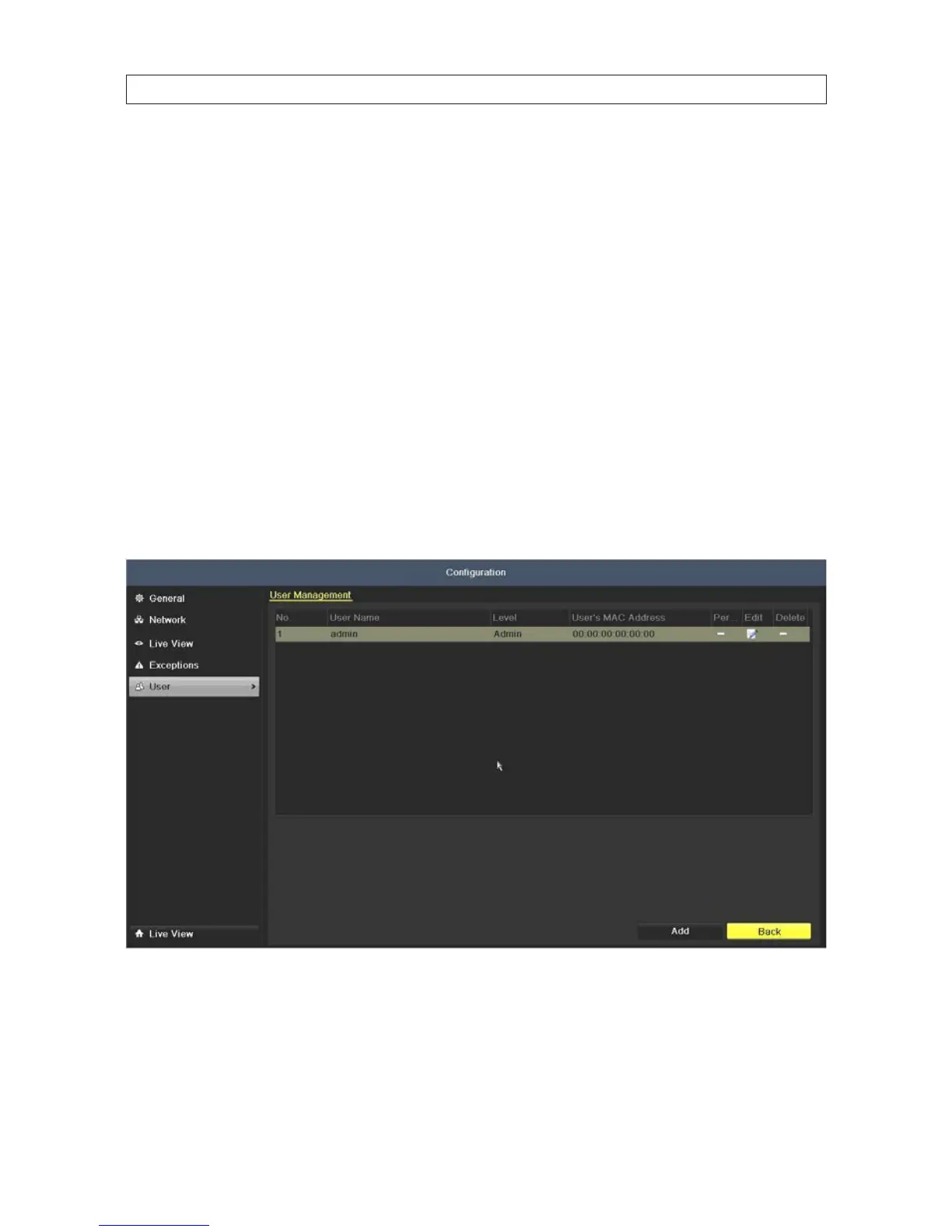
1. Enter the User Management interface. Go to Menu | Conguration | User
2. Click Add to open the Add User menu.
SECTION 6: MANAGING USER ACCOUNTS











 To Next Page