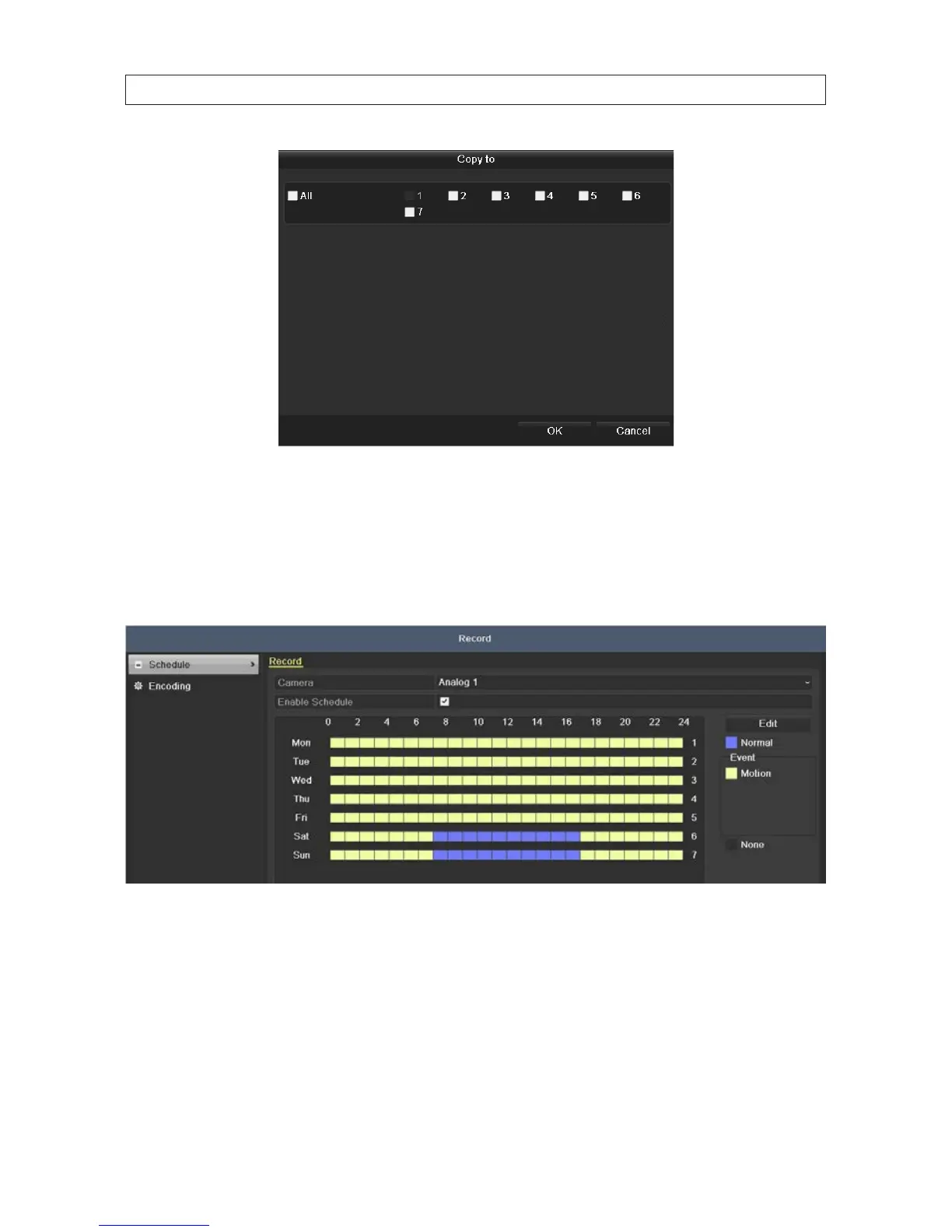
ii. To use the graphical method to draw the schedule:
— Click the color icons for either Normal or Motion in the right panel.
— Drag the mouse pointer across the area of the chart (day of the week, hours of the day) where you want to
use that type of recording. Blocks on the chart, each representing 1 hour of one day, will be colored for the
recording mode you selected. A descriptions of the color icons are shown in the gure below.
— Click Apply to validate the settings.
3. If the settings can be applied to other camera channels, click Copy.
SECTION 5: RECORD, PLAYBACK AND VIDEO BACKUP











 To Next Page