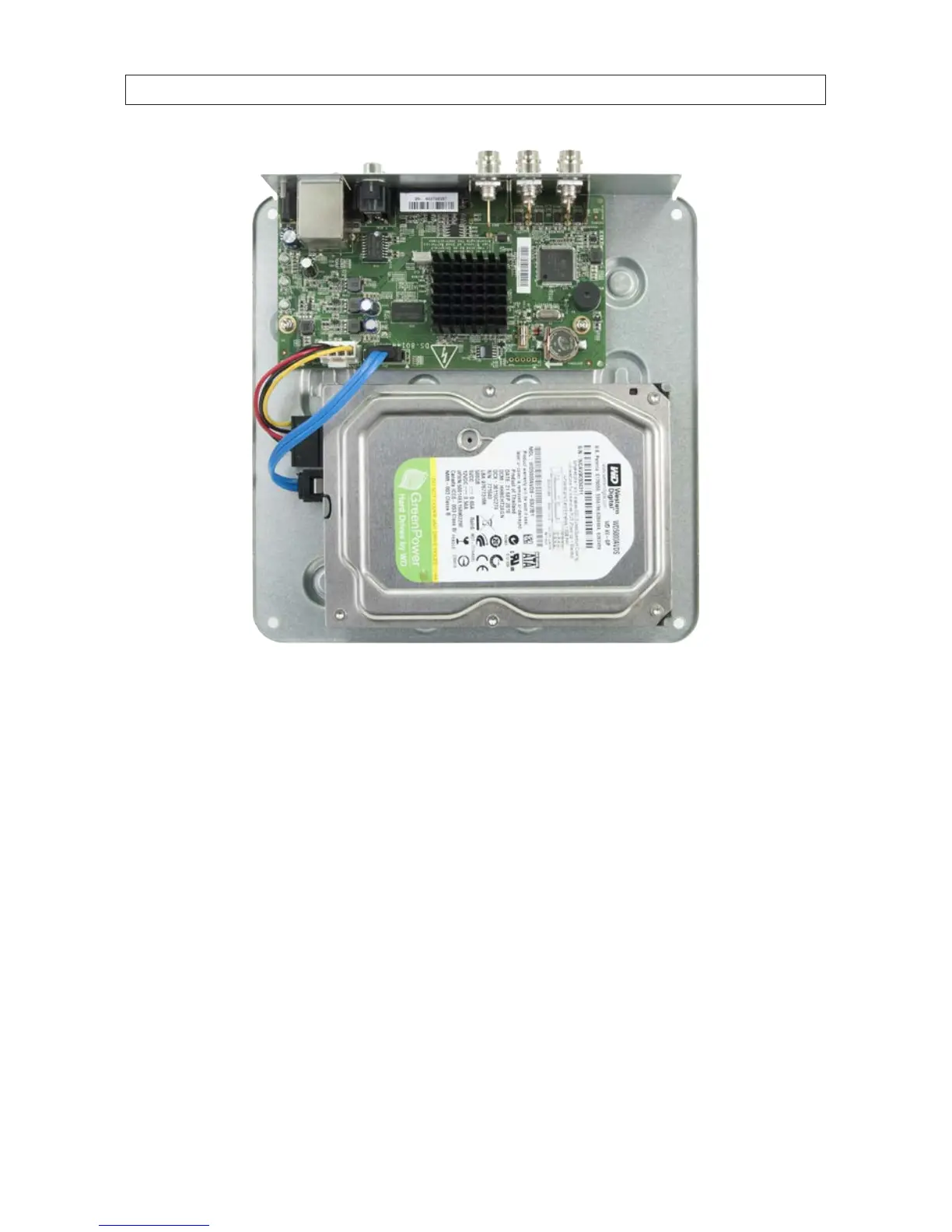
c. Slide the HDD to the left to fully seat the mounting screws in the screw hole slots.
d. Plug the HDD SATA and power cables into the mating connectors on the PC board (see photo above).
5. While holding the HDD in place in the DVR chassis, turn the assembly over, then tighten the four HDD mounting screws until
snug. Be careful not to overtighten the screws.
APPENDIX C: HDD INSTALLATION











 To Next Page