30
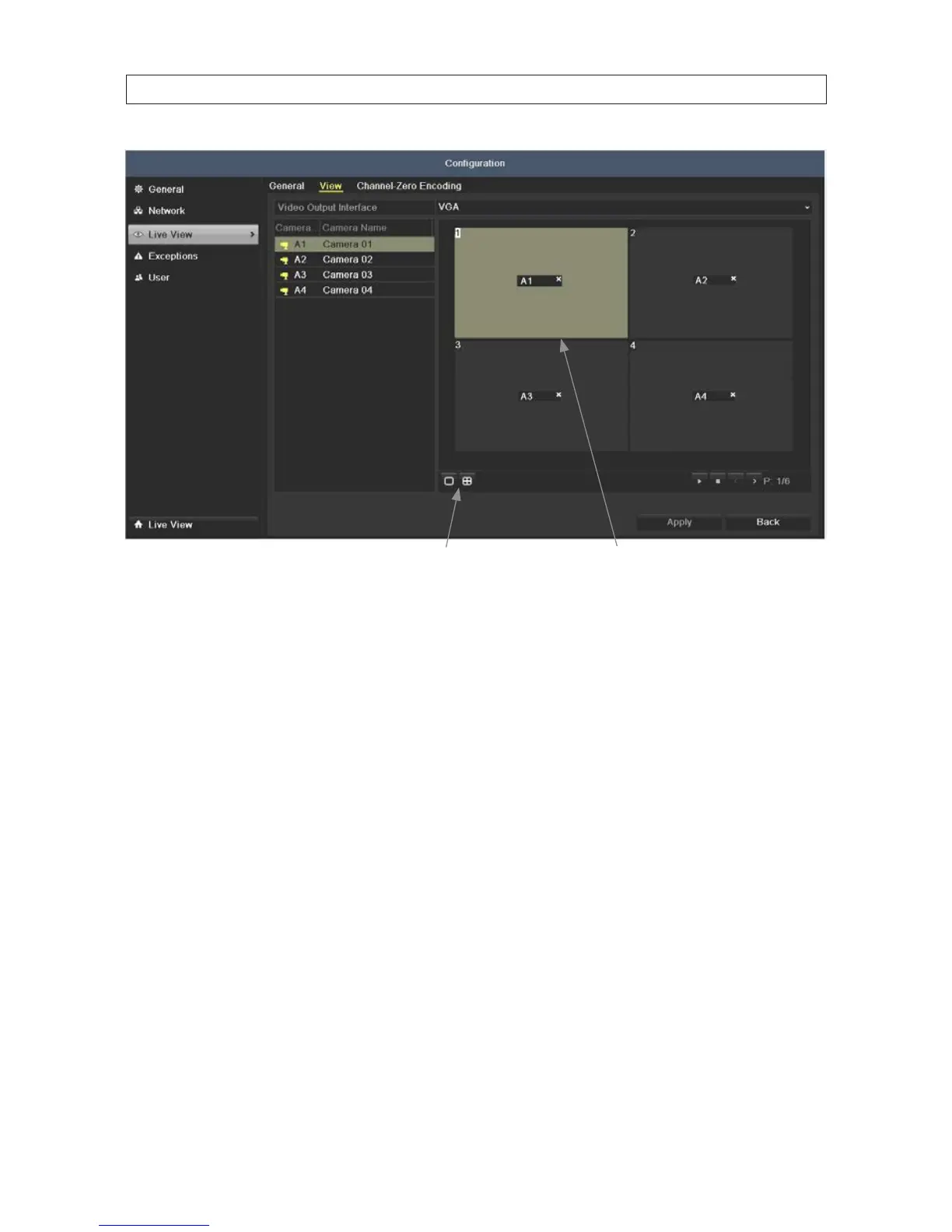
Single-, multi-screen select icons Viewing screens
4. Click the single- or multi-screen select icon for the screen split you prefer. In the example shown above, a 2*2 screen is
selected.
5. Click a viewing screens, then double-click the camera in the list on the right that you what to show there. When the selection
is made, label in the viewing screen changes to the camera channel number.
6. Click the Apply button to save your setting.
SECTION 4: LIVE VIEW INTERFACE











 To Next Page