54
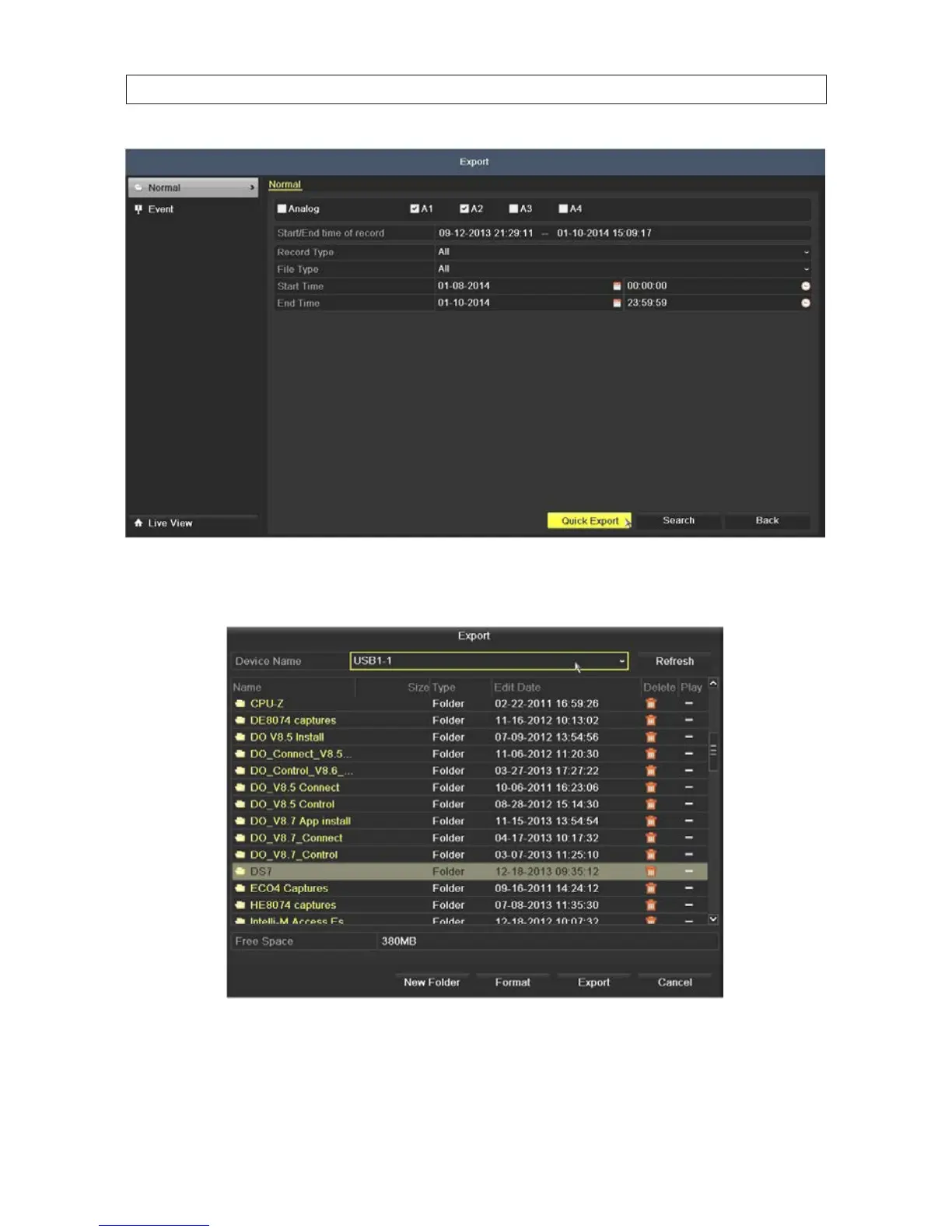
5. Click the Quick Export button. A pop-up window will open showing the le structure of your external storage device. If your
USB device is not shown in the Device Name eld, click the Refresh button.
6. If the device you are exporting to is a re-writable device such as a USB ash drive, select the directory where you want to copy
the les, or create a New Folder. NOTE: Some USB devices types do not include the New Folder and Format options, but
may include an Erase option.
SECTION 5: RECORD, PLAYBACK AND VIDEO BACKUP











 To Next Page