56
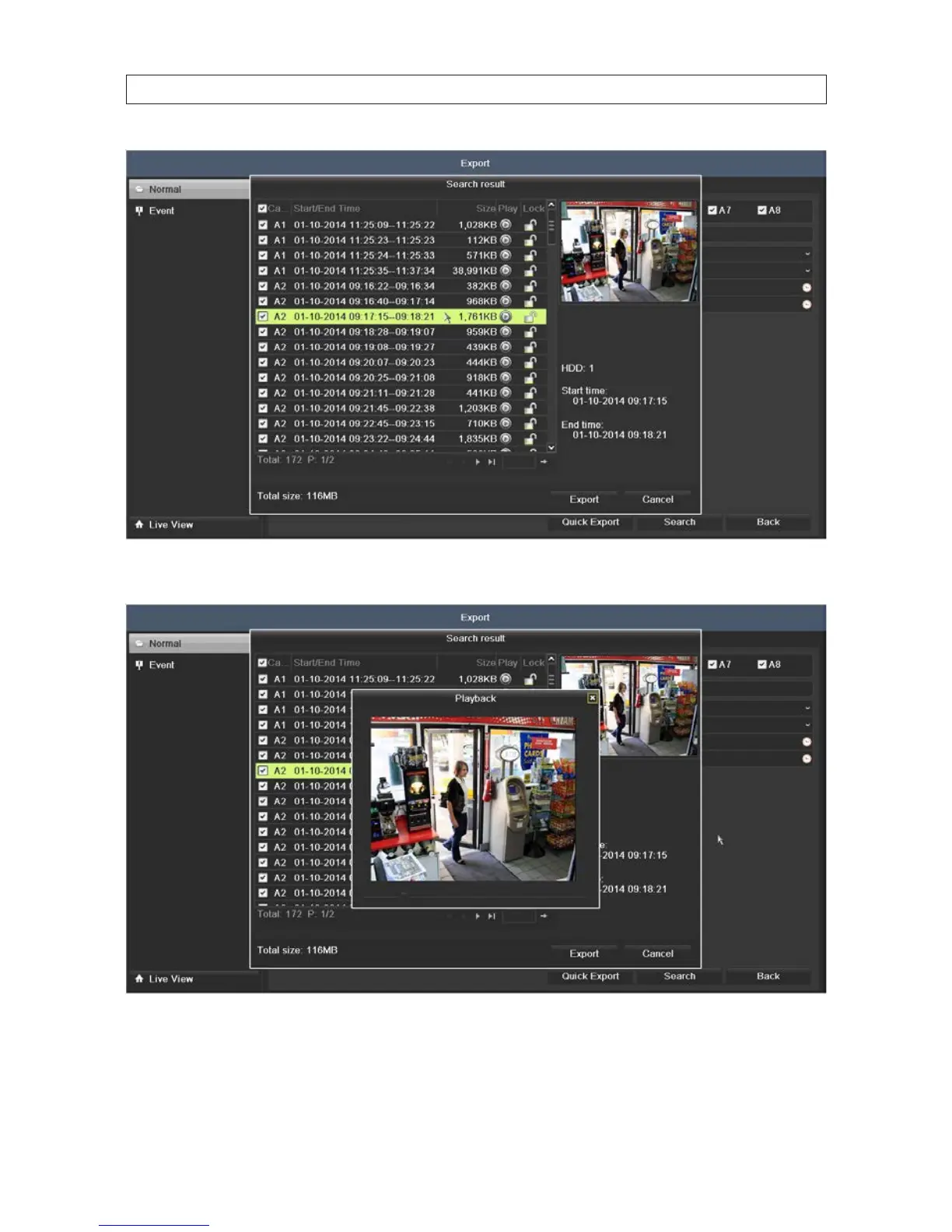
b. Click the Play icon. A pop up window will appear.
8. Click Export. A pop-up window will open showing the le structure of your external storage device. If your USB device is not
shown in the Device Name eld, click the Refresh button. NOTE: Some USB devices types include the New Folder and
Format options, other types include only an Erase option.
SECTION 5: RECORD, PLAYBACK AND VIDEO BACKUP











 To Next Page