70
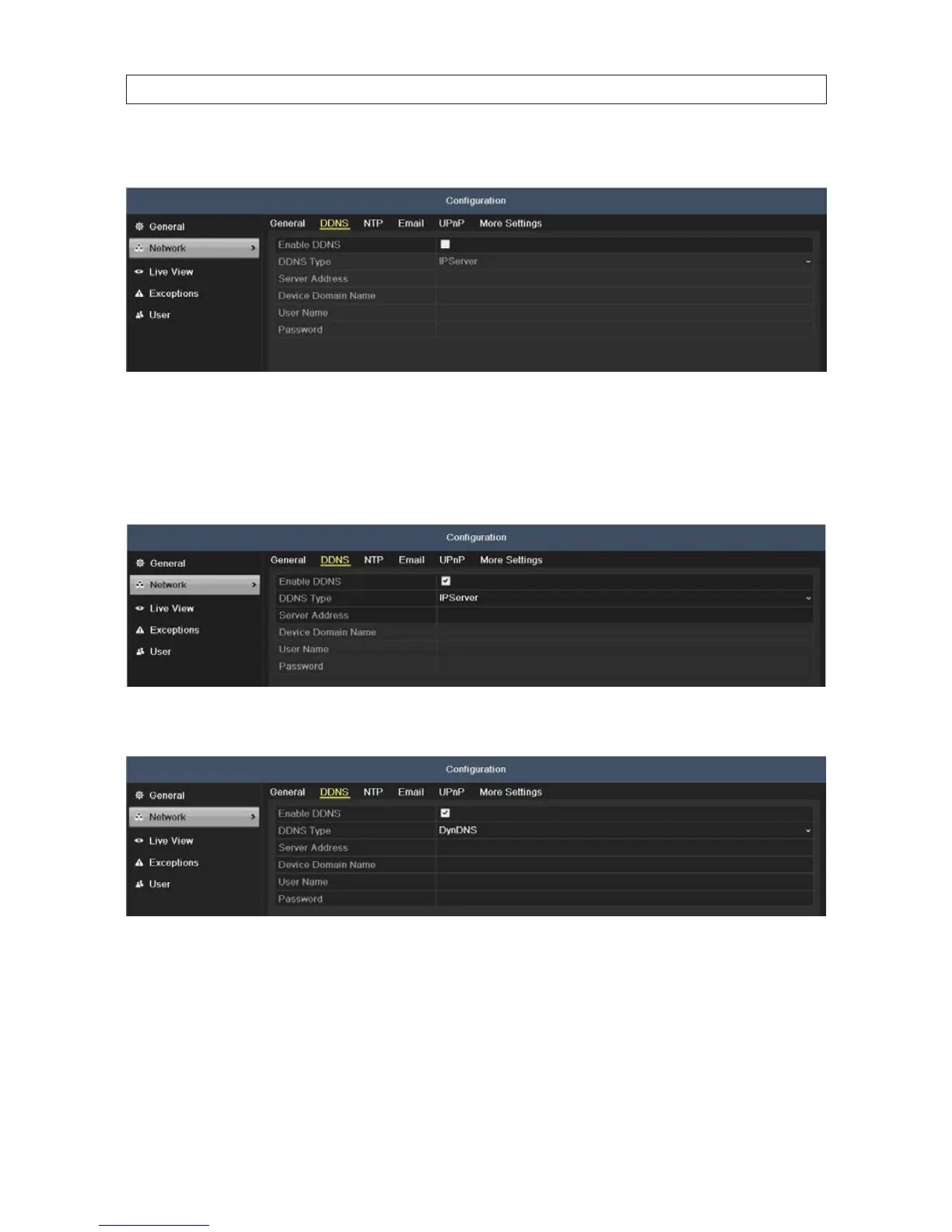
2. Click the DDNS tab to open the DDNS Settings menu.
3. Check the Enable DDNS box to enable this feature.
4. Open the DDNS Type drop down list and select one of ve options: IPServer, DynDNS, NO-IP.
— IPServer: Enter Server Address for IPServer.
— DynDNS:
i. Enter Server Address for DynDNS (i.e. members.dyndns.org).
ii. In the DVR Domain Name text eld, enter the domain obtained from the DynDNS website.
iii. Enter the User Name and Password registered in the DynDNS website.
SECTION 7: NETWORK SETTINGS











 To Next Page