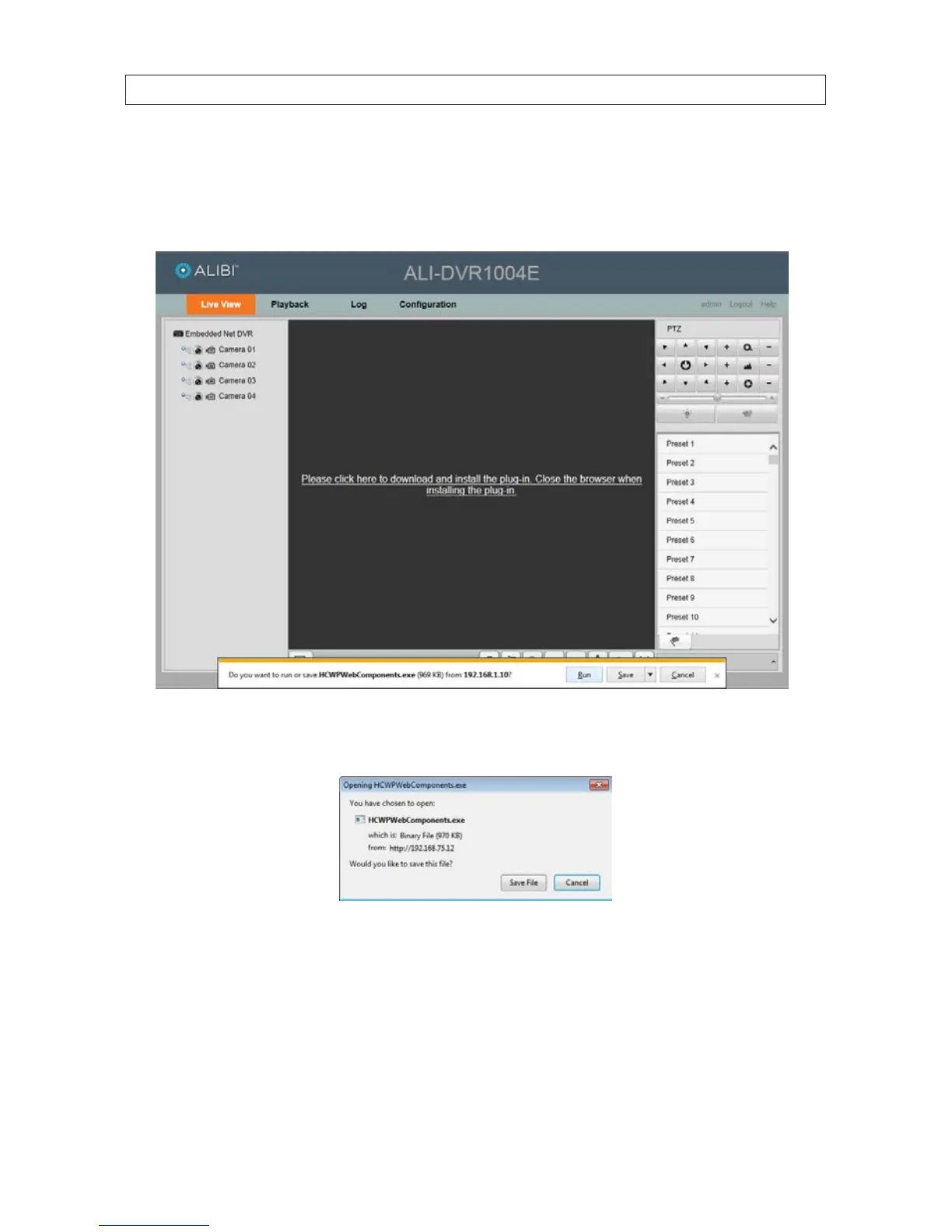
3. If this login is the rst login to the DVR from your computer and browser, continue with the following sub-steps:
a. After a successful login to the DVR, a message will appear in the middle of the Live View window requiring you to load a
plug-in. In the message box at the bottom of the window, click Run to continue.
`
b. When the Opening HCWPWebComponents.exe window opens, click Save File, then close the internet browser
window.
c. Open (double click) the le in the download folder, then click Run in the Security Warning window.
SECTION 9: REMOTE ACCESS











 To Next Page