III-3
[1] POWER switch (Machine circuit breaker switch)
T
urned to ON to power on the machine, to OFF to power off the
machine, and to RESET (OPEN) to open the electrical enclosure.
Lock the switch with the accessory padlock to prevent unauthorized
operation.
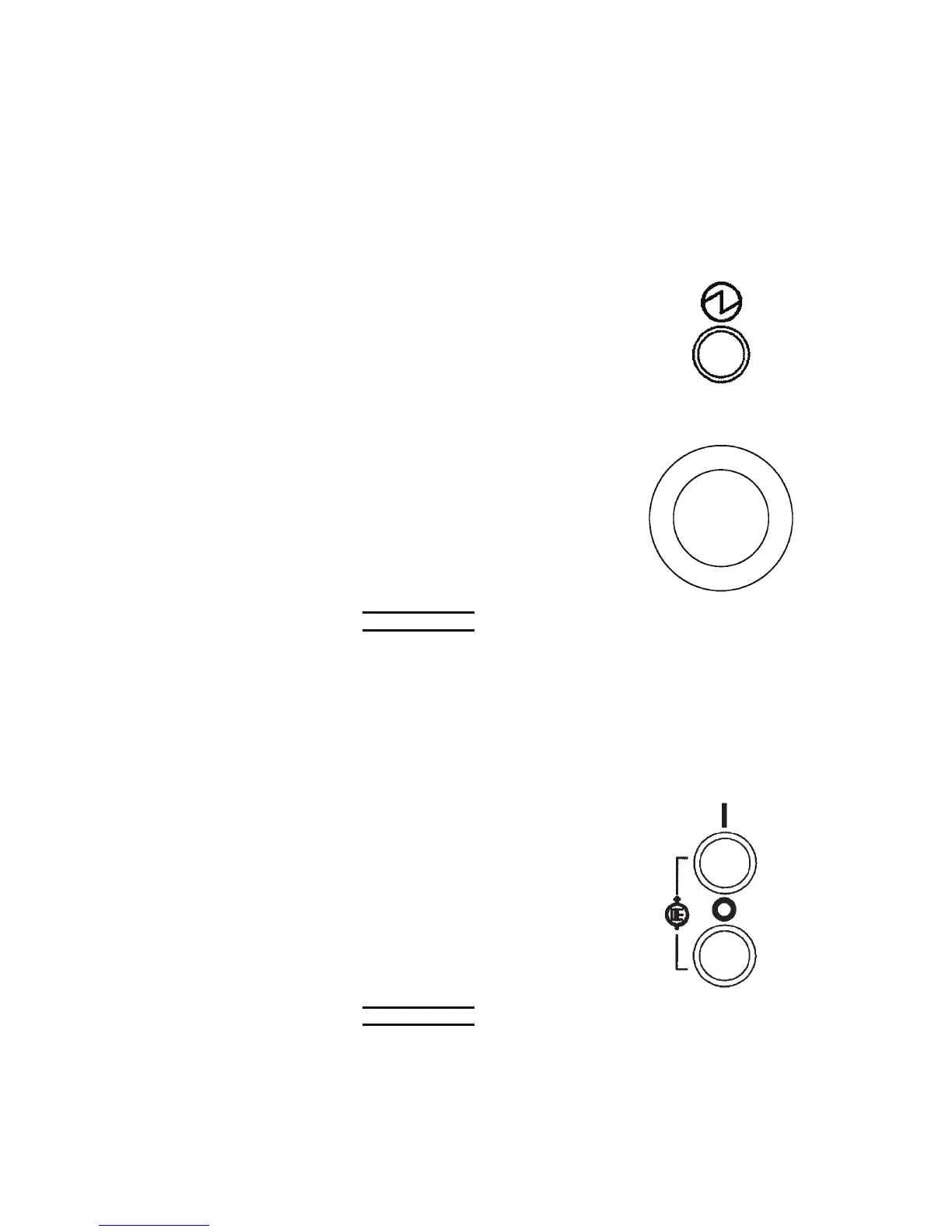
[2] POWER ON light
Illuminated to indicate that the
POWER switch is turned to ON.
[3] EMERGENCY STOP button
Used to stop the machine in an
emergency and at the end of
operation.
Pressed to stop the machine
immediately and totally. (The
hydraulic pump motor stops, but the
machine does not power off.)
NOTE
O The EMERGENCY STOP button is of the push-to-lock type so that once
pressed, it is locked in the pressed condition. To clear the emergency stop
condition, pull it out. Unless the emergency stop condition is cleared, the
hydraulic pump motor does not start even when the HYDRAULIC ON button
is pressed.
O The EMERGENCY STOP button at the rear of the machine base has the
same function as this EMERGENCY STOP button. Refer to page III-8.
[4] HYDRAULIC ON button (with white light)
Pressed and illuminated to start the
hydraulic pump motor.
[4]
[5]
NOTICE
O Before pressing the button, check that the hydraulic oil is at the proper level.
If the hydraulic pump motor is started without the hydraulic oil tank filled to
the specified level, the hydraulic pump may be damaged.



 To Next Page