III-4
[5] HYDRAULIC OFF button
Presse
d to stop the hydraulic pump motor and extinguish the
HYDRAULIC ON button.
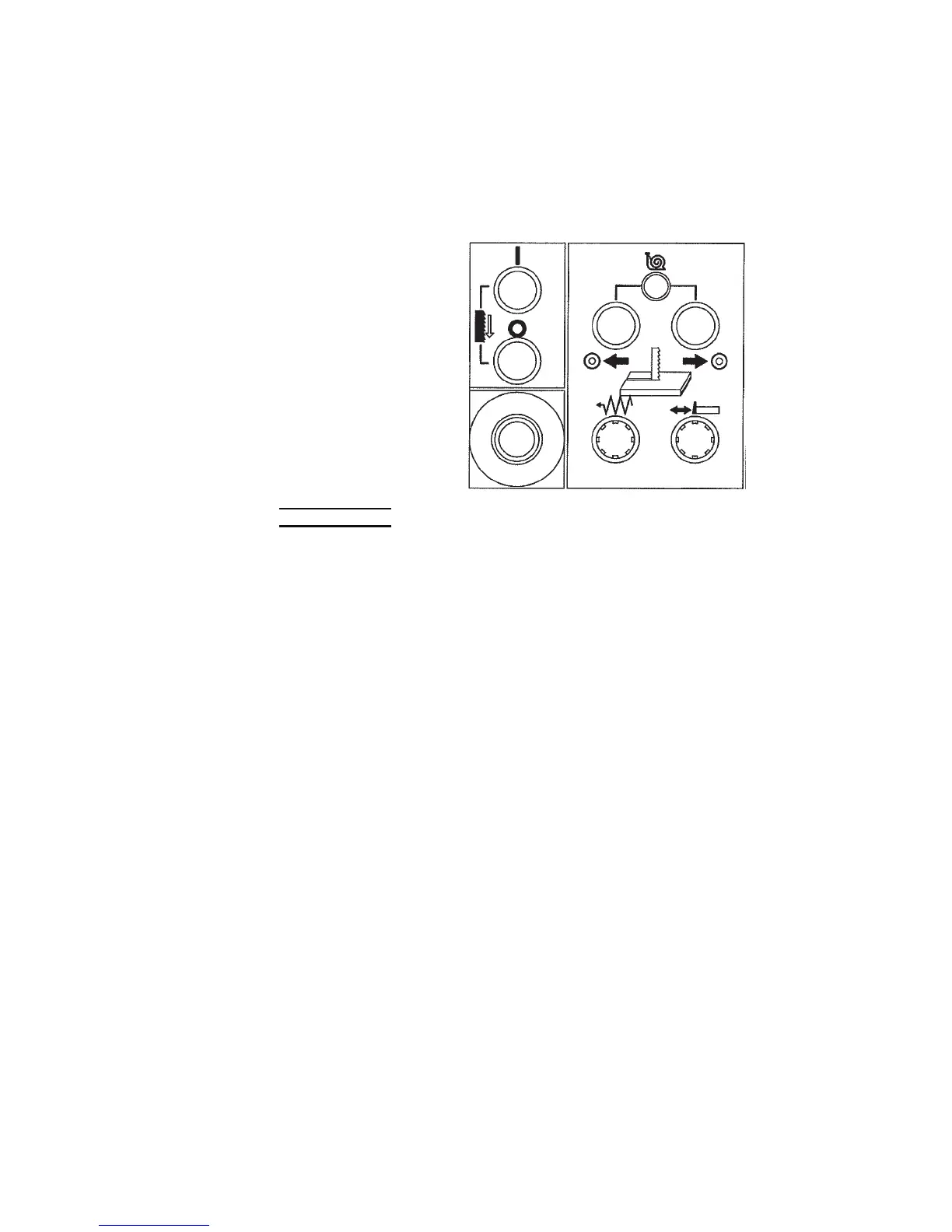
[6] BLADE START button (with white light)
Pressed to start the saw
blade motor and run the
saw blade, and wire brush.
At the same time, the
cutting fluid pump starts,
and the cutting fluid is
discharged from the upper
and lower saw blade
inserts.
The button illuminates
while the saw blade motor
is running.
[6]
[7]
[9]
[8]
[3]
[17]
[10]
[11]
NOTICE
O Before pressing the button, check that the cutting fluid is at the proper level.
Unless the cutting fluid tank is filled to the specified level, the cutting fluid
pump may be damaged.
[7] BLADE STOP button
Pressed to stop the saw blade. If the table is feeding the work for
cutting, it also is stopped.
[8] TABLE CUTTING FEED button (with white light)
Pressed and illuminated to start the table feeding the work for cutting,
after the BLADE START button is pressed to start the saw blade.
When the saw blade is not running, pressing the button does not move
the table.
[9] TABLE FORWARD button
Pressed and held to move the table forward.
[10] TABLE BACKWARD button
Pressed and held to move the table backward.
When the table is feeding the work for cutting, press the button to stop
the saw blade, and press and hold the button to move the table
backward.



 To Next Page