III-5
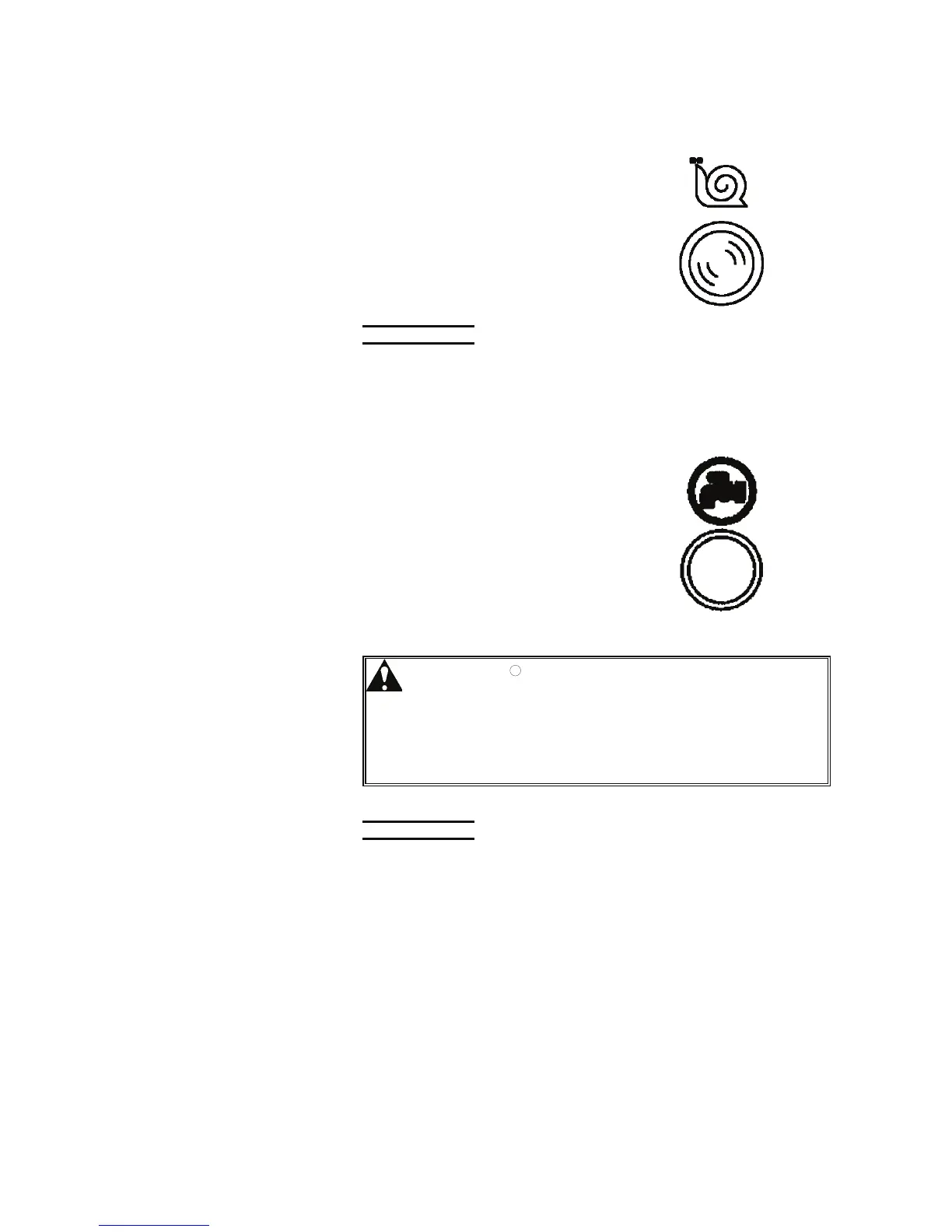
[11] TABLE SPEED CHANGE button (with white light)
Us
ed to change the table forward
and backward speed to high or low.
Pressed and illuminated to change
the table forward and backward
speed to low.
Pressed again and extinguished to
change the table forward and
backward speed to high.
NOTE
O The setting of the table speed with the TABLE SPEED CHANGE button is
effective only when the table is moved forward or backward by pressing and
holding the TABLE FORWARD or TABLE BACKWARD button.
[12] CUTTING FLUID button
Used to start the cutting fluid pump
alone for cleaning the machine.
Pressed to turn on the cutting fluid
even when the saw blade is stopped.
Shift the cutting fluid cock lever to
discharge the cutting fluid through
the cleaning hose nozzle and wash
away the chips from the machine.
Press the button again to turn off the
cutting fluid.
WARNING
O Normally when the saw blade is started,
the cutting fluid pump motor is
automatically started as well. It is very
dangerous to clean the machine while the
saw blade is running. Never do so.
When cleaning the machine, be sure to
use the CUTTING FLUID button.
NOTICE
O Before pressing the button, check that the cutting fluid is at the proper level.
Unless the cutting fluid tank is filled to the specified level, the cutting fluid
pump may be damaged.



 To Next Page