III-6
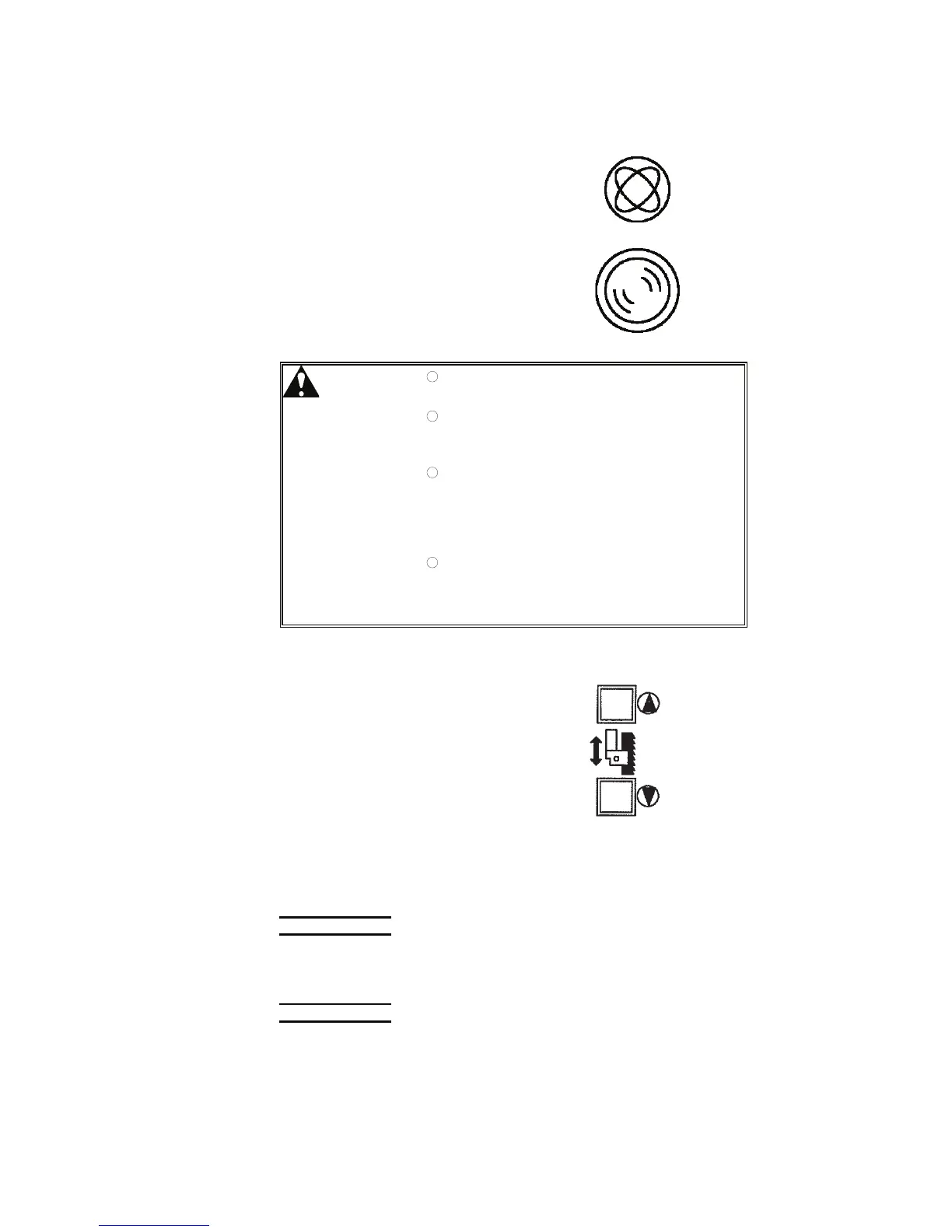
[13] LASER BEAM ON button (option) (with white light
)
Pressed and illuminated to turn on
the laser beam (option) for guiding
the work.
After 5 min, the laser beam
automatically turns off, and the
button extinguishes.
WARNING
O Never look directly into the source of the
laser beam. You may lose your eyesight.
O Note that the laser oscillator is not
constructed waterproof, dripproof, and
dustproof.
O The surge current caused by turning on
and off the POWER switch may destroy
electronic components in the machine.
Avoid to continuously turn on and off the
switch as much as possible.
O When the laser output window is
contaminated, the amount of laser beam
light is reduced. Wipe off the laser
output window with alcohol or the like.
[14] BLADE GUIDE źand Ÿ buttons
Used to adjust the position of the
upper saw blade guide.
Press and hold the ź button to open
the saw blade inserts and lower the
upper saw blade guide.
[14]
Press and hold the Ÿ button to open the saw blade inserts and raise
the upper saw blade guide.
When each button is released, the upper saw blade guide stops, and
the saw blade inserts close.
NOTICE
O Be sure to set the position of the upper saw blade guide to the height of the
work. The machine controls the depth of cut to achieve the target cutting
rate based on the position of the upper saw blade guide.
NOTE
O The current position of the upper saw blade guide can be seen on the CNC
INPUT or MANUAL INPUT display.



 To Next Page