III-7
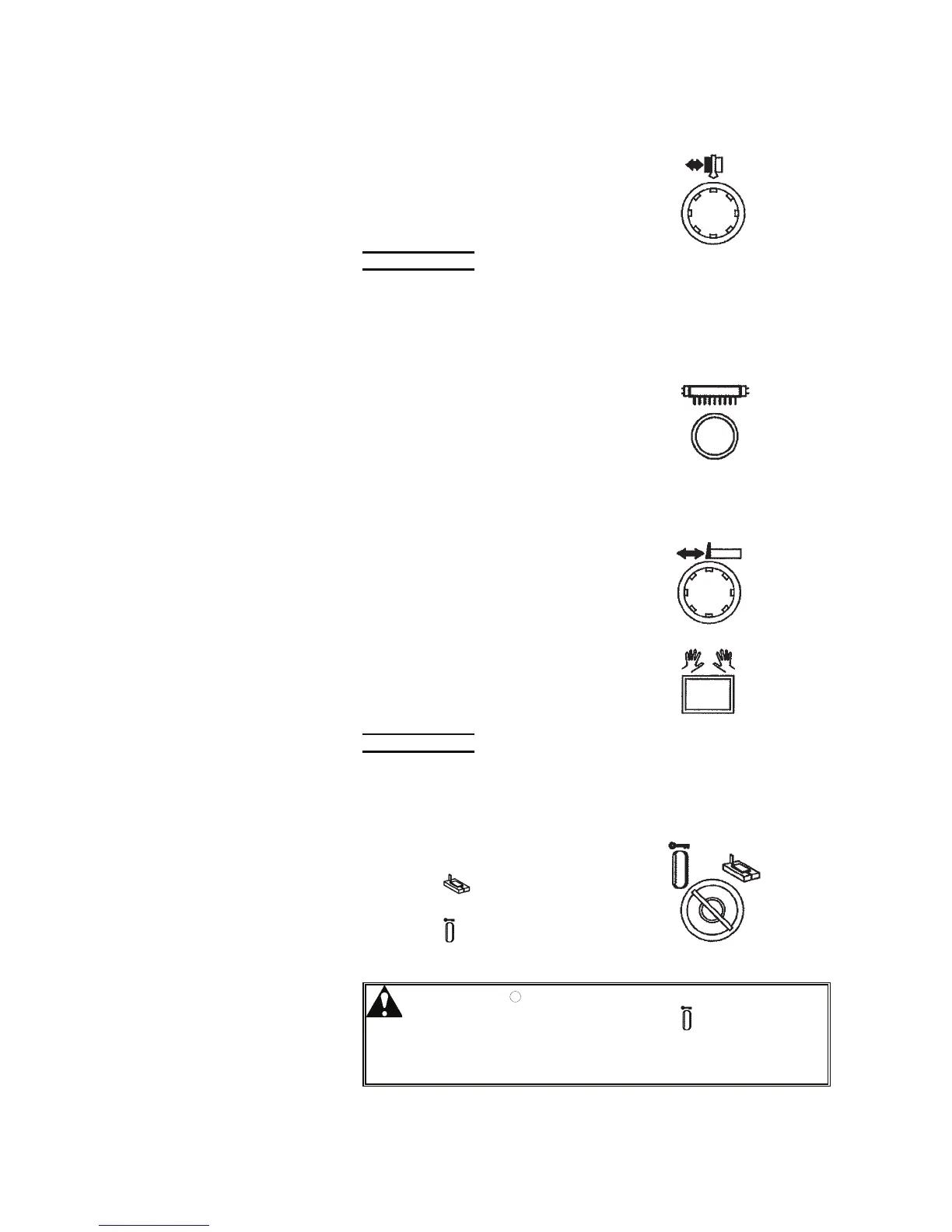
[15] BLADE INSERT OPEN/CLOSE button (with white ligh
t)
Pressed to close and open the upper
and lower saw blade inserts.
The button illuminates when the
upper and lower saw blade inserts
are closed.
[15]
NOTE
O When the saw blade starts, the saw blade inserts automatically close.
O When the upper saw blade guide moves, the saw blade inserts automatically
opens.
[16] WORK LIGHT button (option)
Used to turn on and off the work light
(option) to light around the operator's
feet.
[16]
[17] BACKGAUGE button (option)
[18] CONFIRMATION button (option)
Used together when the machine is
equipped with the backgauge
(option). Enter the target position
on the BACKGAUGE display on the
touch screen, and simultaneously
press the CONFIRMATION button
and the BACKGAUGE button to start
the positioning of the backgauge.
[17]
[18]
NOTE
O The BACKGAUGE button and the CONFIRMATION button are disabled
when the saw blade is running.
[19] MODE keyswitch
Used to select an operating mode of
the machine.
Turned to “
” to perform the
cutting operation of the machine.
Turned to “
” to lock the table and
the saw blade motor.
[19]
WARNING
O When changing the saw blade, set the
MODE keyswitch at “
”, remove the key
from the keyswitch, and keep the key by
yourself to prevent other workers from
starting the machine by mistake.



 To Next Page