Rev. 2 19
3 Operation
This section describes the operation of the Model 1700 Instrument.
3.1 Energizing the Model 1700 Instrument
1. Turn the power switch on the front panel of the instrument to the
On (
| ) position. The display will briefly show the AMI logo and
then boot information.
The boot process takes approximately 30 seconds, This time can be
longer (approximately 2 minutes) if the instrument has been
configured for a network connection and then is booted without the
network present.
Note
If the instrument was purchased with a level sensor, the instrument will be
configured and calibrated at the factory.
2. When the boot process is complete, the instrument will display the
home (level) screen.
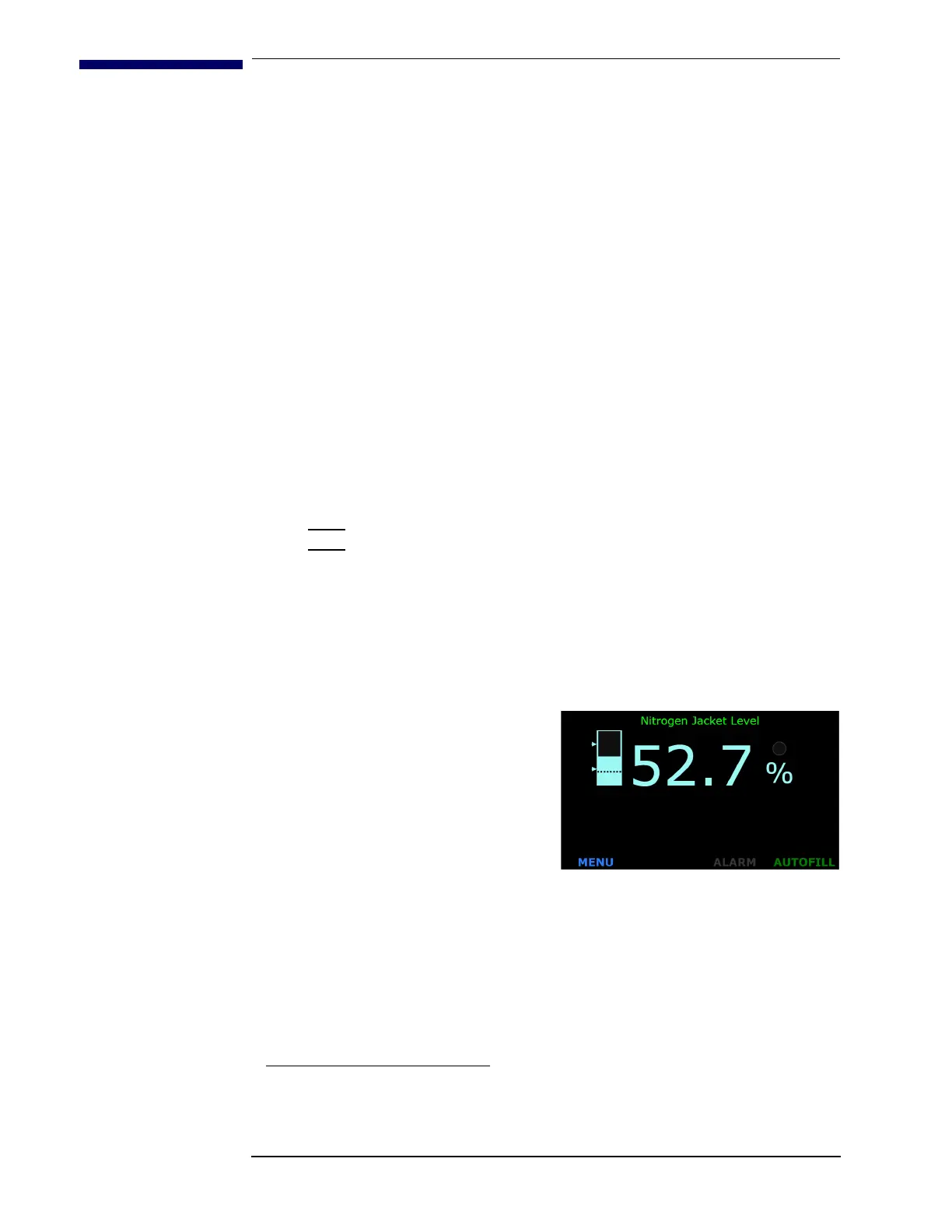
a. The display will look
similar to the following:
b. If the instrument requires
calibration
1
, refer to the
following chapter to
calibrate the instrument
with an AMI level sensor.
3.2 Screen Navigation
3.2.1 Home Screen Footer
Every screen has a footer. The level home screen (refer to Figure 3.2.1 as
an example) displays both level information and buttons in the footer to
navigate to other screens.
1. If the instrument was purchased with level sensor(s), the instrument will be shipped
set up and calibrated.
Figure 3-1. LN
2
Home Screen



 To Next Page