24 Rev. 2
Operation
Using the Model 1700 Menus
3.3.2 Editing a Field
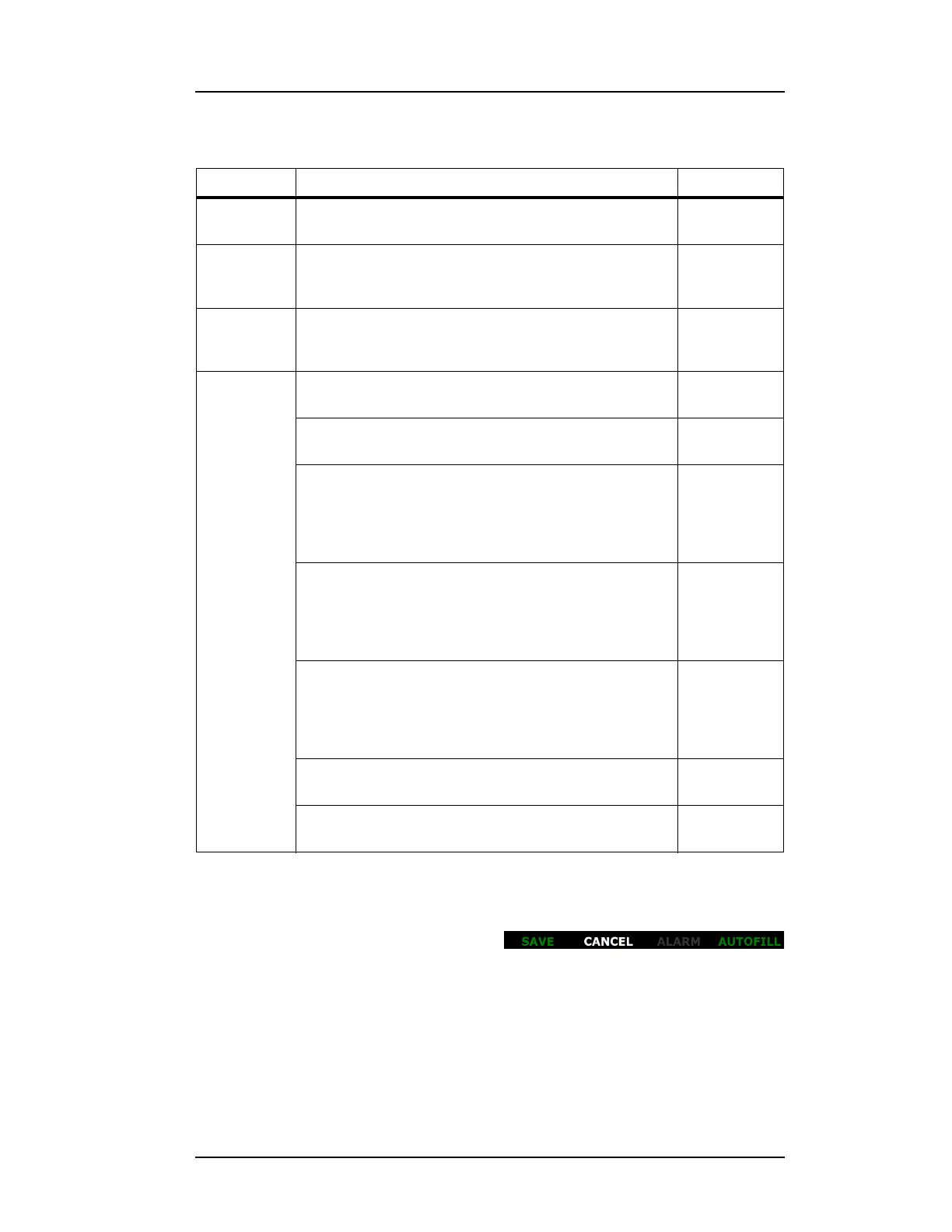
Once a field on a screen has been
selected for editing, the footer changes
to appear as follows:
SYSTEM
(page 3)
RESET INSTRUMENT Performs a
function
CALIBRATE
TOUCH
SCREEN
Assists user in performing the instrument touch
screen calibration
Transfer to
another
screen
SHUT
DOWN
SYSTEM
Shuts down the instrument in an orderly fashion which
reduces boot time for the next power on.
Transfer to
another
screen
SENSORS:
CALIBRATE
NITROGEN
OSCILLATOR PERIOD: Information:
<value> μs
SENSOR ACTIVE LENGTH: Data entry:
<value> cm
PERFORM MAX CAL Transfer to
another
screen and
Information:
<value> μs
PERFORM MIN CAL Transfer to
another
screen and
Information:
<value> μs
NO SENSOR CAL Transfer to
another
screen and
Information:
<value> μs
APPROX CAL. VALUE: Data entry:
<value>
(APPROX CAL. VALUE:) APPLY Performs a
function
Table 3-2. Model 1700 Nitrogen Instrument Menu Structure
Menu Label Function Field Type
Figure 3-7. Field Editing Footer



 To Next Page