20 Rev. 2
Operation
Using the Model 1700 Menus
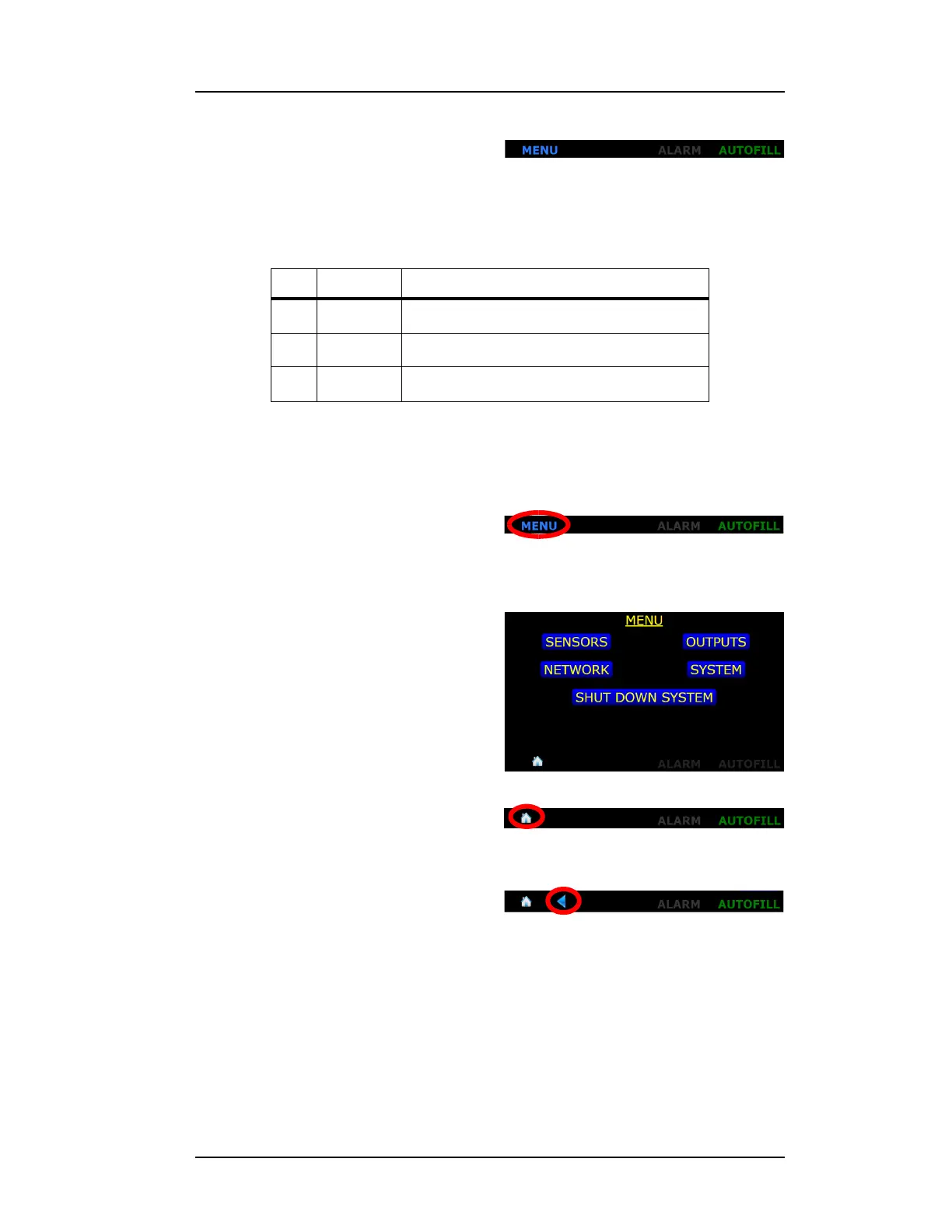
The home screen footer appears as fol-
lows:
3.3 Navigating the Instrument Menus
The menu system is invoked by press-
ing the Menu button in the lower left
corner of the instrument level display
screen.
When invoked, the MENU screen will
be displayed:
Pressing the Home icon in the lower
left corner of the screen will display
the Home screen.
Once a MENU has been chosen, a back
button will be presented to the right of
the Home icon. This button will return
the user to the previously displayed
screen.
3.3.1 Menu Overview
The Model 1700 Instrument displays menus on the graphic display to the
left of the keypad. Press
MENU on the menu keypad to display options on
the graphic display. Menu options are listed in the following Table.
Table 3-1. Model 1700 Instrument Home Screen Footer
No. Name Function
MENU Takes the user to the menu screen
ALARM When illuminated, displays an alarm condition
AUTOFILL Indicates the condition of the autofill function
Figure 3-2. Home Screen Footer
Figure 3-3. MENU button on HOME
screen
Figure 3-4. MENU Selection Screen
Figure 3-5. HOME button on MENU
screen



 To Next Page