Traffic StopTraffic Stop
This icon appears in case of applications having traffic generation. Touch the TrafficTraffic
StopStop icon to stop the traffic of all ports under test. When the traffic has stopped, the
icon changes to the Traffic StartTraffic Start icon shown above.
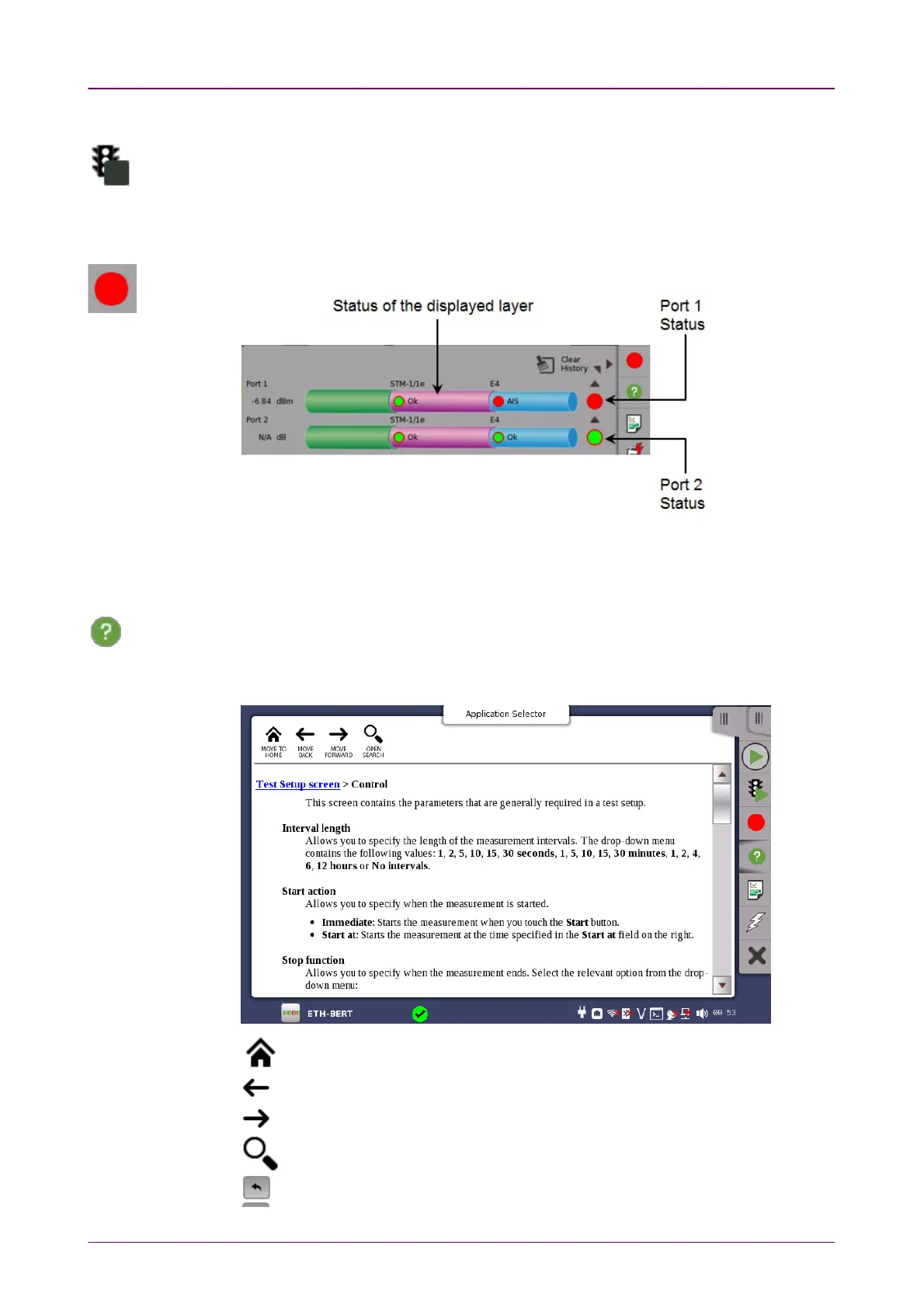
Port StatusPort Status
Shows the current pass/fail status of the test.
Green
means pass,
red
means fail.
Port Status is the summary of all ports under test. If a failure occurs in any layer, Port
Status turns into red.
HelpHelp
Touch this icon to access the online help for the currently displayed screen or dialog
box. You can search for specific words or phrases in the help and also step through
previously displayed help topics.
Moves to the topic when touching the help icon.
Back
Forward
Shows/hides the search box and buttons at bottom.
Searches backward.



 To Next Page