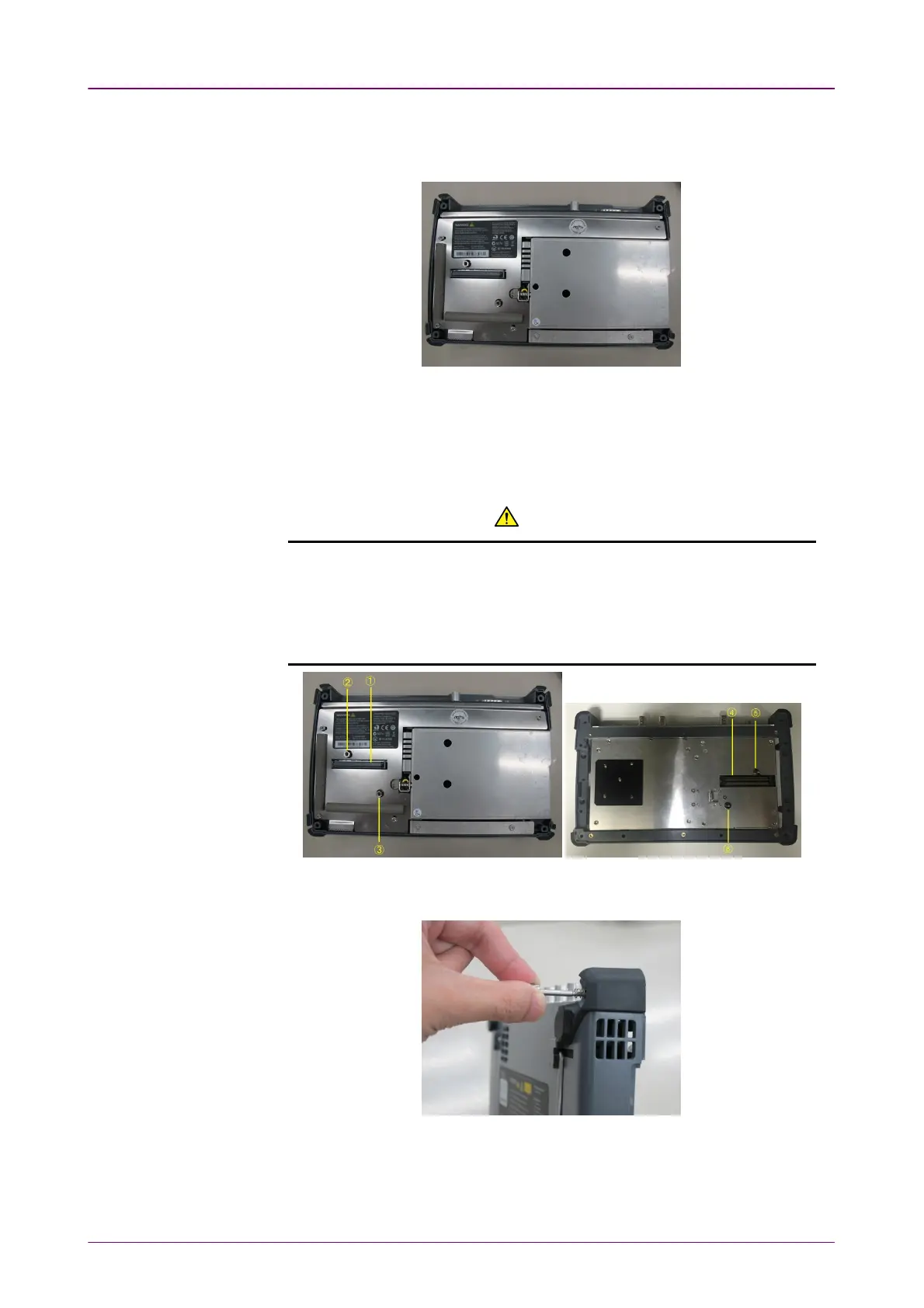
5. After loosing the four screws, lift up the 10G Multirate Module with holding
both sides. If you cannot lift up, loosen the four screws again. You can see the
panel as below.
22..77..22 Attaching the MU100090A and MU100010AAttaching the MU100090A and MU100010A
1. Place the Network Master on its front on a plain surface.
2. Attach the MU100090A to the Network Master. Place the MU100090A on the
Network Master so as to connect the following pairs: 1 - 4, 2 - 5, 3 - 6.
CATIONCATION
Be careful not to bump the guide pins (2, 3, 5 and 6) against the connectors (1
and 4).
When attaching the module, make sure the four corners are aligned.
Failure to do so can cause damage to the connectors.
3. Remove four screws of the 10G Multirate module and replace to screws 2U in
B0728A Rear Panel Kit.
4. Attach the 10G Multirate module to the MU100090A. Place the 10G Multirate
module on the MU100090A so as to connect the following pairs: 7 - 10, 8 - 11, 9
- 12.



 To Next Page