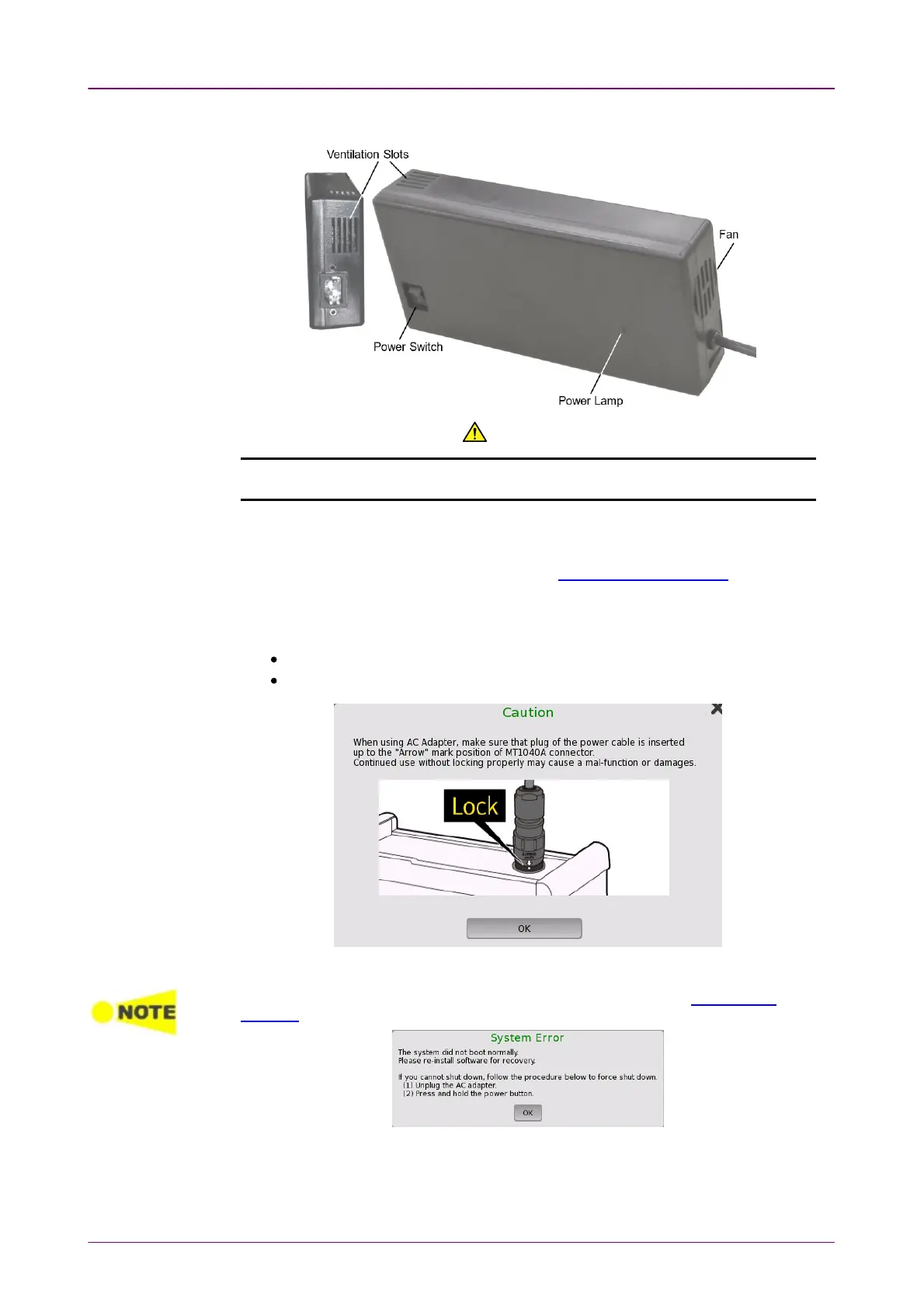
It has a power switch and a fan.
CAUTIONCAUTION
Do not block the fan and ventilation slots on the AC adapter.Do not block the fan and ventilation slots on the AC adapter.
22..22..33 Checking AC Adapter ConnectionChecking AC Adapter Connection
For how to connect the AC adapter, refer to Connecting AC Adapter.
In the following cases, the dialog box appears to prompt the user to make sure
that the DC plug of the AC adapter is connected securely.
When connecting the AC adapter and turning on the Network Master
When connecting the AC adapter to the Network Master that runs on battery
Make sure that the DC plug is connected securely, and then touch OKOK.
When the following message appeared, install the software referring "Updating the
Software".
22..22..44 Disconnecting AC AdapterDisconnecting AC Adapter
1. Before disconnecting the AC adapter, pull out the AC plug.



 To Next Page