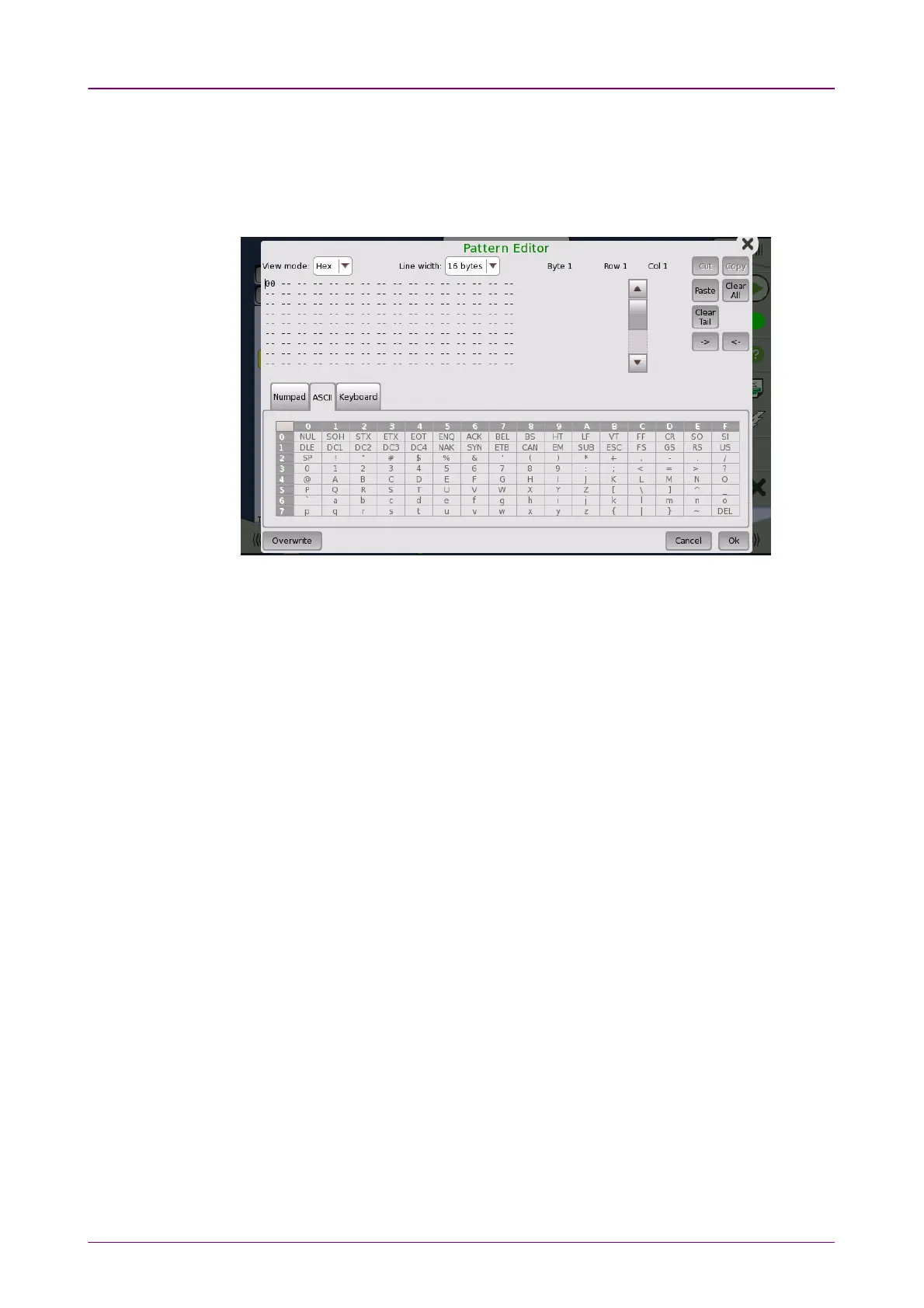
44..11..66 User Pattern EditorUser Pattern Editor
The 32-bits and 2048-bits user patterns are specified using the Pattern EditorPattern Editor.
You can view the pattern in either Hexadecimal, Binary or ASCII format and
use either a numpad, an ASCII table or a keyboard to set it up.
You use the numpad to edit the pattern in the
Hex
and
Bin
view modes, and
use either the ASCII table or the keyboard to edit in
ASCII
view mode.
For 2048-bits user patterns, you can use the Line WidthLine Width drop-down menu to
specify how the pattern is displayed. The available values are: 22, 44, 88, 1616, 3232,
64 bytes64 bytes.



 To Next Page