Initial chargingInitial charging
TemperatureTemperature
G0423A
Nominal capacity: 99630 mWh
The battery will normally be partially or fully discharged on delivery. It is
recommended to charge the battery immediately after delivery and unpacking.
In Standby Mode, the power button will stop flashing when the battery is fully
charged.
If the battery will not to be used for a long period of time, it is recommended that it
contains at least 20% capacity. Charge the battery before storage, if necessary.
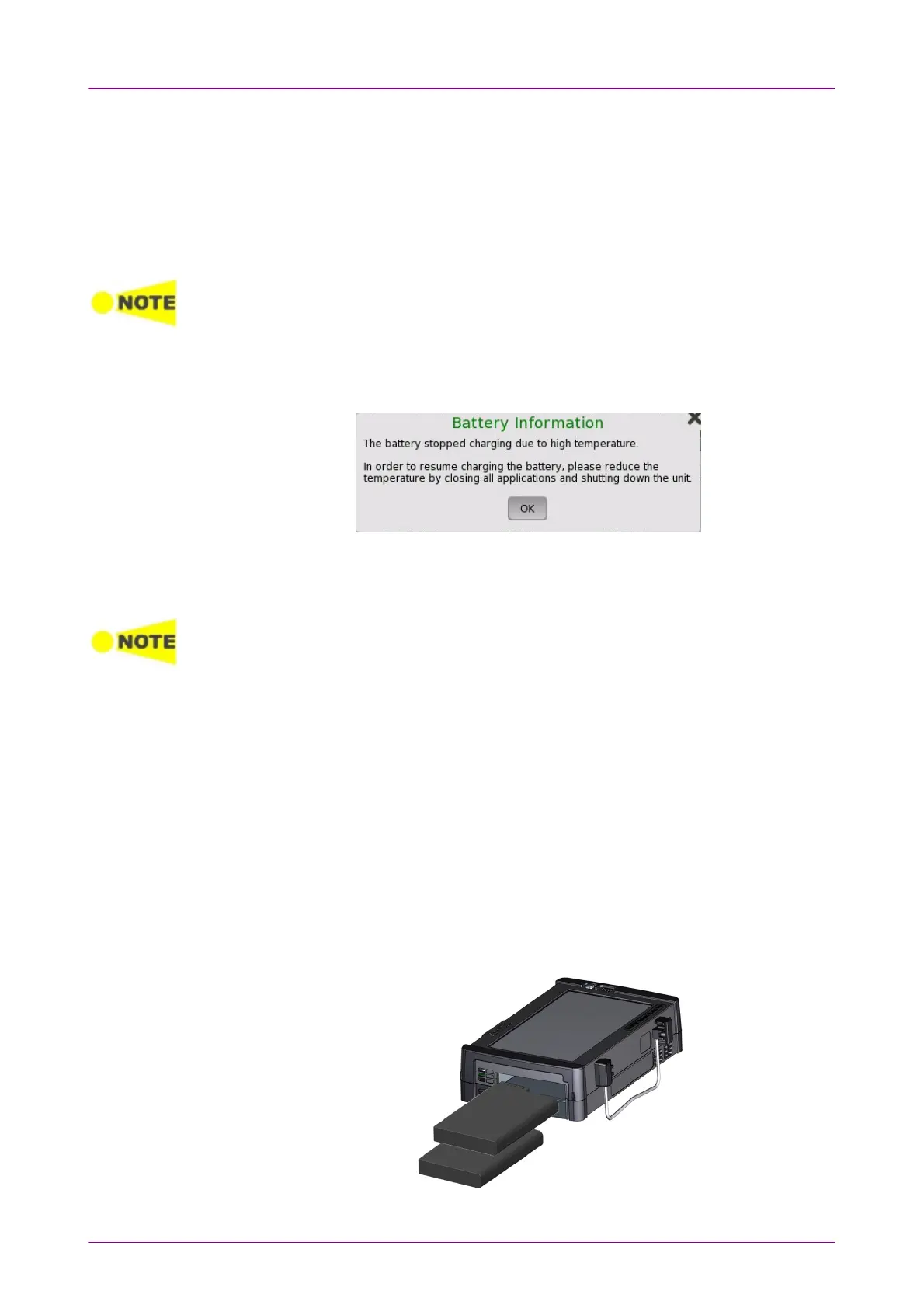
When charging is in process, the temperature of the battery will increase. When
the battery temperature exceeds 40 °C, the Network Master automatically stops
battery charging and displays following message.
In order to resume battery charging as soon as possible, use the Network
Master in the environment with lower ambient temperature. Or, close the
application and shut down the Network Master.
If the battery temperature reaches 60°C or over while the Network Master is in battery
operation, the Network Master shuts down automatically. In this case, leave the Network
Master for approximately one hour to cool itself at room temperature (around 25°C)
before using the Network Master again.
22..33..11 Installing or Replacing BatteryInstalling or Replacing Battery
To install or replace the battery in the Network Master, follow the procedure
below:
1. Disconnect the AC adapter if it is connected.
2. Switch the Network Master OFFOFF.
3. Place the Network Master on its back on a plain surface and turn the lock
screw of the battery compartment to match the unlock mark.
4. Remove the lid of the battery compartment.
5. Pull out the battery from the compartment.



 To Next Page