33..77 File Access via USB InterfaceFile Access via USB Interface
You can access the mass storage of the Network Master by connecting the USB
cable.
This function is useful to copy the files to PC, or confirm the test results.
1. Close all applications by touching CloseClose icon on the Application Tool Bar.
2. Connect the USB cable between PC and USB type B connector of the Service
Interface.
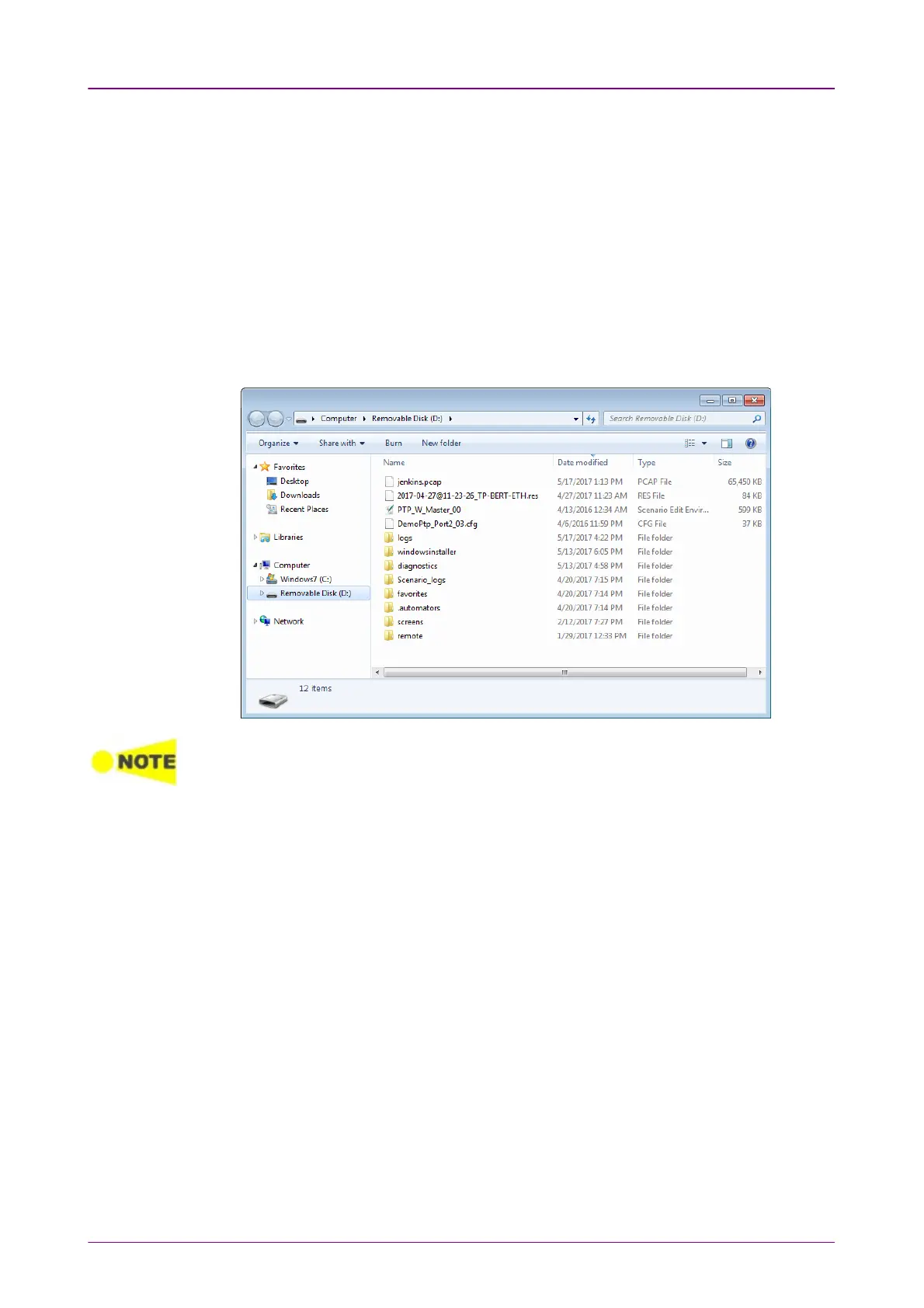
3. If PC has detected the Network Master, copy files or folders to PC using PC
software (Explorer of Windows etc.).
If applications are running on the Network Master, you cannot access the mass storage.



 To Next Page