QSFP56QSFP56
QSFP-DDQSFP-DD
OSFPOSFP
HeaderHeader
Only ForcedForced mode is available.
Only ForcedForced mode is available.
Only ForcedForced mode is available.
66..11..22 Ethernet Frame SetupEthernet Frame Setup
66..11..22..11 WANWAN
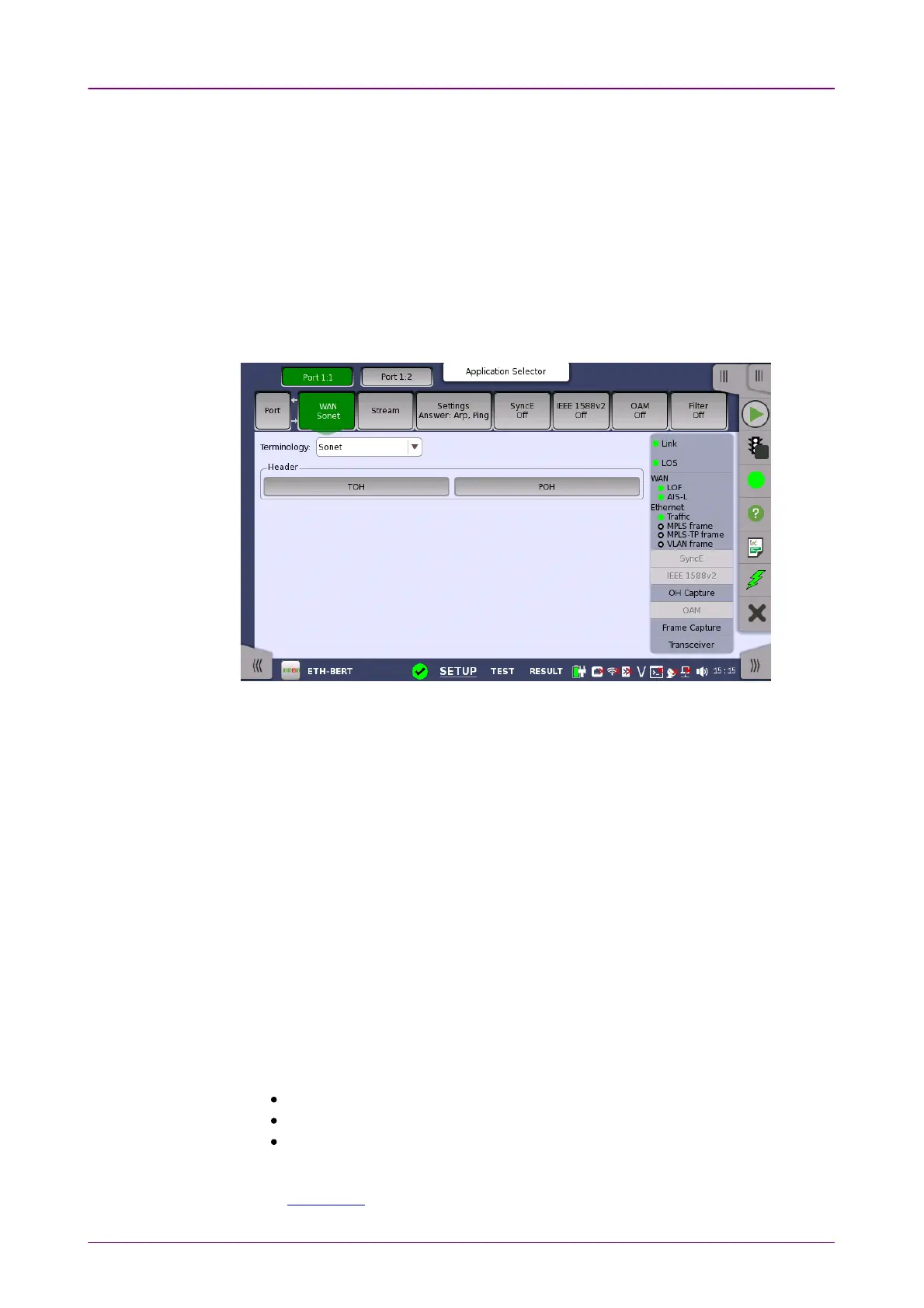
Touching the WANWAN button in the navigation area will display the screen shown
below.
This screen allows you to specify the configuration of a WAN interface sublayer
for the currently selected Ethernet port. It can also be used to inspect the
current status of the selected port.
The configuration options available in the setup area of the screen are
described below. The status information is described in a separate section.
TerminologyTerminology
Allows you to select either SonetSonet or SDHSDH notation for the naming of alarms,
errors, and pointers on the WAN status and result pages.
FollowsFollows
It is possible to let the Port 2 copy the setup from Port 1 by touching the
FollowFollow button. When this button is displayed in green, Port 2 continues to
follow Port 1 change. This button appears when the Port 1 settings can be copy
to Port 2.
The buttons varies depending on "Terminology" selection. Touching the
buttons launches the dialog box to set SOHSOH, TOHTOH or POHPOH.
SOH (Section OverHead) for SDH
TOH (Transport OverHead) for Sonet
POH (Path Overhead)
For the operation of dialog boxes, refer to the following sections.
SOH Editor in "SDH Setup and Status"



 To Next Page