66..44..22..55 DefinitionsDefinitions
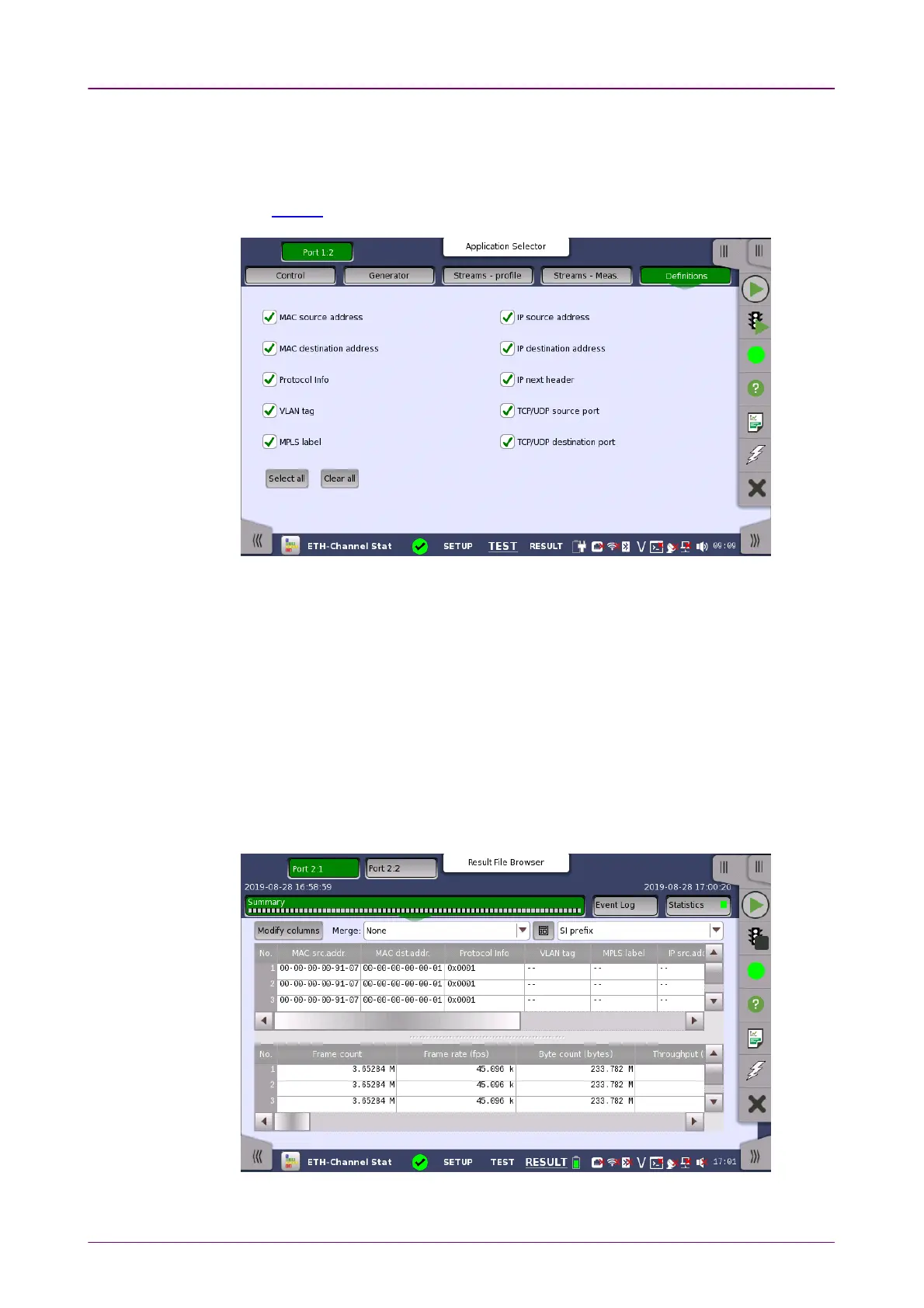
Touching the DefinitionsDefinitions button in the navigation area displays the following
screen.
The FollowFollow button appears when the Port 2 settings can follow Port 1.
This screen is where you specify which frame characteristics are considered
when performing the channel separation (i.e. which frame characteristics are
active during the test). The maximum number of channels is 231.
For example, if MAC source addressMAC source address check box is selected, frames whose
source MAC addresses are not match appear in different channels
66..44..33 Test ResultsTest Results
66..44..33..11 SummarySummary
Touching the SummarySummary button in the navigation area will display the screen
shown below.



 To Next Page