EthernetEthernet
66..66..22 Test SetupTest Setup
66..66..22..11 ControlControl
Refer to "Control in BERT Test Setup subsection for the operation.
66..66..22..22 ThresholdsThresholds
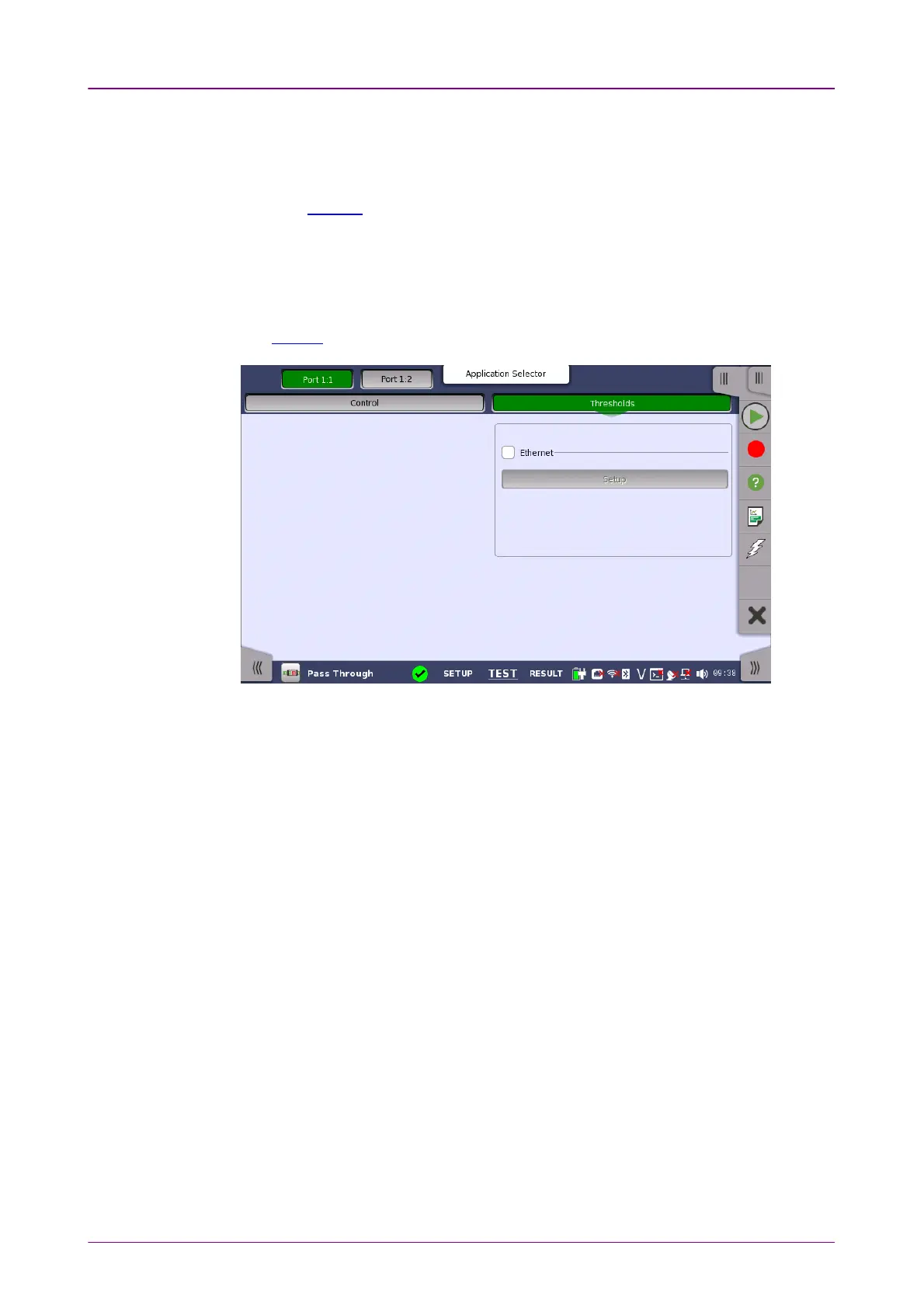
Touching the ThresholdsThresholds button in the navigation area displays the following
screen.
The FollowFollow button appears when the Port 2 settings can follow Port 1.
When you select the check box, you can enable various thresholds. Touch the
SetupSetup button to display the Ethernet threshold setupEthernet threshold setup dialog box.



 To Next Page