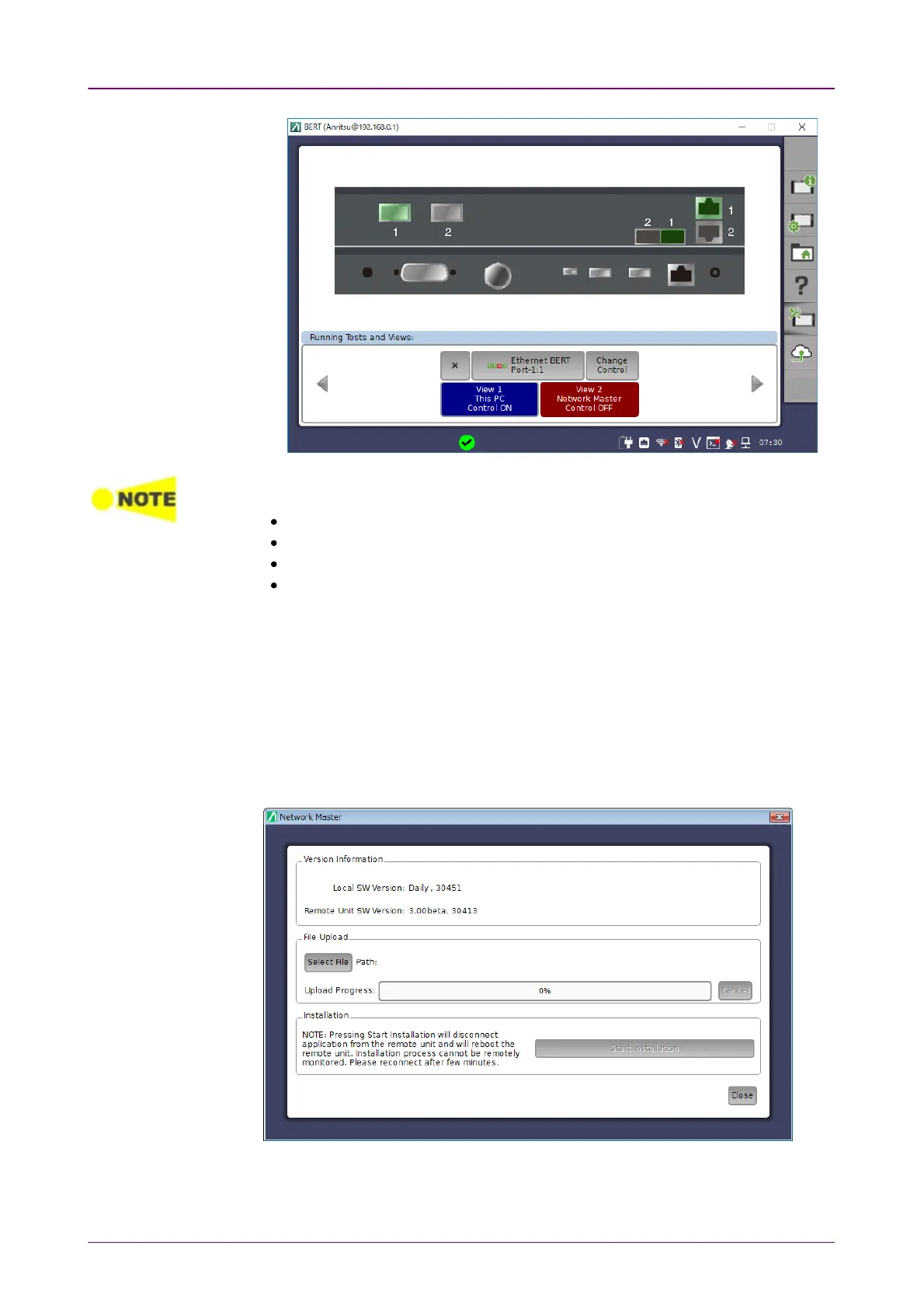
When Optional client Title TextOptional client Title Text is blank or set to the following text, the IP address of the
control PC appears in Resource monitoring of the Network Master.
Client
ClientName
Local
This PC
To exit Control Software, click Close button at right hand top of the window.
Power button menu appears, and click CloseClose.
33..44..55 Remote UpgradeRemote Upgrade
If the Control Software version differs from that of the Network Master, when
clicking Launch ApplicationLaunch Application, the software upgrading dialog appears. Upgrade
the Network Master Software to the version compatible with Control Software.
1. Click Select FileSelect File to launch the dialog box.



 To Next Page