Clock ConfigurationClock Configuration
TransceiverTransceiver
Use the drop-down menu to select the clock source. This is fixed to ReceivedReceived
when the Port Mode is set to ThroughThrough or OH overwriteOH overwrite.
Timing SourceTiming Source
InternalInternal: Internal clock of the module
ExternalExternal: The clock input to the connector
ReceivedReceived: The clock generated from the received signal
When ExternalExternal or ReceivedReceived is set, the right hand lamp indicates whether clock
is detected or not.
Sync PortSync Port
This setting is not available for SDH/SONET application.
Displays the Transceiver information when the option except "Electrical" is
selected to the transmitter.
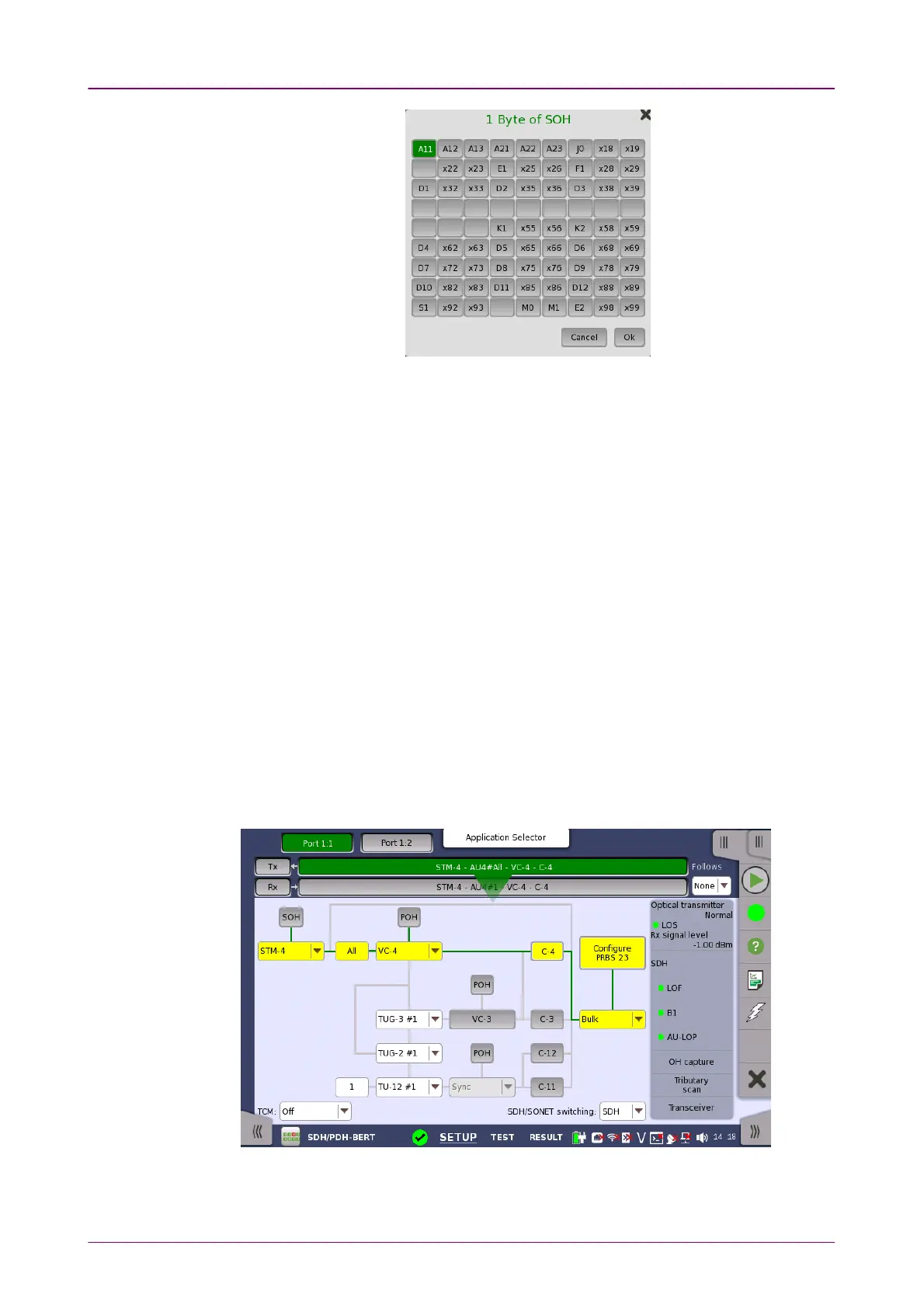
55..11..11..22 SDH Frame SetupSDH Frame Setup
Touching the navigation area button which represents the transmitter's SDH
layer will launch the following screen.



 To Next Page