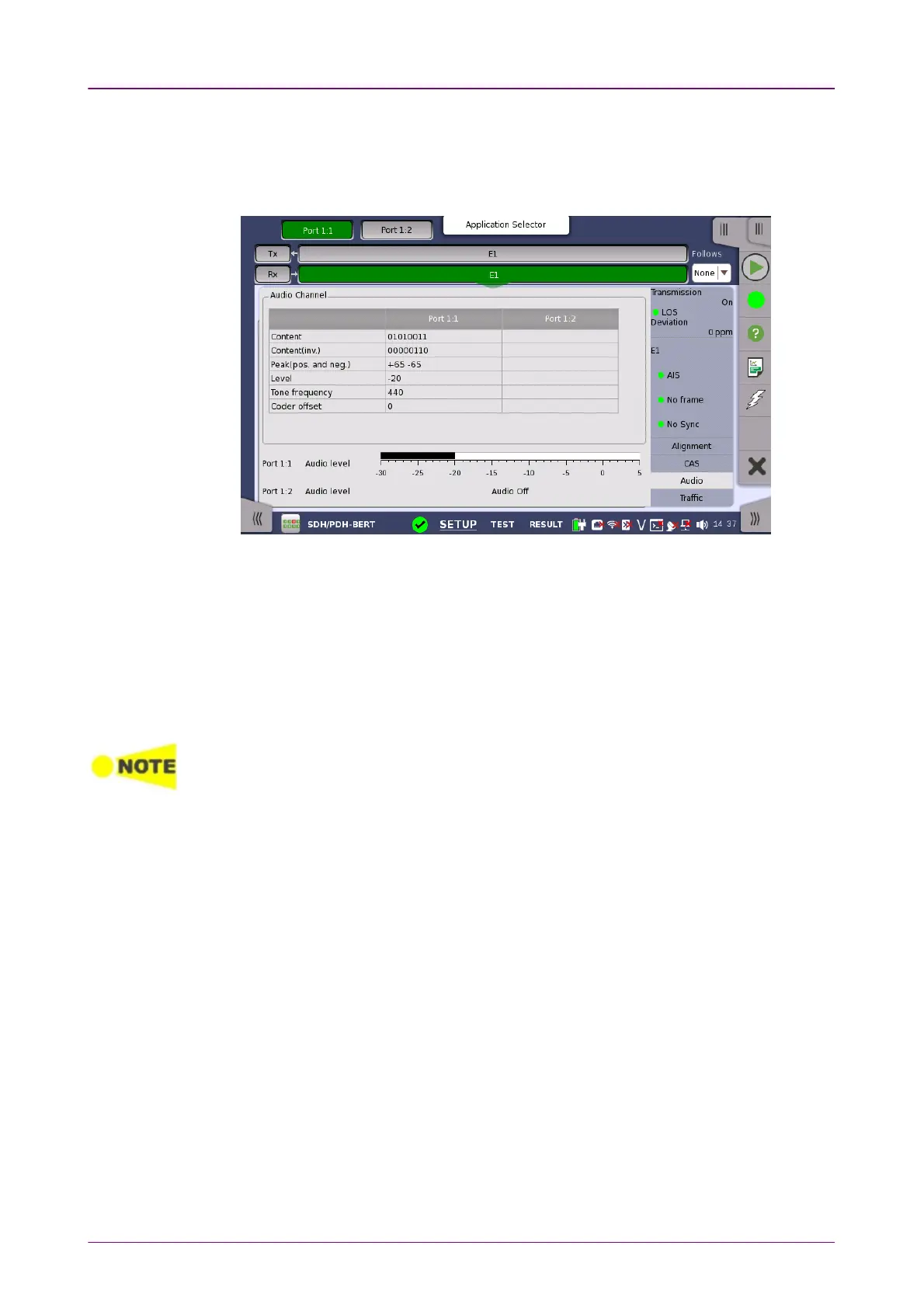
Audio ChannelAudio Channel
55..33..33..66 AudioAudio
Touching the AudioAudio button in the status area of the Ports SetupPorts Setup screen
launches the status shown below.
This dialog box provides information about audio channels.
ContentContent
The received line content. For sub-rates this field shows the content of the
subchannel.
Content (inv.)Content (inv.)
The received line content with even bits inverted. With A-law coded speech it is
possible to observe the A-law code words before the even bit inverting.
DS1/J1 inverts all the bits.
Peak (pos. and neg.)Peak (pos. and neg.)
The peak value of the signal. This only applies for A-law speech and it
represents the largest received A-law coded value.
LevelLevel
The level of the audio signal is shown here.
Tone frequencyTone frequency
The frequency of the audio signal is shown here.
Coder offsetCoder offset
The coder offset is presented if the time slot displayed is a normal 64 kbit/s
time slot.
Audio levelAudio level
Two dBm meters show the volume of the currently selected audio channel
(Port1 - Port2).



 To Next Page