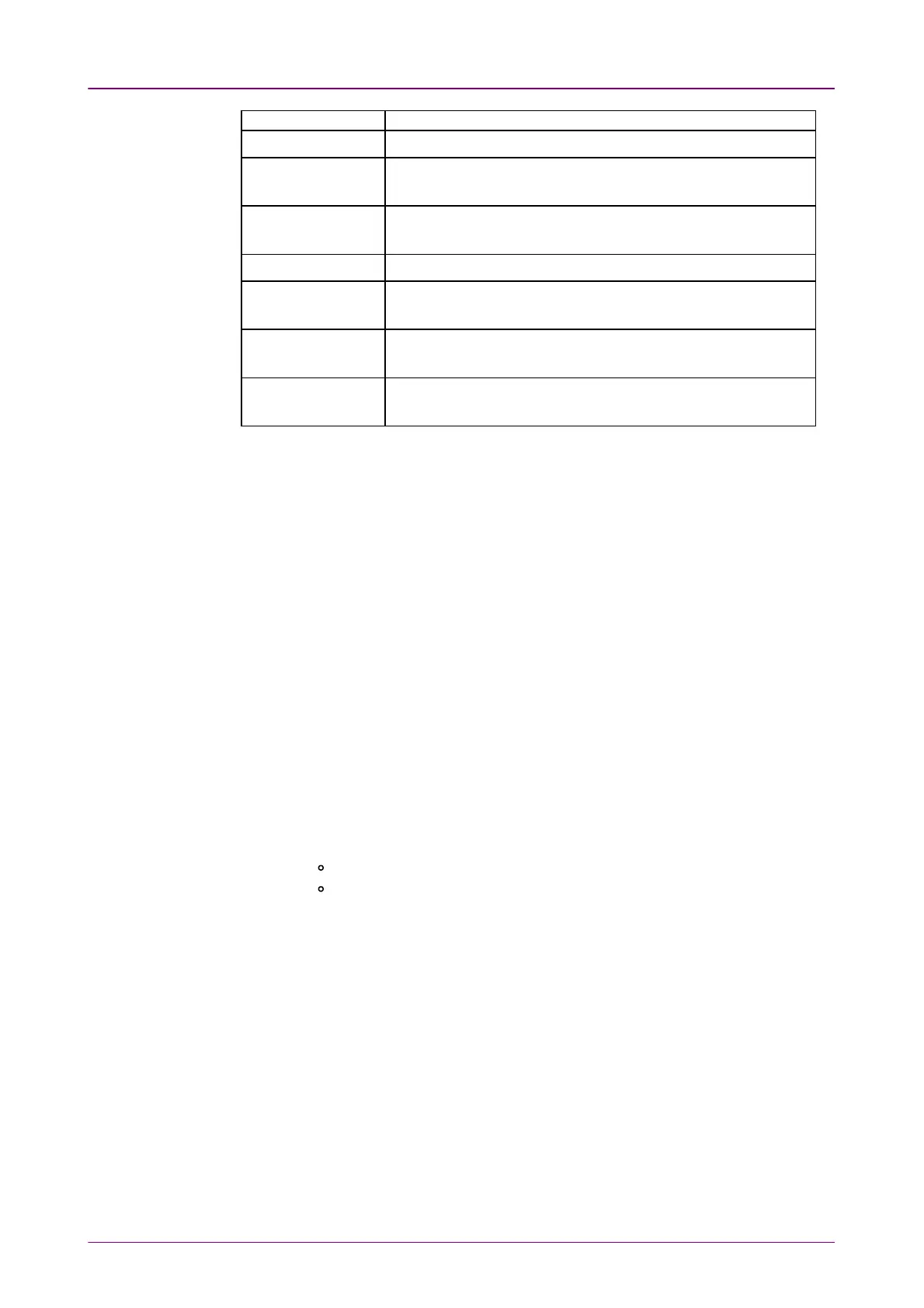
DestinationDestination DescriptionDescription
Invalid block type Sends a PCS block of a block type not defined in IEEE 802.3.
Invalid sync header
Sends a PCS block with a sync header not defined in IEEE
802.3.
Invalid alignment
marker
Sends an alignment marker which does not follow the
definition in IEEE 802.3.
BIP error Sends an alignment marker with an error in the BIP field.
FEC symbol error
(Per lane)
Inserts symbol errors with PCS lane(s) specified.
FEC symbol error
(CW)
Inserts symbol errors in a FEC codeword by the number
specified in Error CountError Count.
66B error
Sends an errored 66 bit signal not defined in 64B/66B coding
of IEEE 802.3.
66..11..44..33 Ethernet PCS skewEthernet PCS skew
1. Touch the field below the port selection to set the number of skew bits. The
calculated skew time is shown below the field.
2. When Port is set to 100 Gbps, Select the Lane typeLane type.
3. Touch the buttons of Insertion laneInsertion lane, the dialog box will appear.
4. Touch the buttons to select/clear lanes. The skew will be inserted between
selected (orange) lanes and non selected (gray) lanes.
Setting to "0" means that inserting no skew.
66..11..44..44 Ethernet WANEthernet WAN
When Port is set to SFP+ 10 Gbps WANSFP+ 10 Gbps WAN, inserting the WAN alarms/errors is
available.
1. Select AlarmsAlarms or Errors/ViolationsErrors/Violations using the radio button.
2. Select DestinationDestination using the drop down menu.
3. Select the InsertionInsertion in case of Errors/Violations.
Alarms will be inserted continuously.
OffOff: Turns off inserting errors.
ManualManual: Inserts errors in the specified counts if you touch the Error
Insert icon.
4. Touch the WAN burst lengthWAN burst length field to set the errors insertion counts.
5. When Insertion is set to ManualManual, Touch the Error Insert icon.
66..11..44..55 Ethernet frequencyEthernet frequency
Touch the field to set Ethernet frequencyEthernet frequency. Enter the desired deviation in the Tx
Deviation field. A positive value increases the frequency.



 To Next Page