16
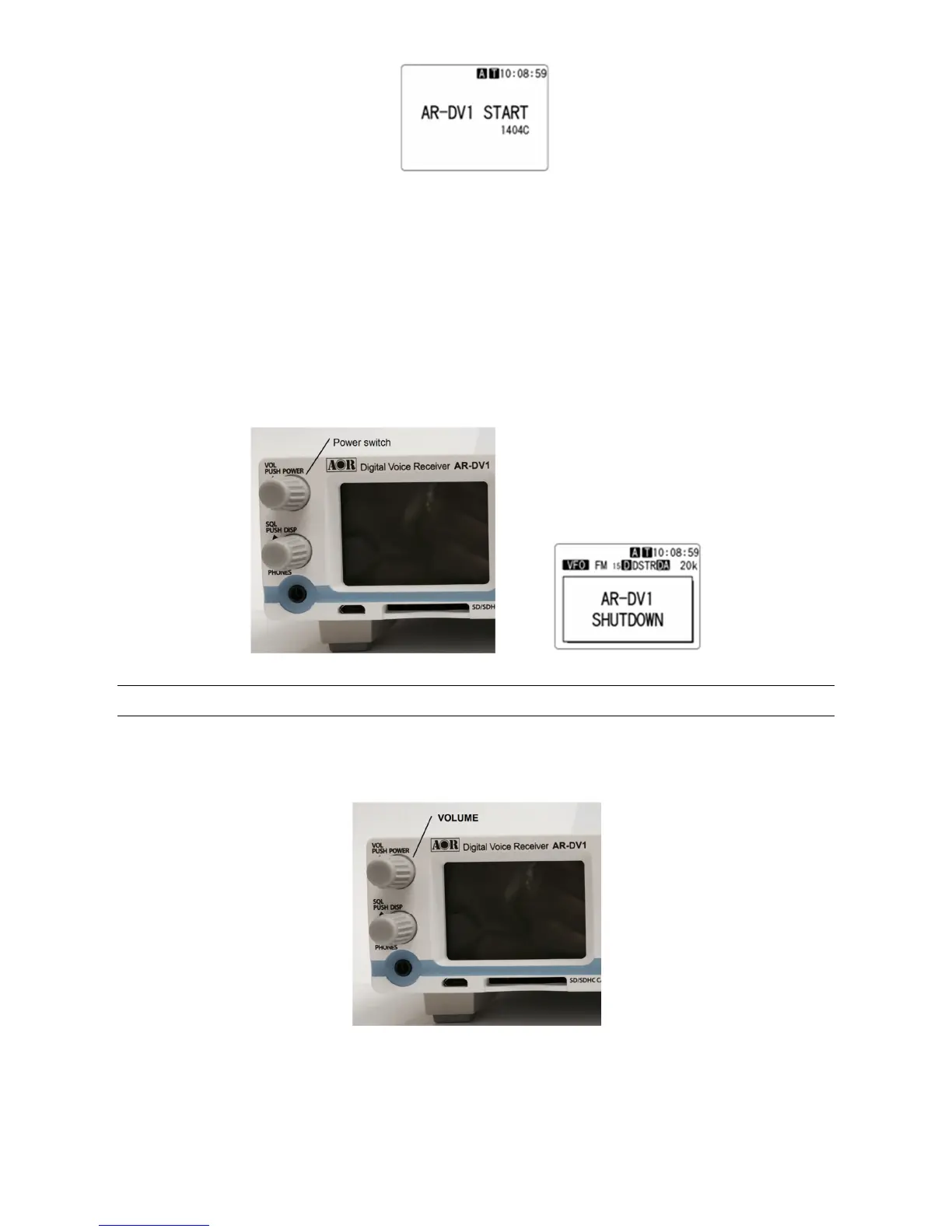
Opening screen
(Note: The firmware version number may vary.)
After the opening screen appears on the LCD, the main screen will then be displayed.
It will take approximately eight seconds before the main screen appears. This is a normal process to
initialize the AR-DV1.
To power off the AR-DV1, push and hold the power switch on the front panel for about two seconds.
After the “AR-DV1 SHUTDOWN” message is displayed, the receiver will automatically power off.
3-3 VOLUME CONTROL
To change the volume (audio) level, rotate the volume control knob clockwise to increase, and
counterclockwise to decrease. The audio level bar will be indicated on the LCD.



 To Next Page