62
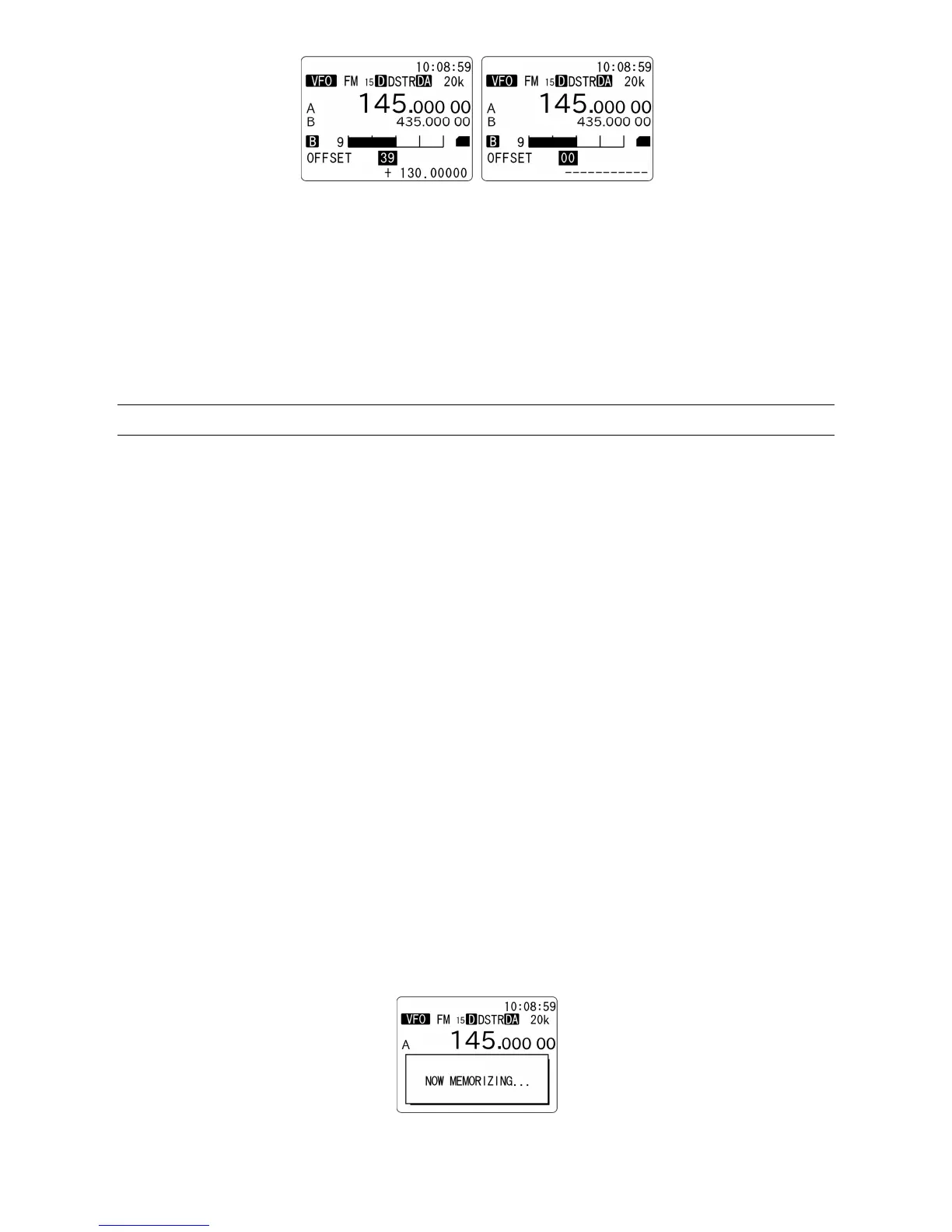
3. Rotate the dial knob to select the offset channel.
00: Cannot be changed
01 ~ 19: User programmable
20 ~ 39: Preprogrammed by factory (cannot be changed)
4. To change the user programmable channel, enter the offset frequency from the numeric keypad.
5. To change the shift direction, press the [PASS] key to toggle between “+” and “-“.
6. To confirm entry, press the [ENT] key. Alternatively, press the [CLR] key to cancel entry.
11-7 LAST CHANNEL MEMORY
When the AR-DV1 is switched off, the receiver’s settings will be automatically saved on the last channel
memory and will be recalled the next time the unit is switched on.
The following parameters will be saved:
1. In VFO mode: Receive frequency
In VFO search mode: Frequency, search direction
In Program search mode: Bank number, frequency, search direction
In Memory read mode: Bank number, channel number
In Memory scan mode: Bank number, channel number, scan direction
2. Step frequency, Step adjust
3. Receive mode
4. Squelch type (Noise squelch, Level squelch, CTCSS, DCS code, ON/OFF status)
5. AGC setting
6. Optional settings (Noise Reduction, Auto Notch, Digital mode settings, etc.)
7. Last used frequency on VFO, VFO search, program search, memory bank, scan group contents
8. IF bandwidth
9. Alarm/Timer settings
10. Priority settings
To save the current settings of the AR-DV1, press the [F] key then push the volume knob.



 To Next Page