54
11 MISCELLANEOUS FUNCTIONS
11-1 FREQUENCY STEP AND STEP ADJUST
11-1-1 FREQUENCY STEP
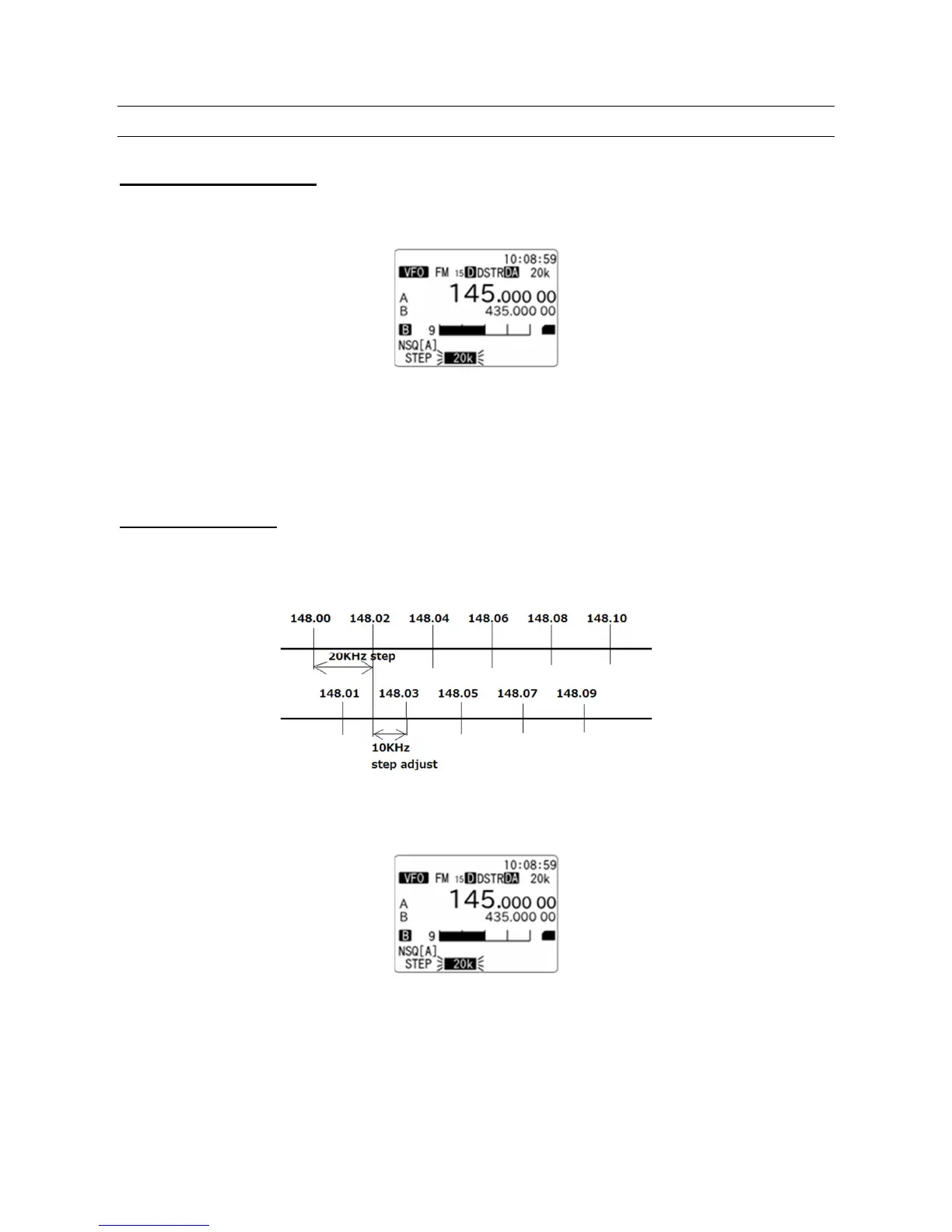
To select frequency step, perform the following steps.
1. Press the [F] key and then the [2] key.
2. Rotate the dial knob to select one of the following preset frequency steps:
0.01kHz (10Hz), 0.05kHz (50Hz), 0.1kHz (100Hz), 0.5kHz (500Hz), 1kHz, 2kHz, 5kHz, 6.25kHz,
7.5kHz, 8.33kHz, 9kHz, 10kHz, 12.5kHz, 15kHz, 20kHz, 25kHz, 30kHz, 50kHz, 100kHz, 500kHz.
3. Press the [ENT] key to confirm entry or press the [CLR] key to abort entry.
11-1-2 STEP ADJUST
Step adjust function is used when the receiving frequency is not divisible by the current step size to follow
unusual band plans.
(Example):
To activate the step adjust function, perform the following steps:
1. Press the [F] key and then the [2] key.
2. Press the [PASS] key.



 To Next Page