25
4-3 RF GAIN
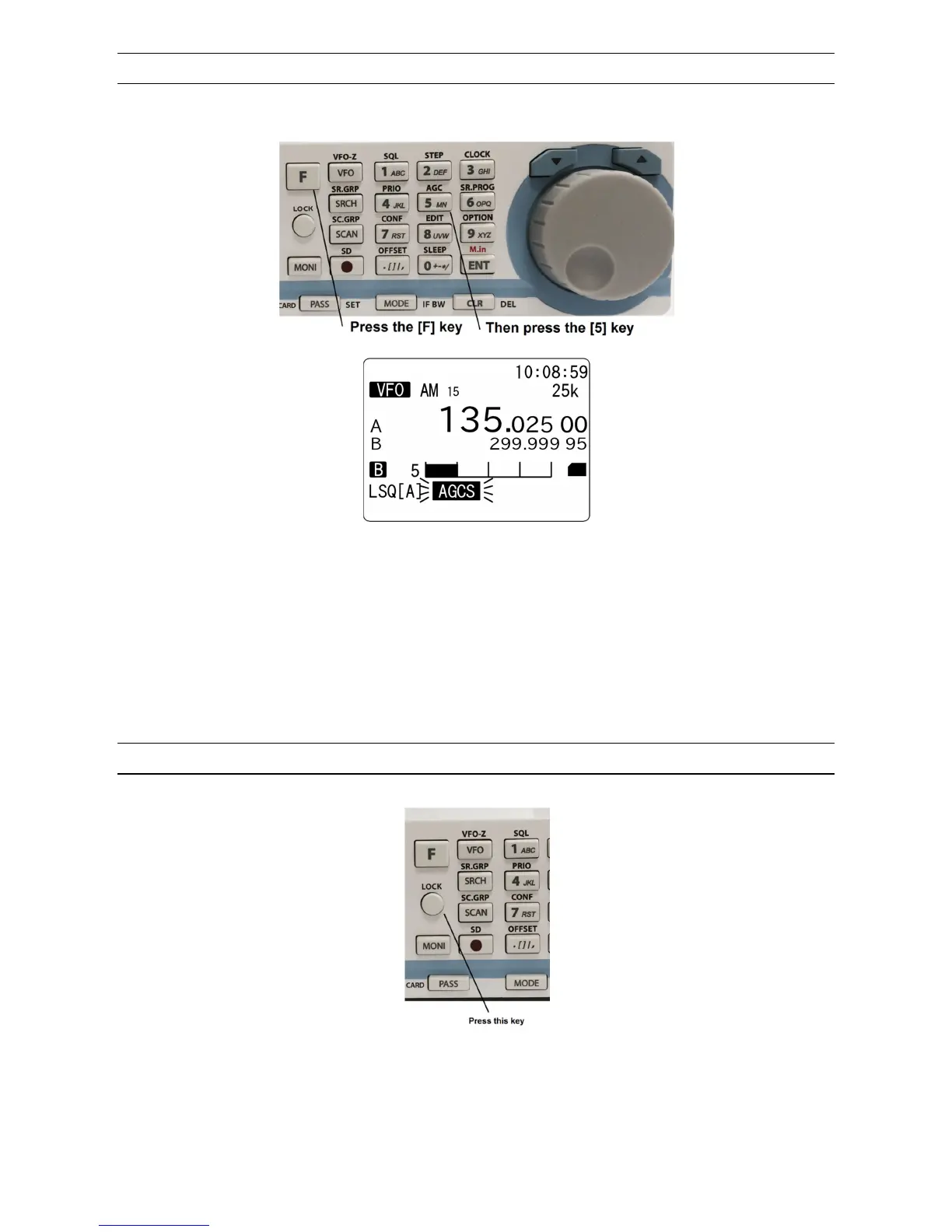
To activate the manual RF gain control, press the [F] key and then the [5] key.
Rotate the dial knob to select “RF-G”.
To change the RF gain manually, rotate the squelch knob. To cancel the manual RF gain control,
repeat the steps above.
(Note: The manual RF gain control is not available while the receiver is in AGC mode.)
4-4 KEY LOCK
Press and hold the [LOCK] key to activate the key lock function.
While activated, all front panel keys are disabled to prevent accidental misoperation of the receiver.
However, the volume and squelch controls remain operative.
To deactivate the key lock, press and hold the [LOCK] key.



 To Next Page