32
5-4 RECORDING AUDIO
To record audio of the AR-DV1 on the SD memory card, perform the following steps:
1. Insert a SD memory card with a printed label facing upward into the slot on the front panel until you
hear a click.
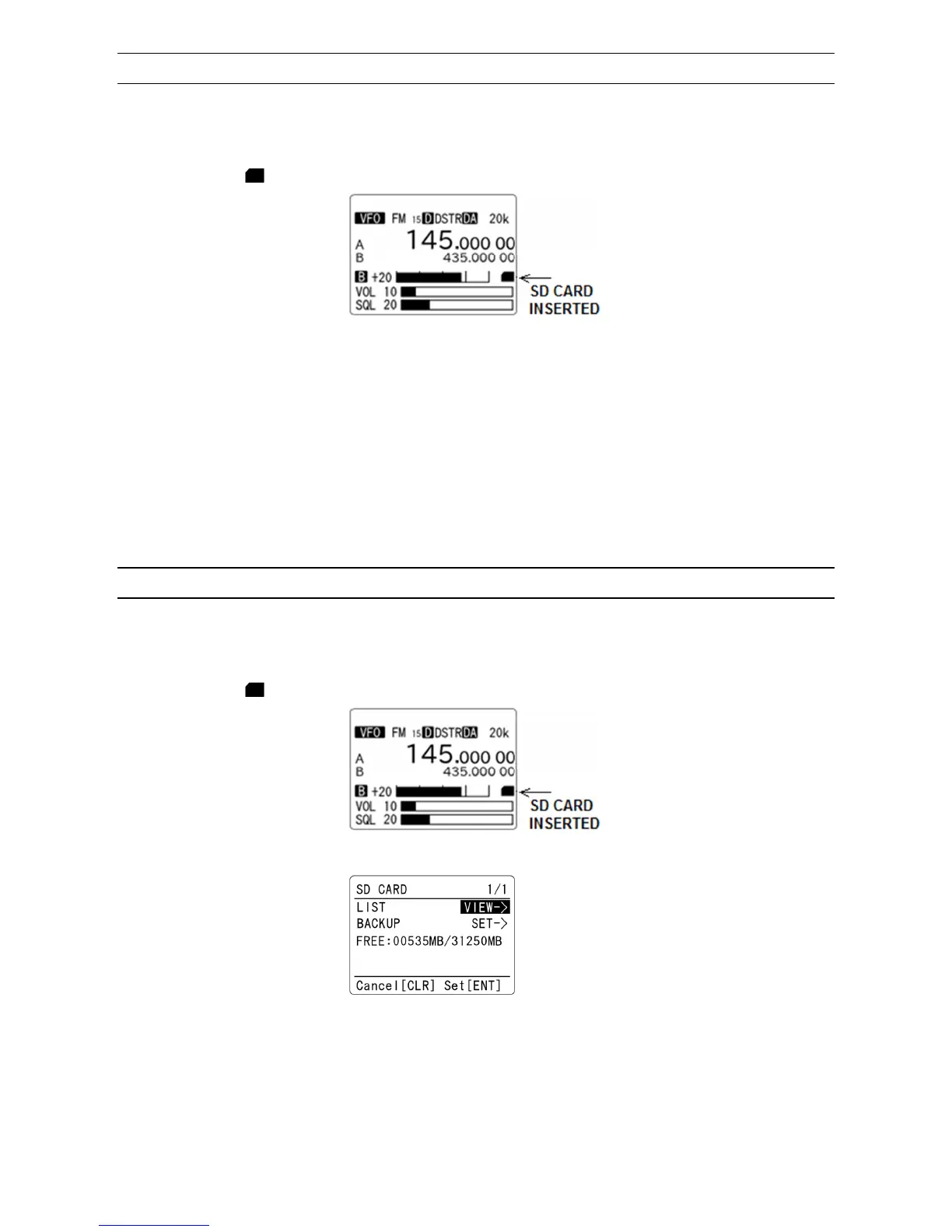
2. Wait until “ ” icon appears on the right middle of the LCD.
3. Press the [●] (SD) key. The [R] icon in reverse format will appear on the top left of the LCD.
4. To stop recording, press the [●] (SD) key again. The [R] icon will disappear.
The file name is composed of 8 digits, starting as “00000001.wav”. The following recording will be
named “00000002.wav”, and so on.
If the file name already exists, it will be overwritten. You can record up to approx. 7 hours for 1 GB.
5-5 PLAYBACK AUDIO FROM A SD CARD
To playback recorded audio of the AR-DV1 on the SD memory card, perform the following steps:
1. Insert a SD memory card with a printed label facing upward into the slot on the front panel until you
hear a click.
2. Wait until “ ” icon appears on the right middle of the LCD.
3. Press the [F] key and then the [●] (SD) key. The following screen will appear.
(Example)
4. Press the [ENT] key while “VIEW->” is selected in reverse contrast.



 To Next Page