64
11-9 DATA EDITOR
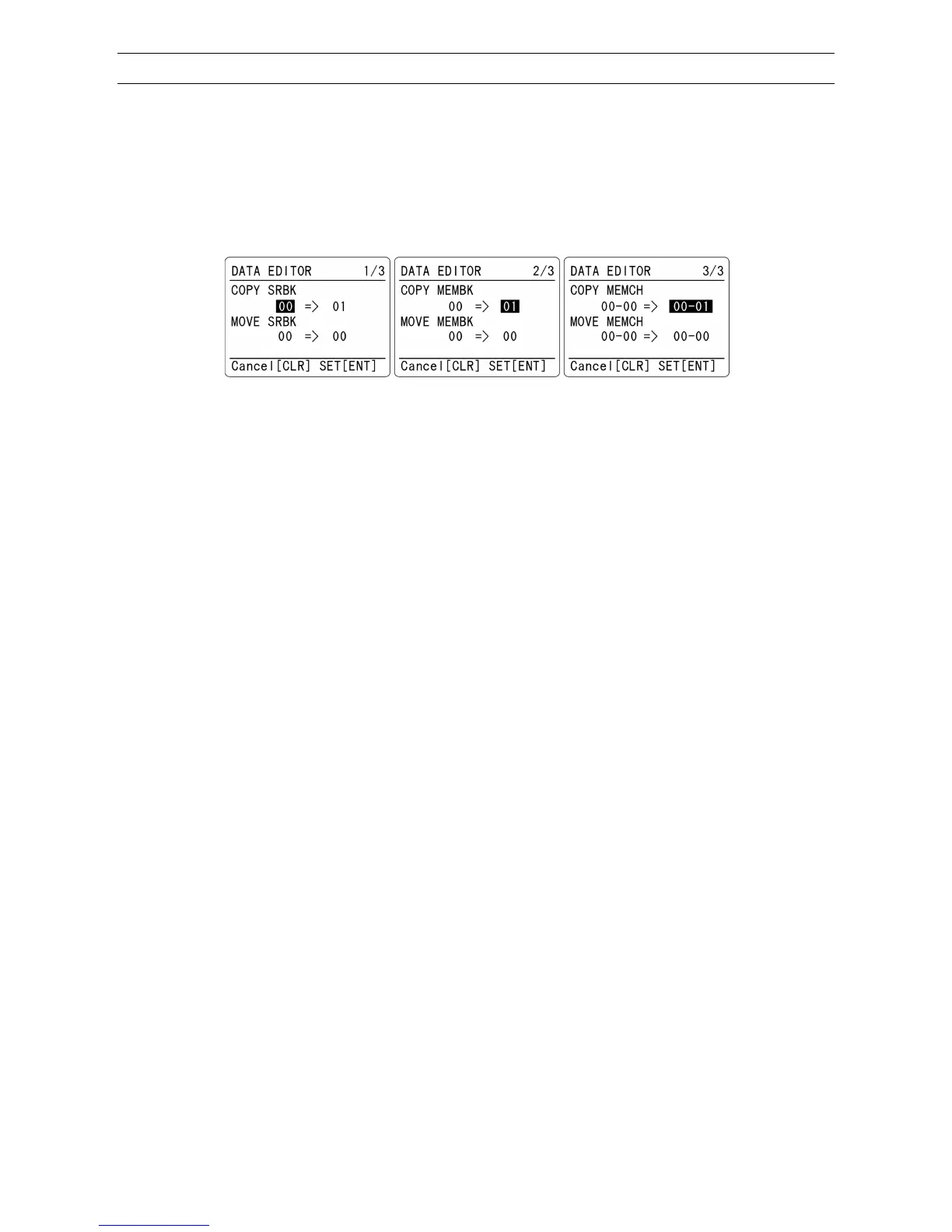
Data Editor function is used to copy or move the information in the search banks, memory banks or
memory channels.
To access the data editor function, perform the following steps:
1. Press the [F] key and then the [8] key.
2. Following screen will appear.
COPY SRBK Copy search bank MOVE SRBK Move search bank
COPY MEMBK
Copy memory bank MOVE MEMBK
Move memory bank
COPY MEMCH
Copy memory channel MOVE MEMCH
Move memory channel
Left of the arrow: Original location
Right of the arrow: Destination
1. To select menu, press the [▼] or [▲] key.
2. Use the numeric keypad or rotate the dial knob to select the bank or channel number.
3. To confirm entry, press the [ENT] key.



 To Next Page