45
9 CONFIGURATION MENU
The configuration menu is used to set fundamental operating parameters and other variables which
do not appear in any menu heading.
To access the configuration menu, press the [F] key and then the [7] key.
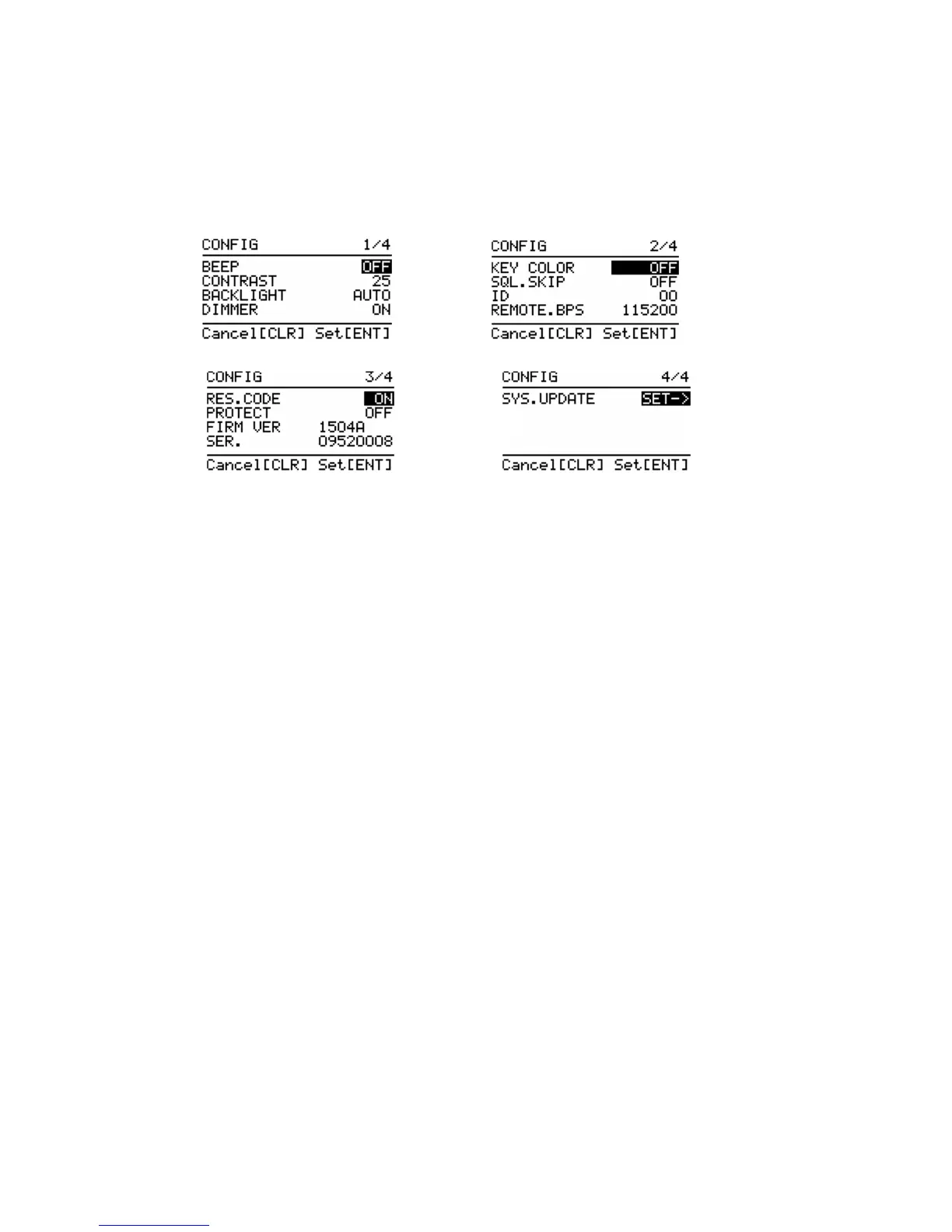
CONFIGURATION MENU 1/4
BEEP Confirmation tone
CONTRAST Adjust LCD contrast
BACKLIGHT LCD illumination
DIMMER LCD dimmer
CONFIGURATION MENU 2/4
KEY COLOR Keypad illumination color
SQL.SKIP Record audio continuously/ stop while squelch closes
ID Set receiver’s identification number
REMOTE.BPS Data communication speed
CONFIGURATION MENU 3/4
RES.CODE
PROTECT
FIRM VER Display the firmware of the receiver
SER. Serial number of the receiver
CONFIGURATION MENU 4/4
SYS.UPDARE Firmware update



 To Next Page