40
8 SEARCH MODE
In search mode, the AR-DV1 is programmed to automatically tune between two specified frequency
limits looking for activity. Before activating search mode, the squelch must be set to the threshold where
the background noise disappears.
8-1 SEARCH TYPE
The AR-DV1 is equipped with VFO search, program search.
VFO SEARCH = Search between two VFO frequencies
PROGRAM SEARCH = Search between user preprogrammed frequency limits
8-1-1 VFO SEARCH
The VFO search is the easiest way of searching without programming.
When the VFO-A is selected as a primary VFO, the AR-DV1 will search between two frequencies
on VFO-A and VFO-B with receive mode, frequency step set in the VFO-A.
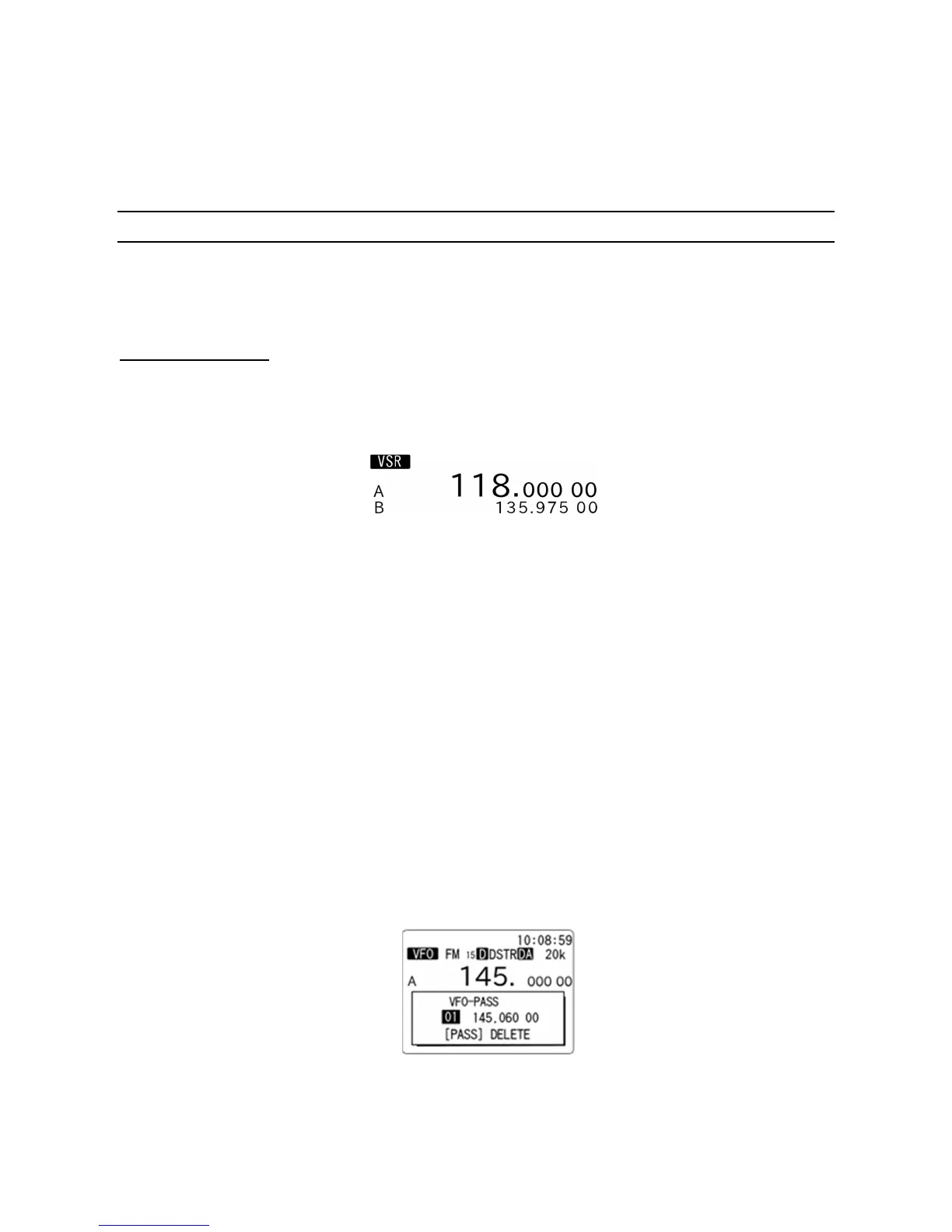
VFO search screen
To activate the VFO search, perform the following steps:
1. In VFO mode, press and hold either the [VFO] key, [▼] key, or [▲] key for more than two seconds.
The search process starts. The search direction can be changed by rotating the dial knob or pressing
the [▼] key or [▲] key.
2. When the receiver stops on a busy frequency, you can resume manual search by rotating the dial
knob or pressing the [▼] key or [▲] key.
3. While the receiver stops on receive signal, pressing the [PASS] key will register the receive
frequency to the VFO pass frequencies. This frequency will be locked out (passed) after the next
search and will not be received.
4. To stop the VFO search, press the [VFO] key.
To delete pass frequencies, perform the following steps:
1. While stopped on unwanted frequency, press and hold the [PASS] key for two seconds.
The following screen will appear.
2. Rotate the dial knob to select the desired frequencies to be deleted.
3. To delete all pass frequencies, press the [F] key and then the [PASS] key.



 To Next Page