27
To set the parameter, perform the following steps:
1. In the VFO search screen, use the [▼] key or [▲] key to select [STORE].
2. Rotate the dial knob to select parameter ON or OFF.
3. To confirm entry, press the [ENT] key. To set other parameters, press the [▼] key.
4-5-4 DEL.BK39
This menu is to select ON or OFF to delete all data on memory bank 39 in VFO search mode.
(Default: OFF)
To set the parameter, perform the following steps:
1. In the VFO search screen, use the [▼] key or [▲] key to select [DEL.BK39].
2. Rotate the dial knob to select parameter ON or OFF.
3. To confirm entry, press the [ENT] key. To set other parameters, press the [▼] key.
4-6 NOISE SQUELCH AND LEVEL SQUELCH
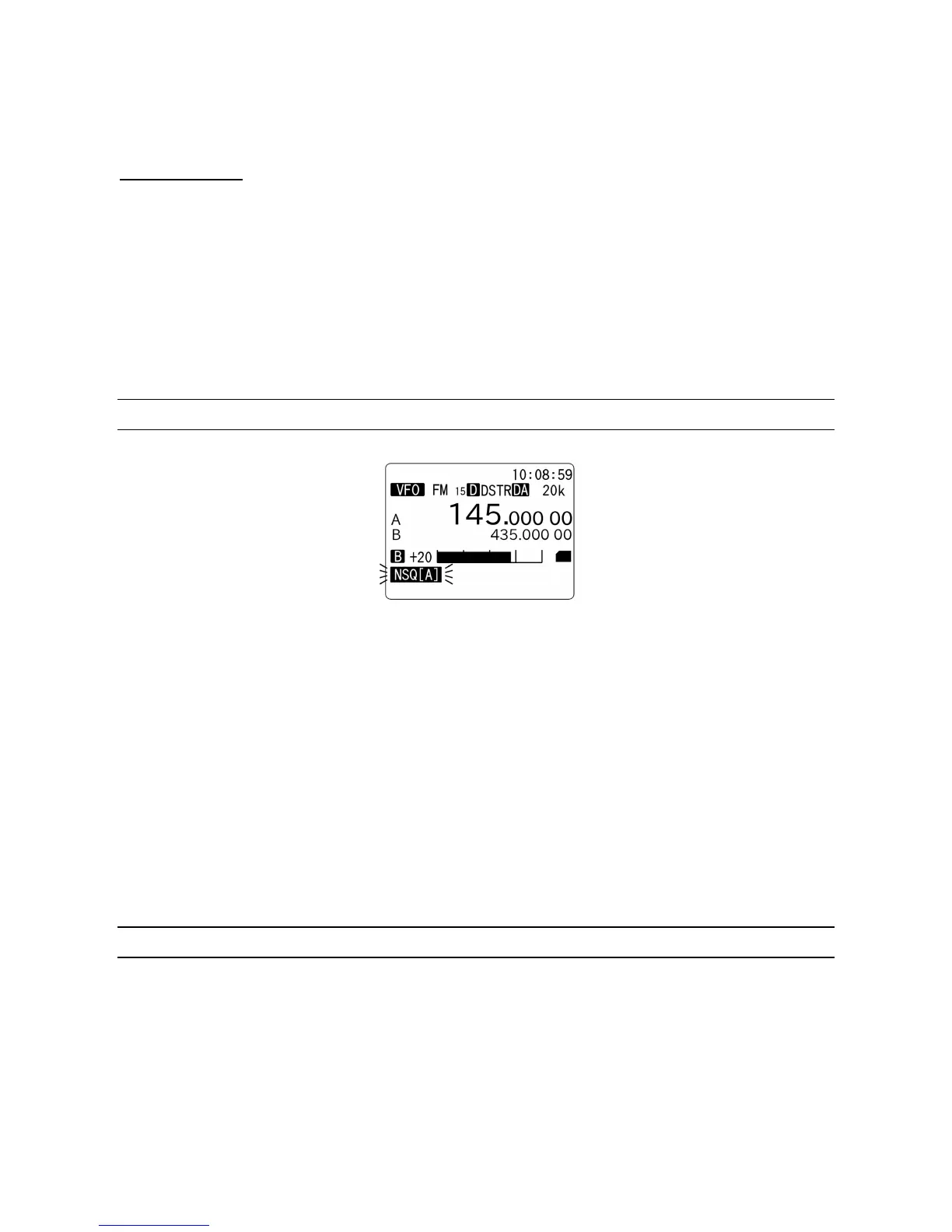
Press and hold the SQL knob for two seconds and squelch setting will be displayed.
NSQ (Noise Squelch): Available in FM mode
NSQ (A): Noise Squelch in auto mode
LSQ (Level Squelch): Level squelch
LSQ (A): Level Squelch in auto mode
Select the desired squelch type by rotating the dial knob.
Press the [ENT] key to confirm entry. Alternatively, press the [CLR] key to abort.
To set the squelch level, press the SQL knob and rotate the knob clockwise until background noise is
cancelled.
4-7 VOICE SQUELCH
When the voice squelch function is activated, the audio will be muted on unwanted voice signals.
The squelch parameter ranges are OFF and 0 ~ 7. (Default: 4)
To set the voice squelch parameter, perform the following steps:
1. Press the [F] key. Then press and hold the [1] key for two seconds.
2. The voice squelch setting screen will appear.



 To Next Page